
The features mentioned in this article are available to all Teachers on paid and free subscriptions.
Students can contact their teacher when needed
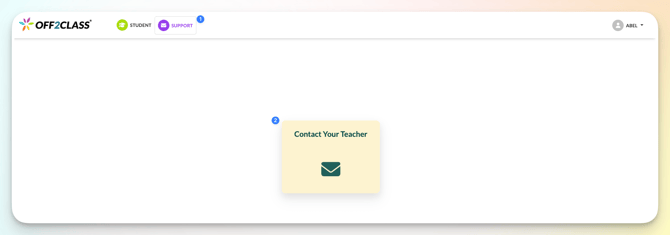
- Click 'Support'
- Click 'Contact Your Teacher'
The email template opens on a new page

- Write the message
- Click 'Send message'
This contact form sends a message to the teacher. Teachers can’t respond to students through Off2Class, so any reply will come directly from the teacher outside the platform (such as by email).