Skip to content

What’s New

Explore new features, lesson releases and platform improvements.

Featured updates

View all updates
Platform AnnouncementAssessments

Adaptive Placement Test

Know where every English learner stands. And exactly what to teach next.

Per section
10–20 min
Measured
4 domains + grammar
Levels covered
Beginner–advanced
Platform AnnouncementTeaching Tools

Student Handouts

Printable Student Handouts for six of our newcomer and beginning-level programs, ready for students to use on paper, in class or at home.

All

August 2026

Release RoundupTeaching Tools, Lessons, Accounts

Lesson planning, teaching resources and account updates

Find refreshed lessons, download teaching resources from the Lesson Library and review recent account logins.

5 updates in this roundup
Show summary
What changed
Speaking Activities refresh

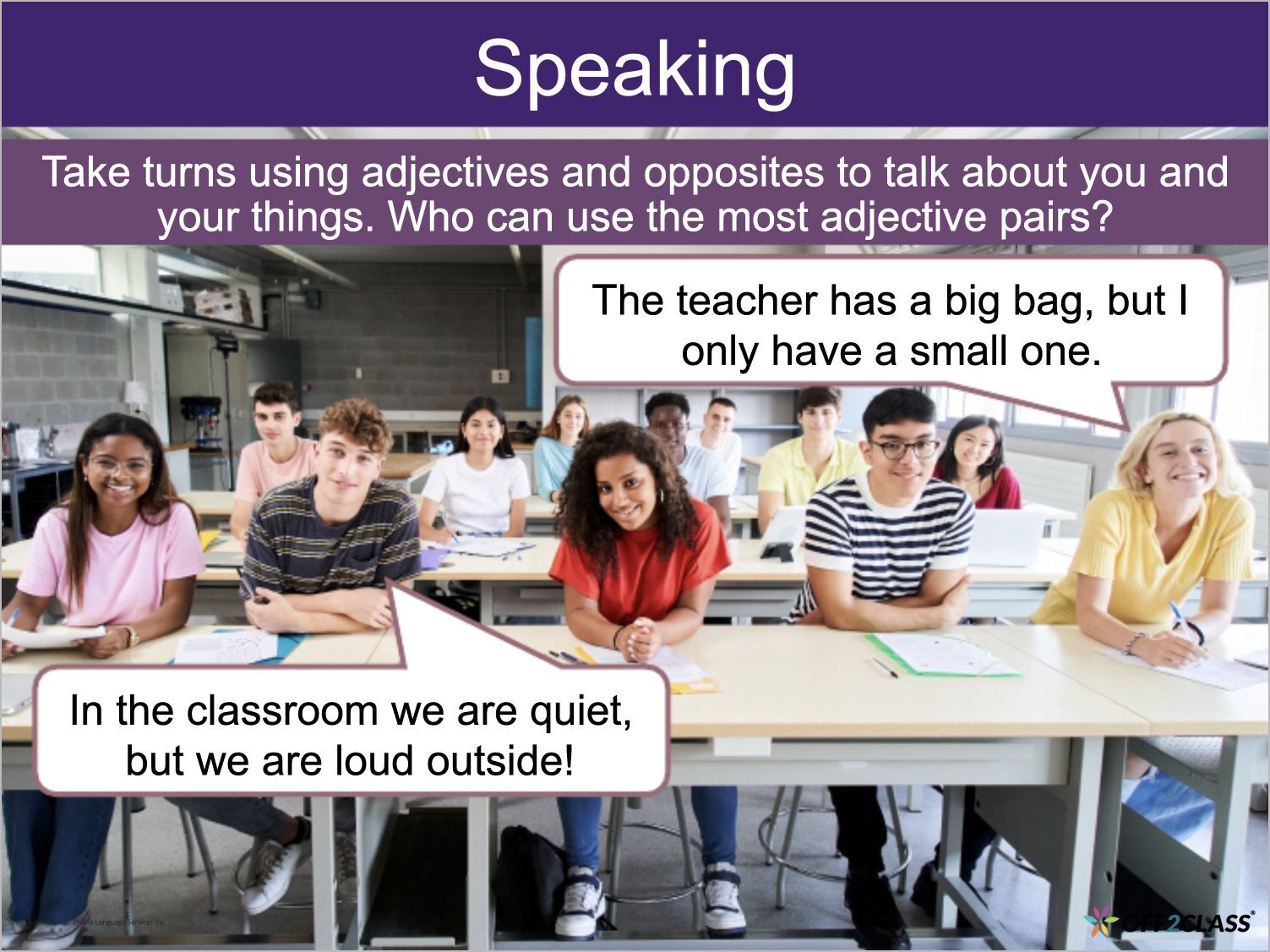
You can use 54 refreshed lessons across Pre-Intermediate Speaking Activities and Intermediate Speaking Activities.

The refresh includes updated content, improved visual design and enhanced teaching features.

TELPAS Prep Skills spreadsheet

The new TELPAS Prep Skills spreadsheet supports preparation for the Texas English Language Proficiency Assessment System (TELPAS).

The spreadsheet shows lesson slide sequences for specific TELPAS question types.

Recent Logins

As a teacher or manager, you can review your last ten logins in Settings on the new Recent Logins tab.

Each row lists the date and time, internet protocol (IP) address, country, browser and operating system. Use these records to check whether recent activity on your account is yours.

Teacher Guides and Student Handouts in the Lesson Library

You can download Teacher Guides and Student Handouts directly from the Lesson Library.

Search result details

Lesson search results now show language focus and topic instead of the tags field.

Beta announcement
Platform AnnouncementHomeworkAvailable to beta testers

Homework Review Updates

Review answers together and move through your homework queue in one window.

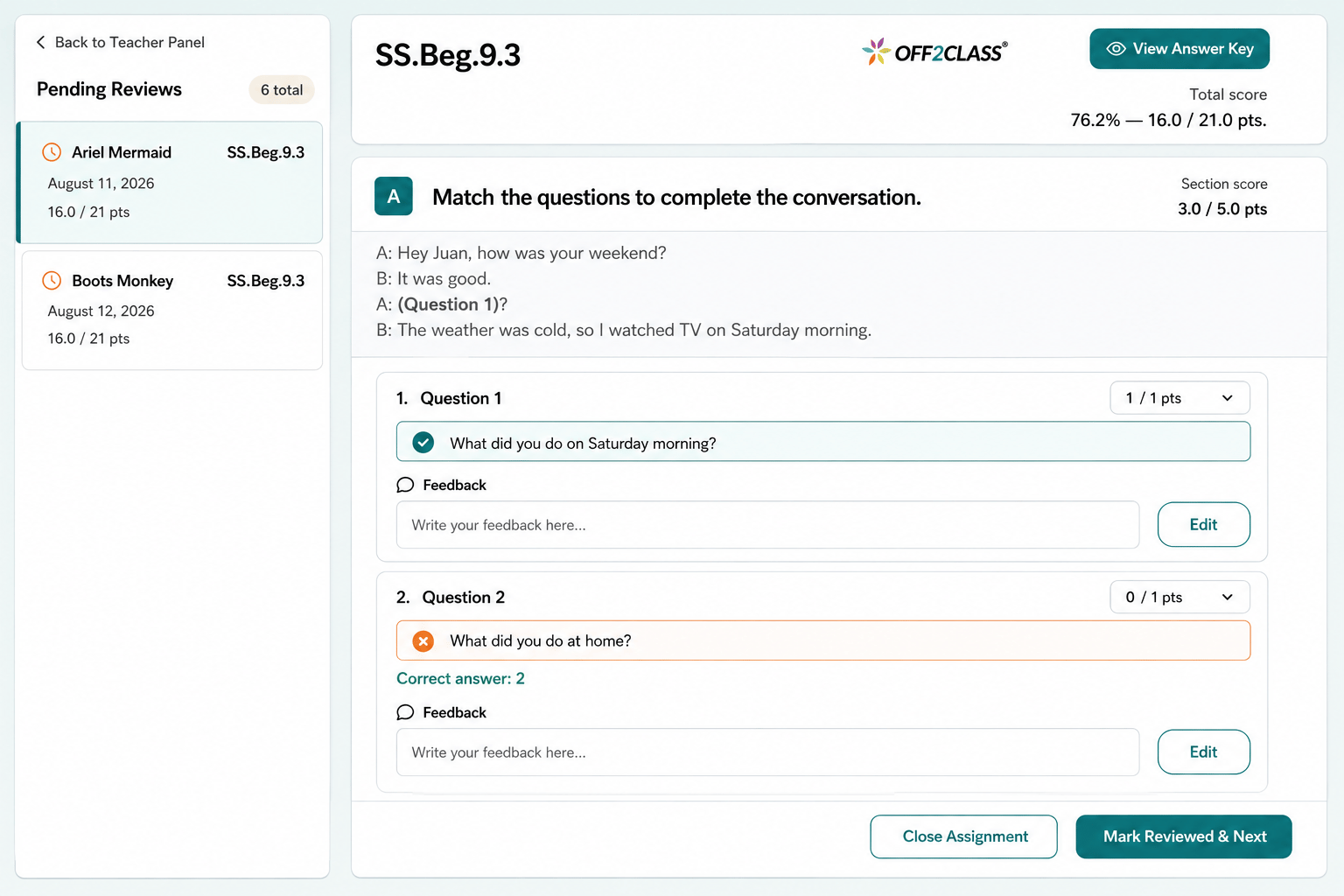
Homework review showing a pending student queue, answer scores, editable feedback, and the Mark Reviewed & Next action.
Show summary
What changed

A combined review view brings the student's responses and answer key together. You can also open the answer key separately. The combined view is available from Student Profile, Class Management and Teacher Panel.

From Class Management and Teacher Panel, you can continue to the next submission within the review window. This navigation isn't available from Student Profile. The homework area also has an updated layout and graphics.

Explore feature

July 2026

Release RoundupAssessments, Classroom

Placement Test assignment, progress and results

Explore bulk assignment for managers, clearer result hints and automatic progress saving for the Adaptive Placement Test.

5 updates in this roundup
Show summary
What changed
Remove ongoing tests

Important: You can remove Placement Tests that students have started but haven't submitted.

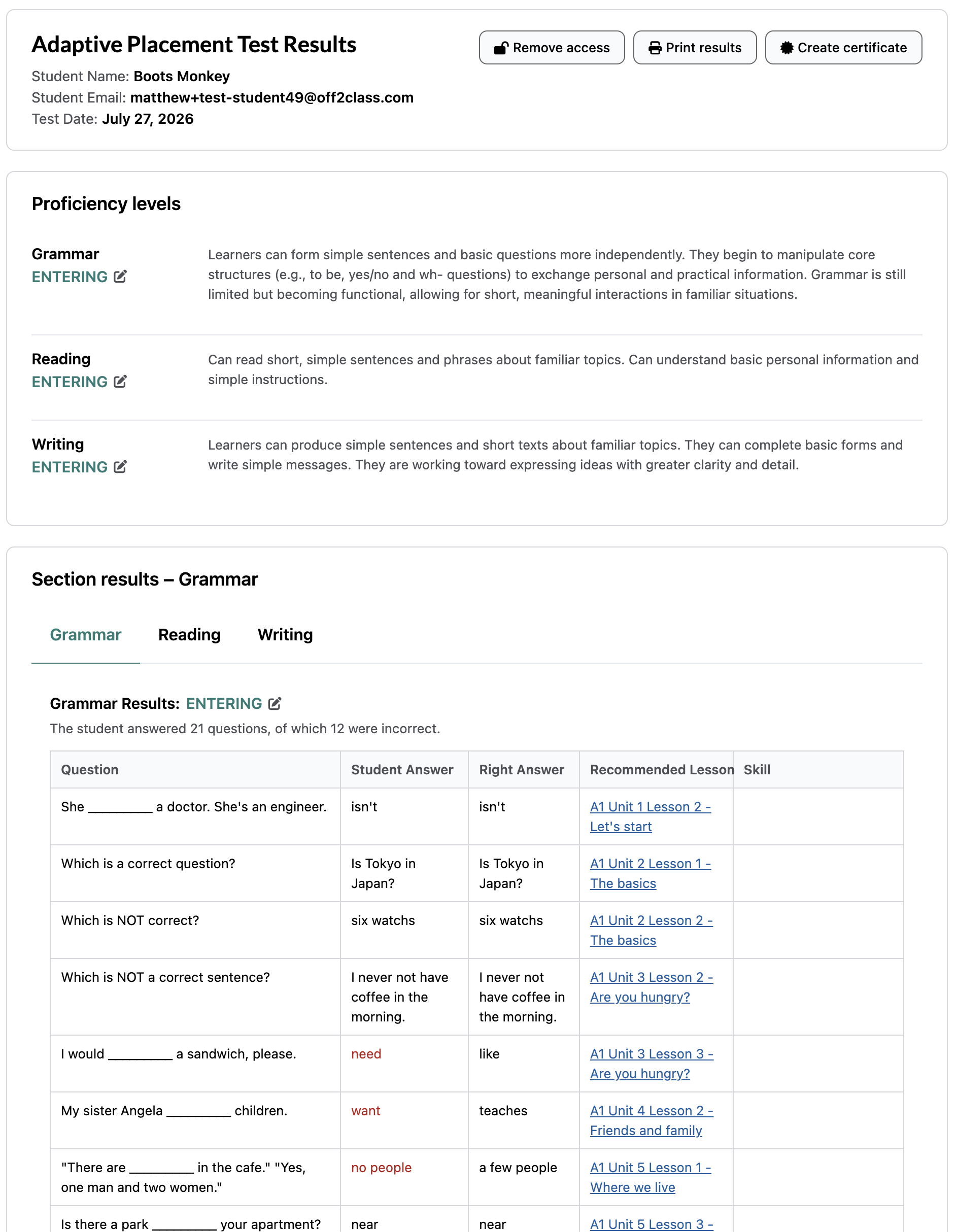
Writing and Speaking result hints

Writing and Speaking results now show a short hint beside each question.

Use these hints to understand how the Adaptive Placement Test determined the student's level.

Saved Adaptive Placement Test progress

Your students' progress saves automatically during the Adaptive Placement Test. They can exit and resume later from where they left off.

Final task levels in exports

As a manager, you can export the level of the final Writing and Speaking tasks in the Placement Test export.

Each value shows the level of the last task the student completed in that section.

Bulk Adaptive Placement Test assignment

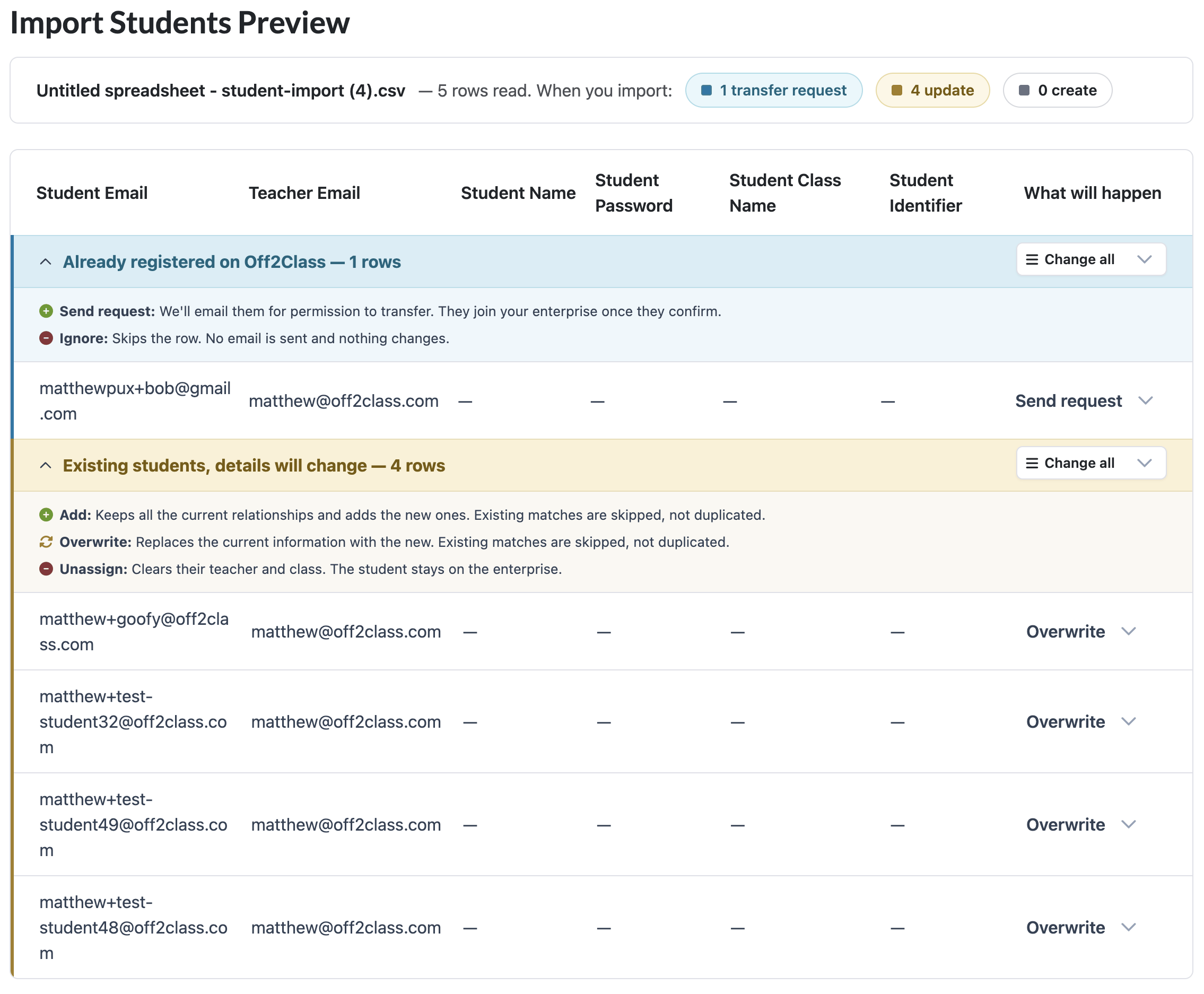
As a manager, you can assign the Adaptive Placement Test in bulk to a group of students or classes.

In the Enterprise Management Panel, go to Assign Placement Test. Select Standard Placement Test or Adaptive Placement Test before selecting sections.

For the Standard Placement Test, Grammar is included and the other sections are optional.

For the Adaptive Placement Test, every section starts unselected. Select at least one section before applying the assignment.

Platform AnnouncementHomework

Homework Speaking Auto-Scoring

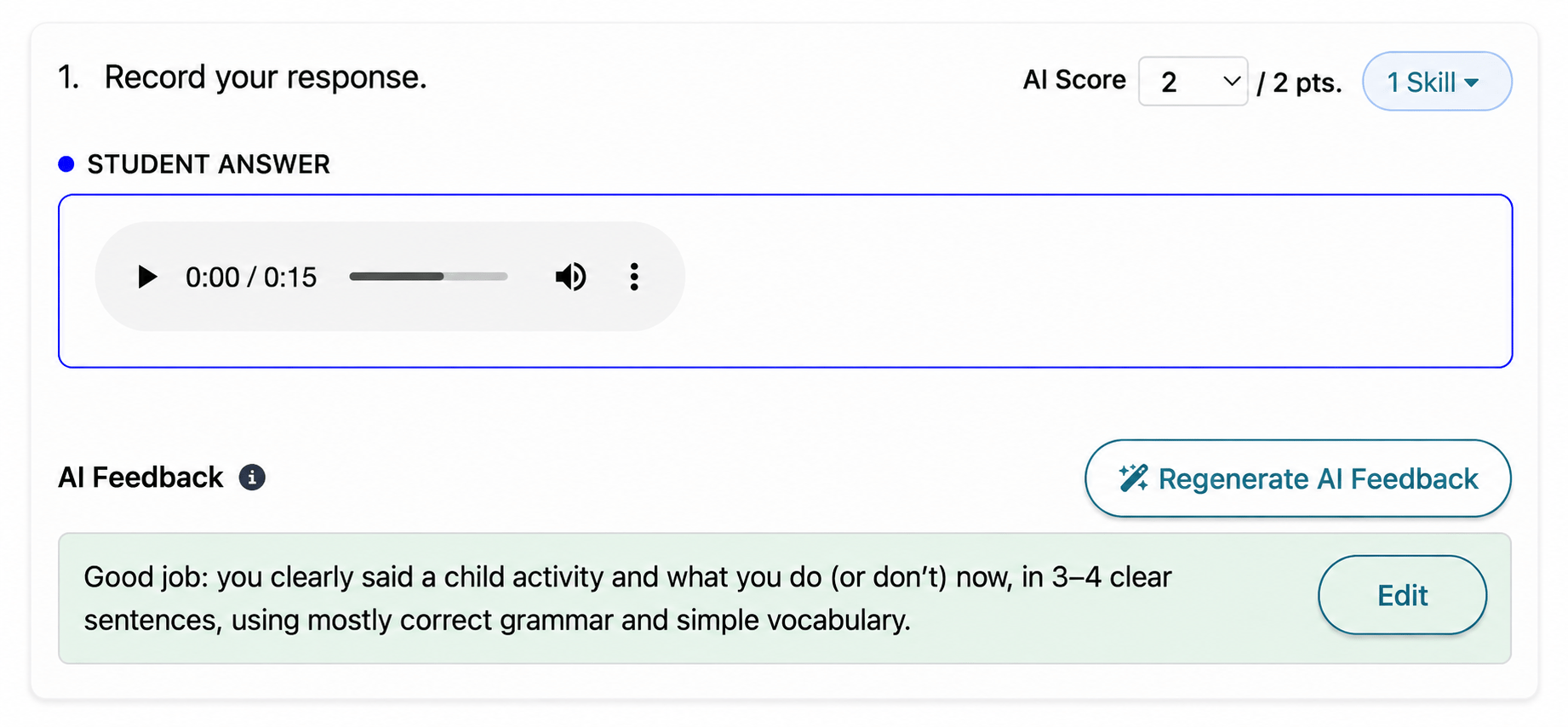
Speaking homework questions now receive automatic scores and AI-generated feedback.

Recorded student response with an AI score and editable feedback
Show summary
What changed

Speaking homework questions now receive automatic scores and AI-generated feedback. When a student records and submits a speaking response, Off2Class evaluates the recording and provides a suggested score and feedback for the question. As with writing auto-scoring, teachers review everything before students can see it. Nothing goes to students automatically, and teachers can edit scores, rewrite feedback or add their own notes at any time.

With this launch, every homework question type is now auto-scored with feedback: multiple choice, gap-fill, free-text writing and speaking.

Why it matters

Speaking responses are the hardest homework items to grade. Every submission is an audio clip that has to be played back, evaluated and commented on. Now, the AI handles the first pass: listening to the recording, suggesting a score and drafting feedback. The teacher reviews, adjusts and releases. Clear-cut responses need minimal review. Responses that require a human ear get one, with the AI's draft as a starting point. The result is faster turnaround and more consistent feedback on the question type that usually gets the least.

As with writing, this is a teacher tool. Students never see scores or feedback until the teacher releases them. The AI works for the teacher, not in place of them.

June 2026

Platform AnnouncementTeaching Tools

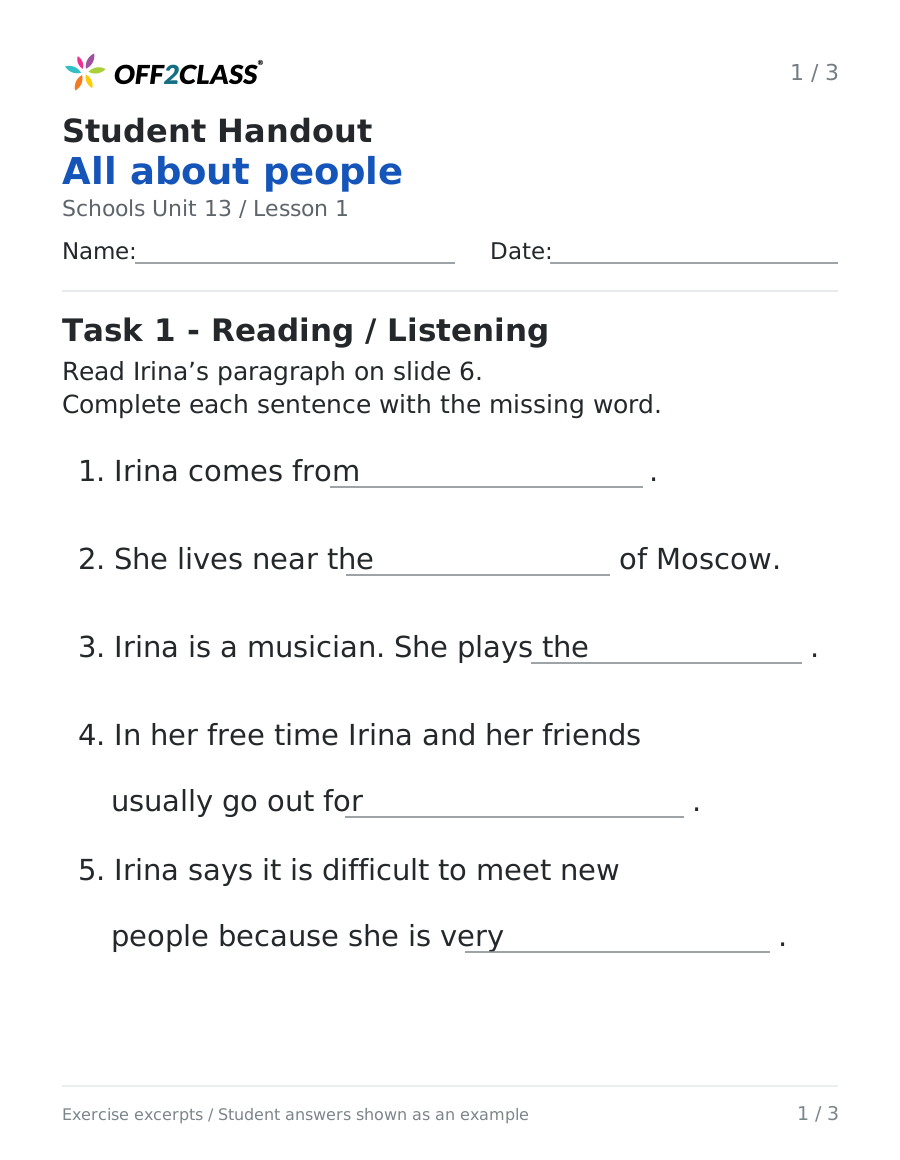
Student Handouts

Printable Student Handouts for six of our newcomer and beginning-level programs, ready for students to use on paper, in class or at home.

Show summary
What changed

Student Handouts are printable practice materials that reinforce lesson content and give students more chances to practice, in class or on their own. They're now available across six programs:

  • Everyday English for Newcomers
  • Reading for Newcomers
  • Speaking for Newcomers
  • Step-by-Step Curriculum Newcomers
  • Step-by-Step Curriculum for Schools (Beginner)
  • Step-by-Step Curriculum for Schools (Upper Beginner)

Reading for Newcomers handouts have moved out of beta and are now live to all users. You can print the handouts for in-person classes or share them digitally for online learning.

Why it matters

A live Off2Class lesson is where the learning happens, but newcomers and beginning-level students often need more repetition than a single lesson allows. Student Handouts let you extend that practice without adding screen time. You can send a handout home to review the language from the day's lesson, hand one to a student who needs another pass at a concept or give an early finisher something to keep building on.

They're also a practical fit for newcomer and SLIFE classrooms. Students who work better at a slower pace, or away from a screen, can still practice between lessons. That includes anyone without a reliable device at home. And since the handouts are already made and aligned to the lessons your students are working through, the prep is done for you.

May 2026

Release RoundupClassroom, Teaching Tools

Classroom controls and lesson preparation

You can prepare lessons with new Teacher Guides, enroll groups together and set Interactive Tools access for your class.

3 updates in this roundup
Show summary
What changed
Interactive Tools defaults

Important: When one student is enrolled, enabling write or draw gives everyone access by default. With more than one enrolled student, only you have access by default.

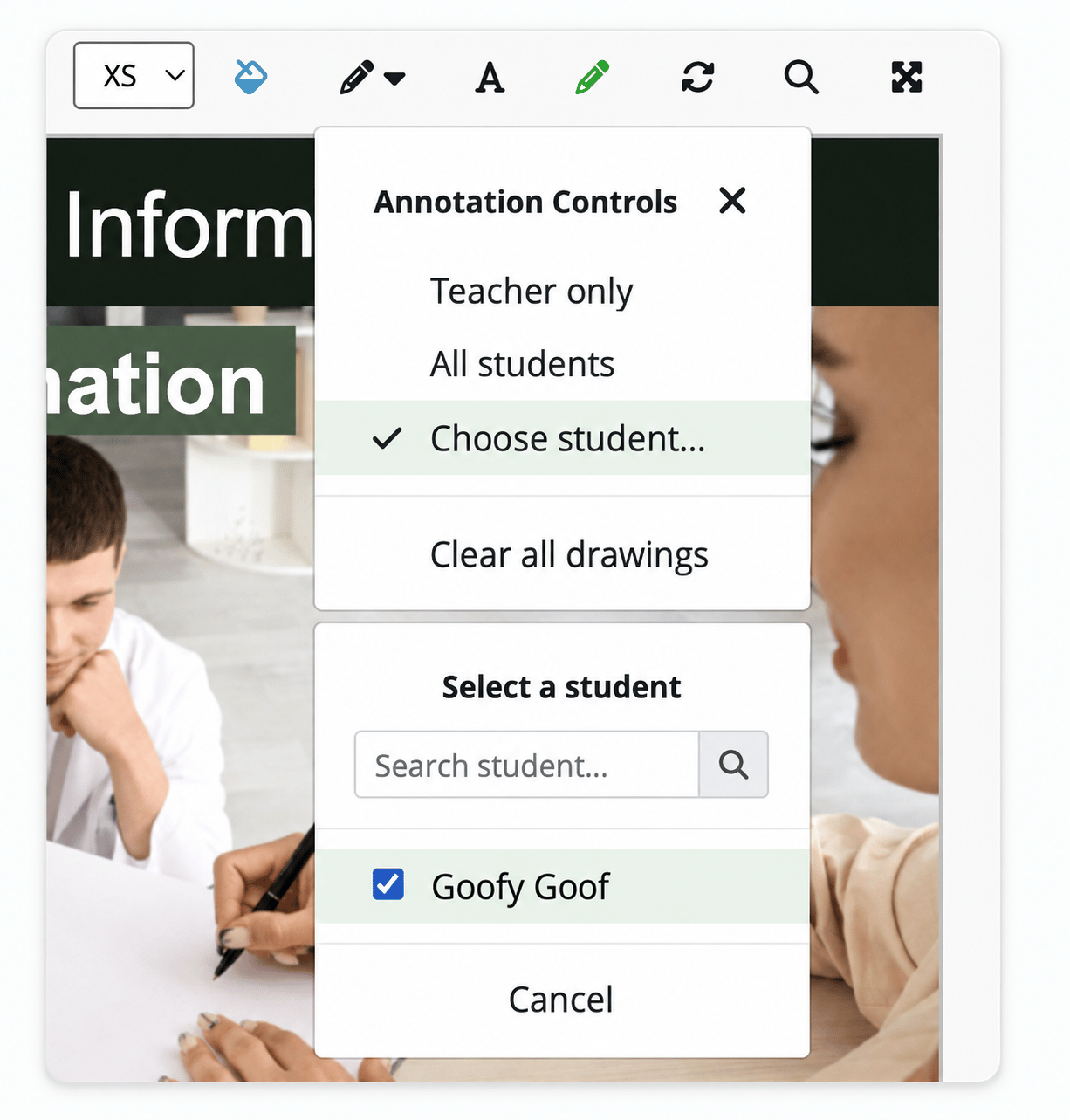
Use Annotation Controls to change access for individual students or the whole class.

Multi-select enrollment

You can select multiple students or classes together when launching a lesson. You can also add them to a lesson in progress from the Actions Bar.

Everyday English for Newcomers Teacher Guides

You can use Teacher Guides for Everyday English for Newcomers.

The guides include step-by-step instructions, differentiation tips and engagement strategies to help you adapt each lesson to your students' needs.

Platform AnnouncementAssessments

Adaptive Placement Test

Know where every English learner stands. And exactly what to teach next.

Show summary
What's new

The Adaptive Placement Test brings Grammar, Reading, Listening, Writing and Speaking together in one assessment. Assign the sections you need, use results to guide teaching and reassign individual sections to track growth from level to level.

Why it matters

For teachers: Spend less class time testing and more time teaching. Use the results to choose where to begin, with specific lesson recommendations for Grammar, Listening and Reading. Reassign a single section later in the year to check progress in that area and plan what to teach next.

For coordinators: Use one consistent measure across classrooms and proficiency levels to track growth from level to level. Results give you documented proficiency levels for reporting, with downloadable certificates.

Each reassignment draws from a large question pool, helping provide a fresh testing experience throughout the year.

Platform AnnouncementAssessments

Adaptive Placement Test (Speaking)

We've added a Speaking section to the Adaptive Placement Test.

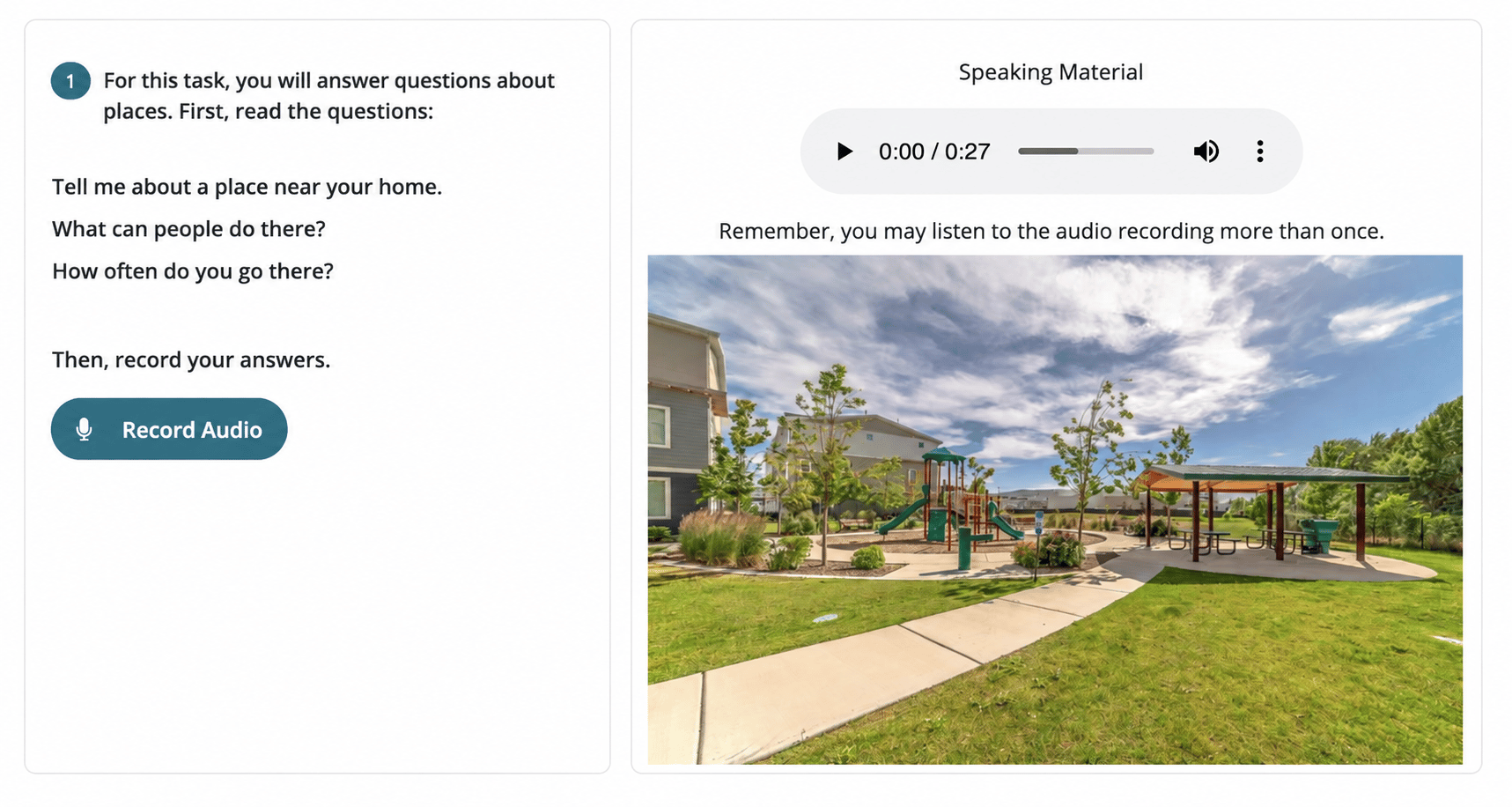
Speaking task with place prompts and the Record Audio button
Show summary
What changed

We've added a Speaking section to the Adaptive Placement Test. Like the Writing section, Speaking is a productive assessment. Instead of multiple-choice questions, students complete three tasks that evaluate how clearly and effectively they can express ideas in spoken English. The complexity of the third task adapts based on how the student performed earlier, so the assessment stays level-appropriate. The full section takes approximately 10 minutes. Teachers can assign Speaking on its own or in any combination with Grammar, Reading, Listening and Writing.

With Speaking now available, the Adaptive Placement Test is complete across all five sections: Grammar, Reading, Listening, Writing and Speaking.

Why it matters

Speaking has always been the hardest domain to assess at scale. A proper speaking check means sitting with the student, prompting them, and evaluating their response in the moment. That's workable in a 1:1 setting, but in a classroom of 20+ ELs, or across a district with hundreds of newcomers, it's rarely practical. The result is that speaking often gets evaluated through informal classroom observation, which tends to miss quieter students and doesn't produce a comparable data point across a roster.

The Speaking section gives teachers a structured way to get that data point. Because it asks students to actually produce spoken English rather than recognize correct answers, it reflects real productive ability, which often diverges from what a student's grammar or writing scores suggest. That makes it particularly useful when placing newcomers, before assigning speaking-heavy content like WIDA ACCESS Speaking prep lessons, or as a supplement to classroom observation when building a student's learning plan.

With all five sections now live, teachers can run a full proficiency assessment across every domain in around an hour, then reassign any individual section to track growth from level to level over time.

Platform AnnouncementClassroom

Filter Students by Level and Launch Lessons in Class Management

Class Management now supports level-based filtering by Placement Test section.

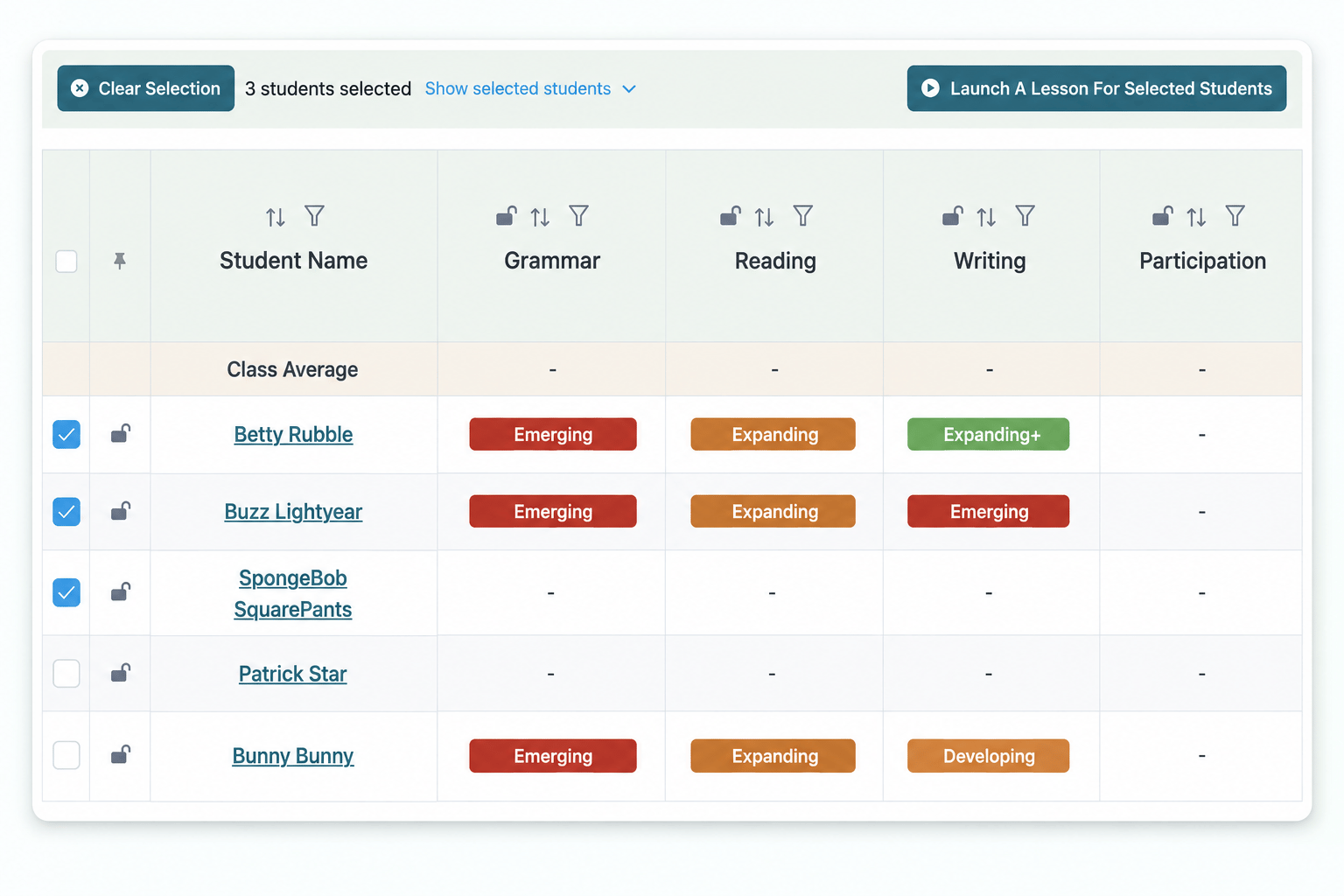
Selected students in the class roster and the action to launch a lesson for them
Show summary
What changed

Class Management now supports level-based filtering by Placement Test section. Open a class, filter students by proficiency level within Grammar, Reading, Listening, Writing, or Speaking, select the group you want to teach, and launch a lesson to just those students.

Row and column locking is also live in the Class Management table. The student name column stays anchored as you scroll horizontally, and the header row stays visible as you scroll vertically — so the table holds its shape when you're working with larger classes.

Why it matters

Many teachers have students across multiple proficiency levels in a single class, and those same students can land at different levels across Grammar, Reading, Listening, Writing, and Speaking. Filtering by Placement Test section puts the right grouping a few clicks away: pull up the higher-level readers, launch a targeted reading lesson, and assign the homework. Then switch the filter to lower-level students and teach a lesson live.

Small time savings every class period add up to real hours. More importantly, they make it easier to layer in differentiated practice alongside the whole-class instruction.

April 2026

Platform AnnouncementTeaching Tools

Teaching Tools

We've published a new Teaching Tools Overview page that consolidates all Off2Class planning and curriculum resources in one place.

Off2Class Teaching Tools resources overview
Show summary
What changed

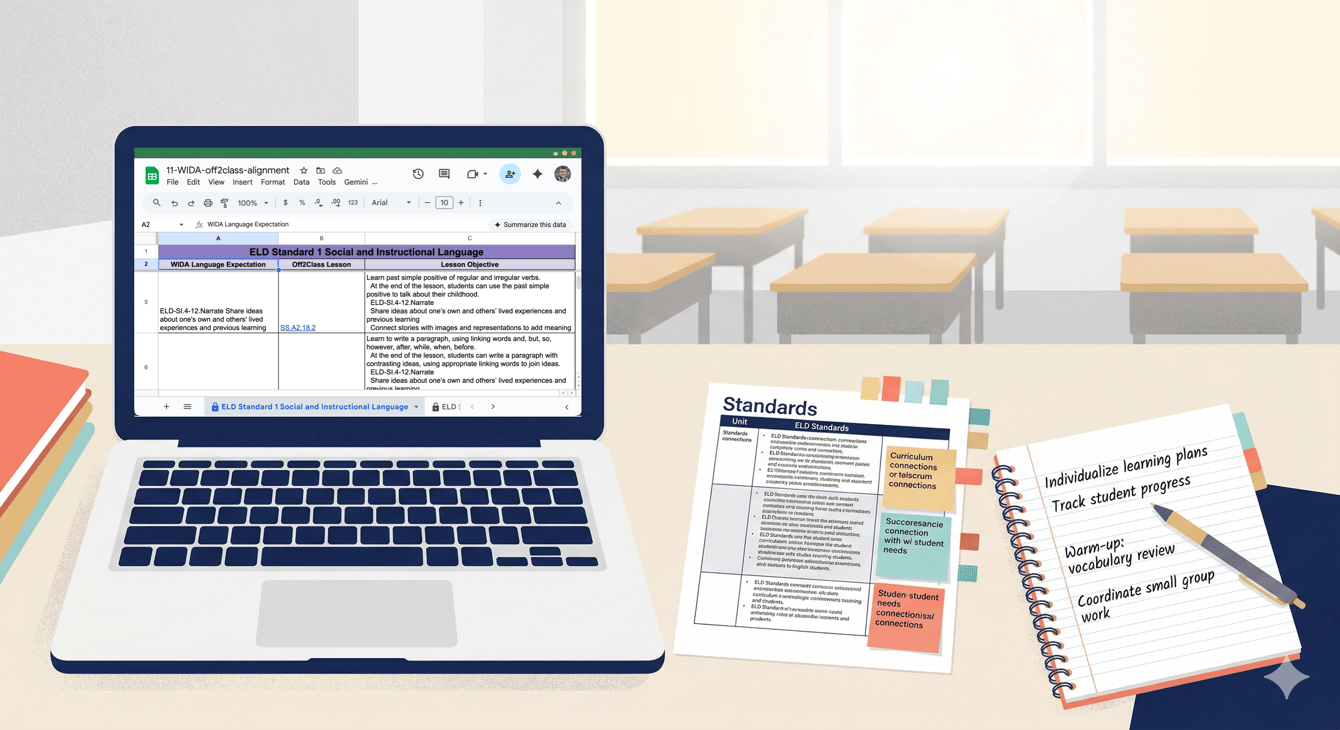
We've published a new Teaching Tools Overview page that consolidates all Off2Class planning and curriculum resources in one place. This includes the full lesson list spreadsheet, the Can-do Descriptors Index, vocabulary lists and can-do statements for each curriculum track (Step-by-Step, Step-by-Step for Schools, Step-by-Step Business English, and Core Curriculum), standards alignment spreadsheets for WIDA, TX ELPS, ELPA21, and CA ELD, and a subscription-based lesson availability reference.

Why it matters

For teachers: Before this page, finding the right planning resource meant knowing it existed and remembering where it lived. Now there's a single starting point. Need to check what vocabulary your Step-by-Step Curriculum for Schools students will encounter in the next unit? Want to look up which Off2Class lessons map to a specific WIDA language expectation? Or need to build a pacing guide using the full lesson list with objectives? It's all on one page.

The Can-do Descriptors Index is worth highlighting. It breaks down what students should be able to do at each Off2Class proficiency level across all four language domains. That's a reference you can use daily — when deciding which lessons to assign, when interpreting placement test results, or when explaining to a student or parent what a proficiency level like "Emerging" actually means in practice.

For coordinators: The standards alignment spreadsheets contain invaluable information. For example, if you're in a WIDA state, you can view mapping information between Off2Class lessons and WIDA language expectations in both directions (Off2Class → WIDA and WIDA → Off2Class). These are the documents that make it straightforward to show a curriculum committee or a Title III auditor exactly how Off2Class maps to your state's language standards.

Platform AnnouncementAssessments

Adaptive Placement Test (Writing)

We've added a Writing section to the Adaptive Placement Test.

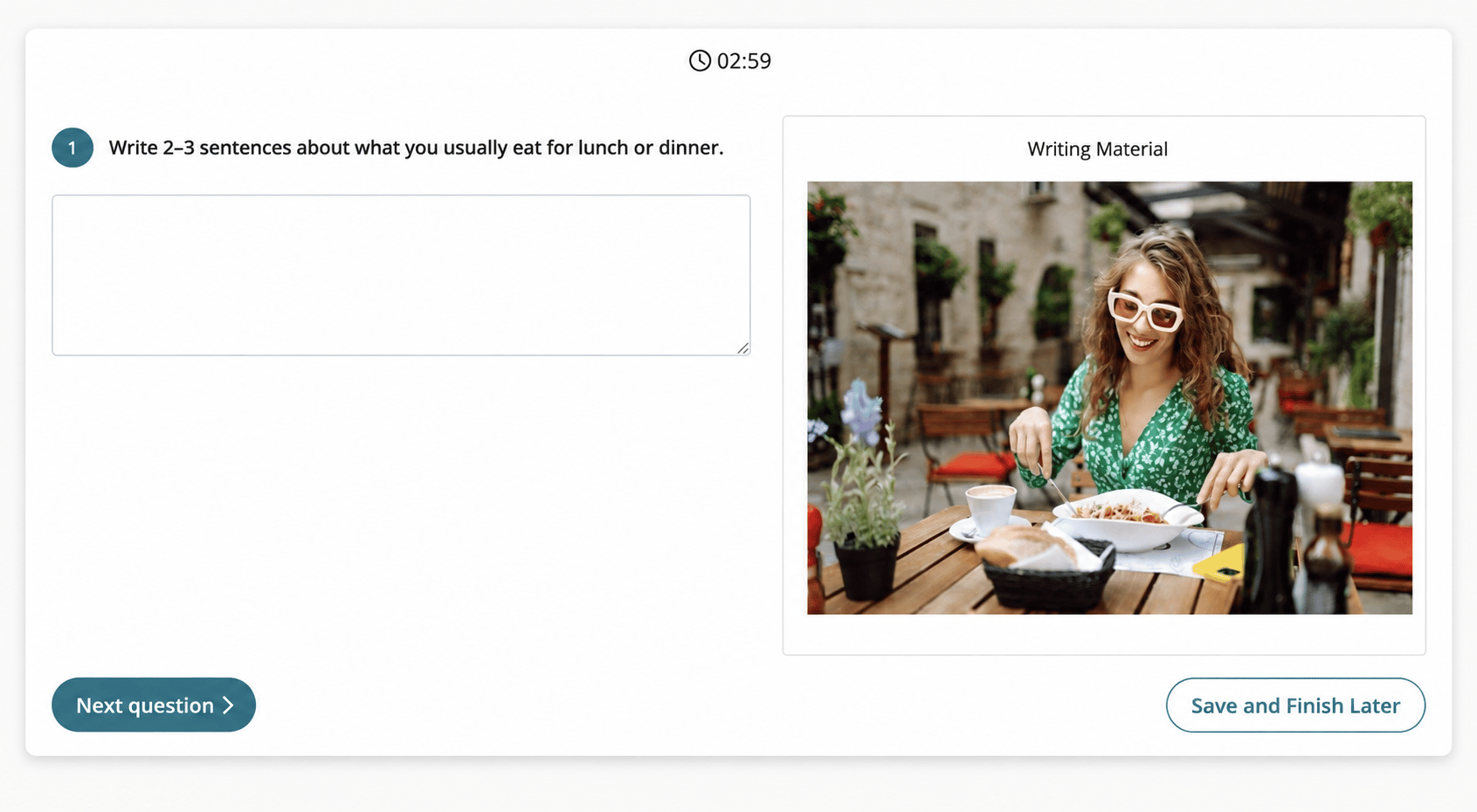
Writing assessment prompt with an empty response field and visual material
Show summary
What changed

We've added a Writing section to the Adaptive Placement Test. Unlike the Grammar, Reading, and Listening sections, which use multiple-choice questions, the Writing section asks students to complete two written tasks. The complexity of the second task adapts based on the student's response to the first, so the assessment adjusts to meet the student in real time. The full section takes approximately 10 minutes. Teachers can assign Writing on its own or in any combination with Grammar, Reading, and Listening.

Why it matters

Writing is the domain where teachers have the least visibility before a student actually produces something in class — and it's often the domain that creates the biggest surprises. A student can score well on grammar and reading but struggle to construct a coherent written response. An LTEL might speak fluently but hit a wall when asked to put ideas on paper. Those gaps don't surface in a multiple-choice test.

The Writing section addresses this directly. Because it evaluates actual student writing rather than recognition of correct answers, it gives teachers a realistic picture of where a student's productive writing skills are. That makes it especially useful at the start of year when making placement decisions, before assigning writing-heavy content like the Step-by-Step Curriculum or WIDA ACCESS Writing prep lessons, or when a coordinator needs a data point on writing proficiency that goes beyond classroom observation.

The Adaptive Placement Test includes all five sections: Grammar, Reading, Listening, Writing and Speaking.

March 2026

Beta launch
Platform UpdateAssessmentsAvailable to beta testers

Edit Proficiency Level (Adaptive Placement Test)

Beta teachers can adjust the proficiency level recorded for a completed Adaptive Placement Test.

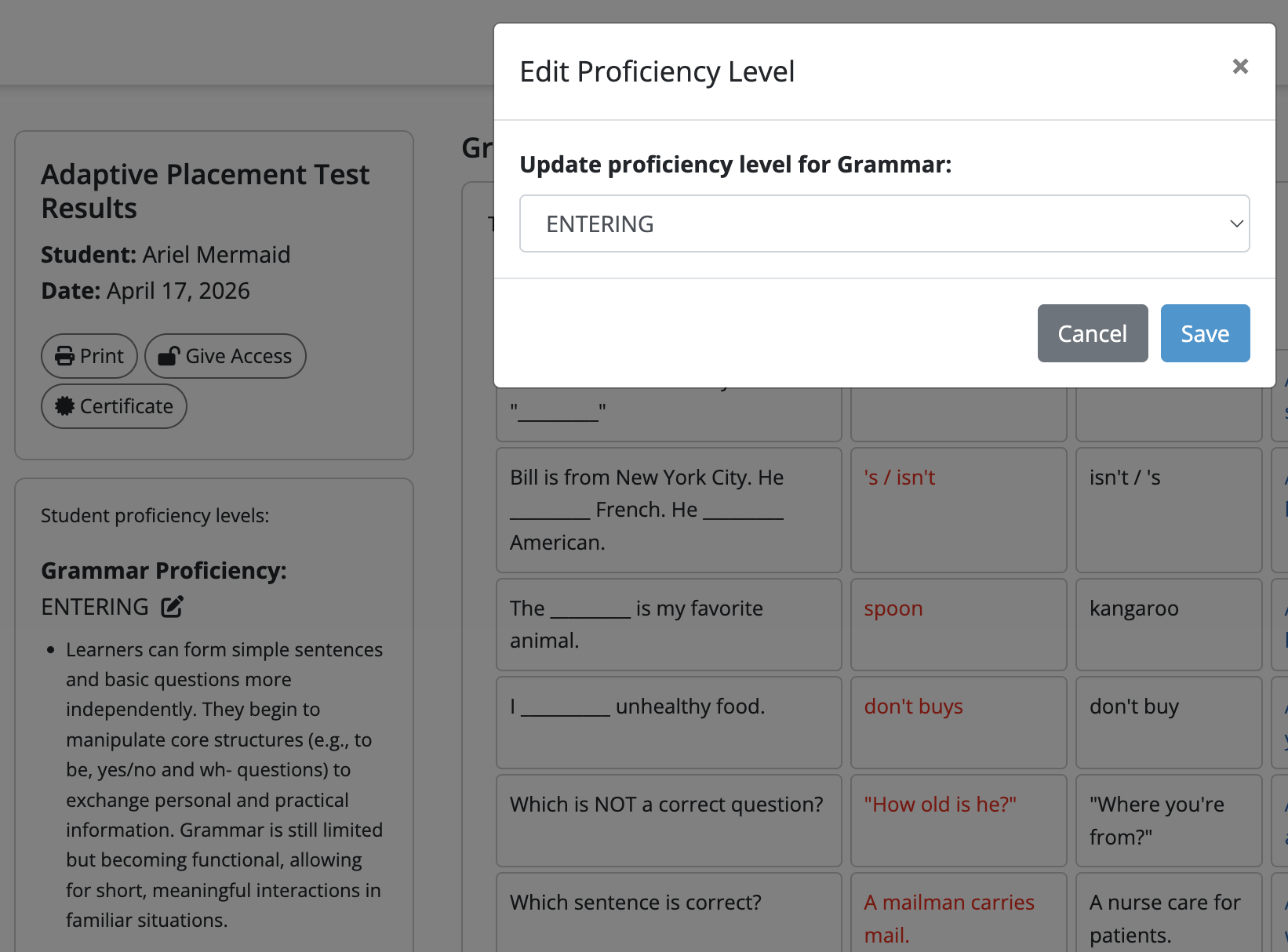
Completed Adaptive Placement Test results with the edit icon beside Grammar proficiency and the Edit Proficiency Level dialog, showing a level selector, Cancel and Save.
Show summary
What changed

Teachers in the beta can edit the proficiency level on a completed Adaptive Placement Test assessment.

Read update
Release RoundupAssessments, Lessons

Refreshed lessons and clearer Placement Test exports

Explore 21 refreshed lessons and identify test types and question counts in Placement Test exports.

3 updates in this roundup
Show summary
What changed
Placement Test exports

As a manager, you can export each Placement Test's type, number of questions asked and number of correct answers.

Find the new columns in the Enterprise Management Panel. Use them to distinguish Standard and Adaptive Placement Tests.

Travel English refresh and rename

You can use 11 refreshed Travel English lessons, renamed from Functional Language.

The refresh includes updated content, improved visual design and enhanced teaching features. Open the refreshed Travel English lesson.

Linking Words refresh

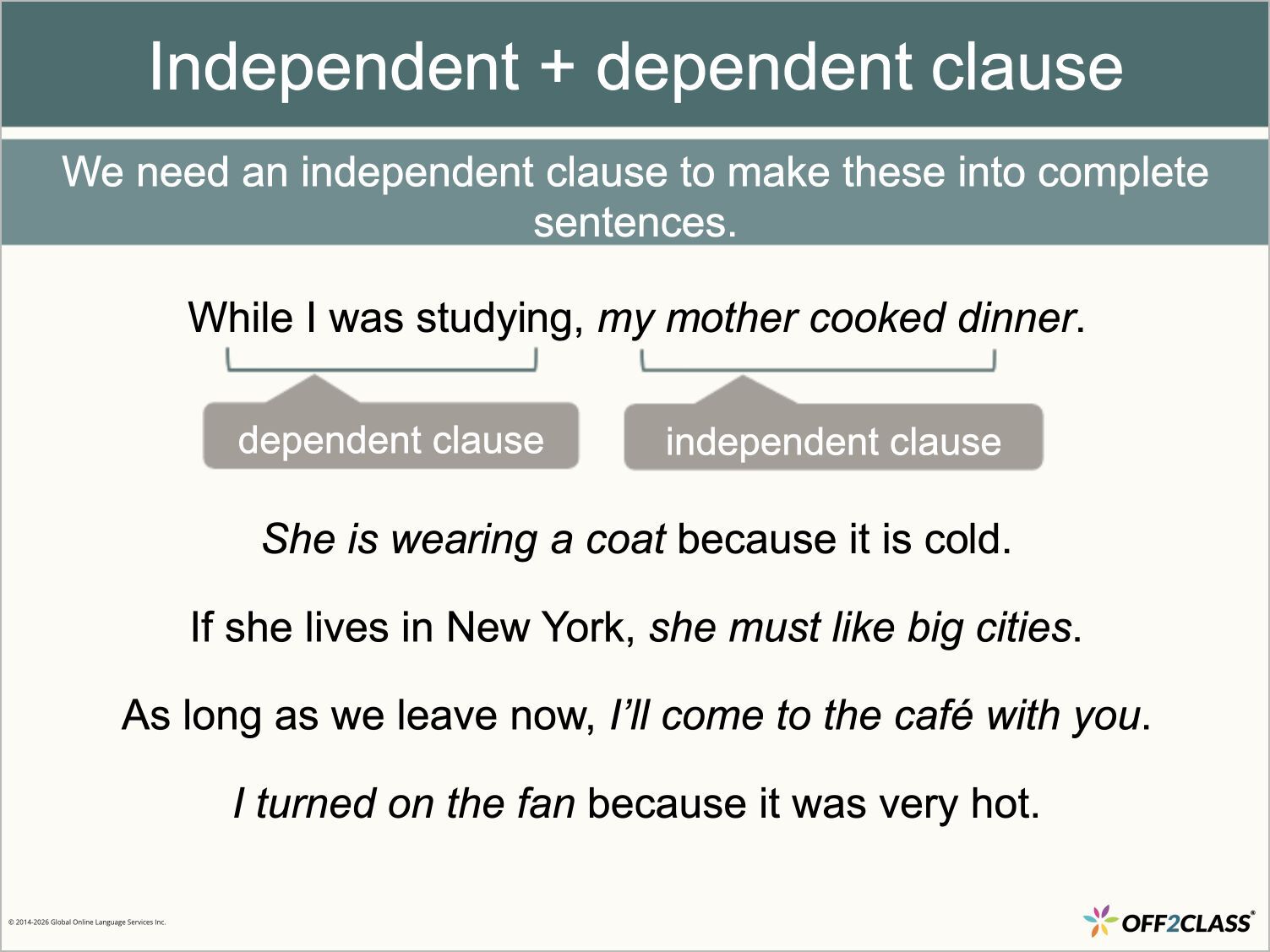
You can use ten refreshed Linking Words lessons with updated content, visual design and teaching features.

Open the refreshed Linking Words lesson.

February 2026

Platform AnnouncementClassroom

Interactive Tools: Per-Student Access Controls

Draw and write tools are now teacher-only by default.

Annotation Controls and an individual student selected for access
Show summary
What changed

Draw and write tools are now teacher-only by default. When you turn them on, only you can use them until you explicitly grant access to students.

Why it matters

Before this update, turning on draw or write was a class-wide toggle. If you wanted one student to annotate a slide during a group session, every student in the room got access at the same time. That meant some students would start drawing or writing on slides when they weren't supposed to — and the only fix was turning the tool off for everyone.

Now it works the way classroom management actually works — you grant access to the student who needs it, when they need it. You can have one student annotating a slide while the rest of the class follows along, or open it up to everyone for a collaborative activity, then pull access back to teacher-only when you're done. The default is locked down, so there's nothing to manage until you choose to open it.

How to use it
Platform AnnouncementLessons

TOEFL

Off2Class has published 37 updated TOEFL preparation lessons aligned to the 2026 TOEFL iBT® test format announced by ETS in May 2025.

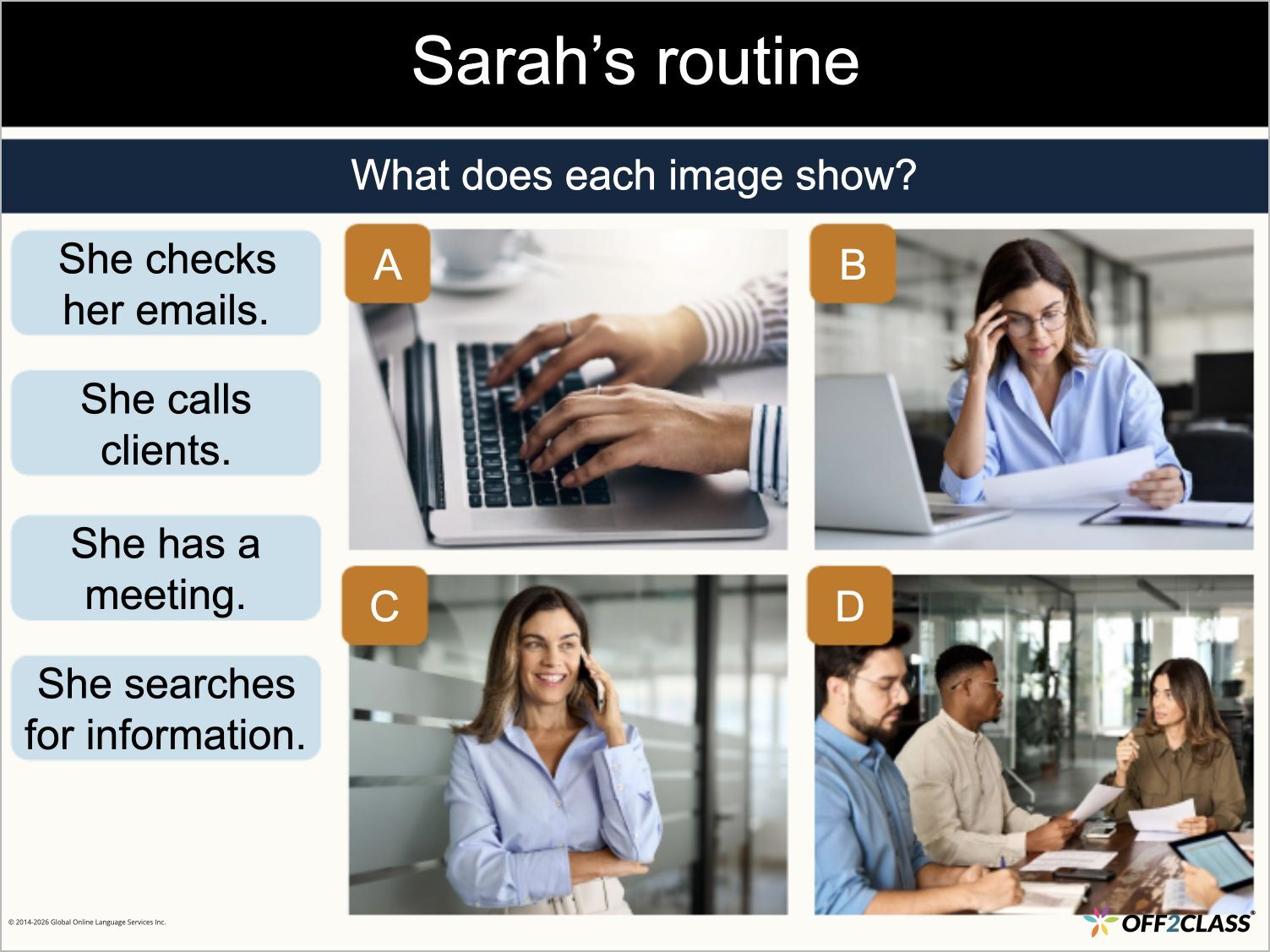
TOEFL Speaking: TOEFL26.S2 — Listen and Repeat [1 of 2], Slide 13 of 15.
Speaking — Listen and Repeat
TOEFL Writing: TOEFL26.W2 — Build a Sentence, Slide 5 of 15.
Writing — Build a Sentence
Show summary
Proficiency Level
Upper Intermediate to Advanced
What's new

Off2Class has published 37 updated TOEFL preparation lessons aligned to the 2026 TOEFL iBT® test format announced by ETS in May 2025. The series covers all four test sections: Reading (12 lessons), Listening (11 lessons), Writing (8 lessons) and Speaking (6 lessons). Each section begins with an introduction to its structure and scoring, progresses through the specific task types, and includes a review lesson to consolidate exam technique.

Why it matters

ETS updated the TOEFL iBT® format effective January 2026, which means teachers preparing students for the test need materials that reflect the current exam structure. The previous Off2Class TOEFL lessons (published in 2023) were built around the earlier format and no longer match what students will encounter on test day. These updated lessons give you current, scaffolded preparation across all four sections so your students practice the right task types with the right strategies.

Platform AnnouncementAssessments

Adaptive Placement Test (Listening)

We've added a Listening section to the Adaptive Placement Test.

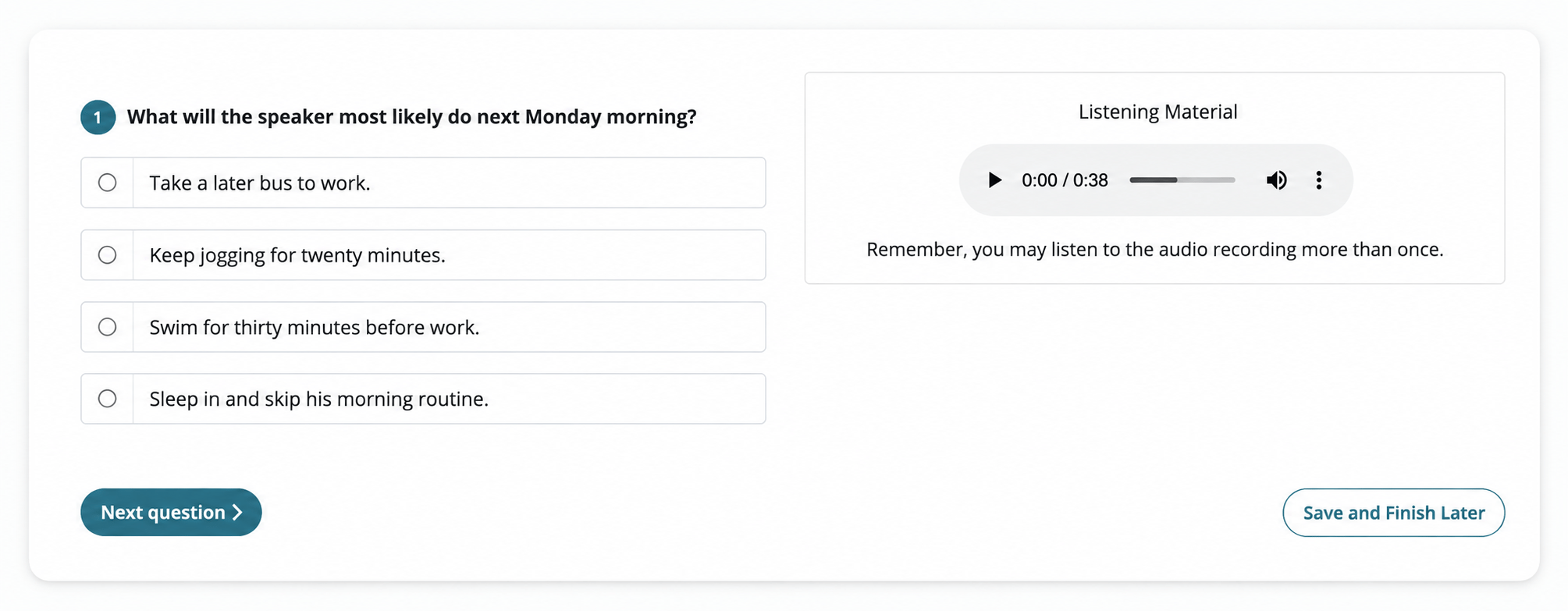
Listening assessment question, audio player and multiple-choice answers
Show summary
What changed

We've added a Listening section to the Adaptive Placement Test. Like the Grammar and Reading sections launched in January, the Listening section adapts question difficulty in real time based on student responses, delivering a proficiency result in approximately 10 minutes. It uses multiple-choice questions testing a range of listening skills and starts at an intermediate level before adjusting up or down. Teachers can assign Listening on its own or in any combination with Grammar and Reading.

Why it matters

Video: In a Minute: Placement Tests

Listening is often the domain where a student's actual proficiency diverges most from what their grammar or reading scores suggest. A newcomer might have stronger receptive listening skills from exposure to English media than their written grammar reflects. An LTEL student might test well in reading but struggle with listening comprehension at natural speed. Without an independent listening assessment, those gaps stay hidden until a teacher notices them in the classroom — or until their standardized test results come back months later.

With the Listening section, teachers can now diagnose listening-specific proficiency on its own terms. That's particularly useful before assigning listening-focused content like Listening Activities or WIDA ACCESS Listening prep lessons, or when checking whether a student has made progress in listening after a targeted intervention. The results include question-level detail and recommended lessons, just like Grammar and Reading.

The Writing and Speaking sections are also available.

January 2026

Platform AnnouncementLessons

Everyday English for Newcomers

Off2Class has published Everyday English for Newcomers, a series of 20 lessons across nine real-world topic areas: personal information, health, housing, transportation, finances, school, support services, online safety, and applying to college.

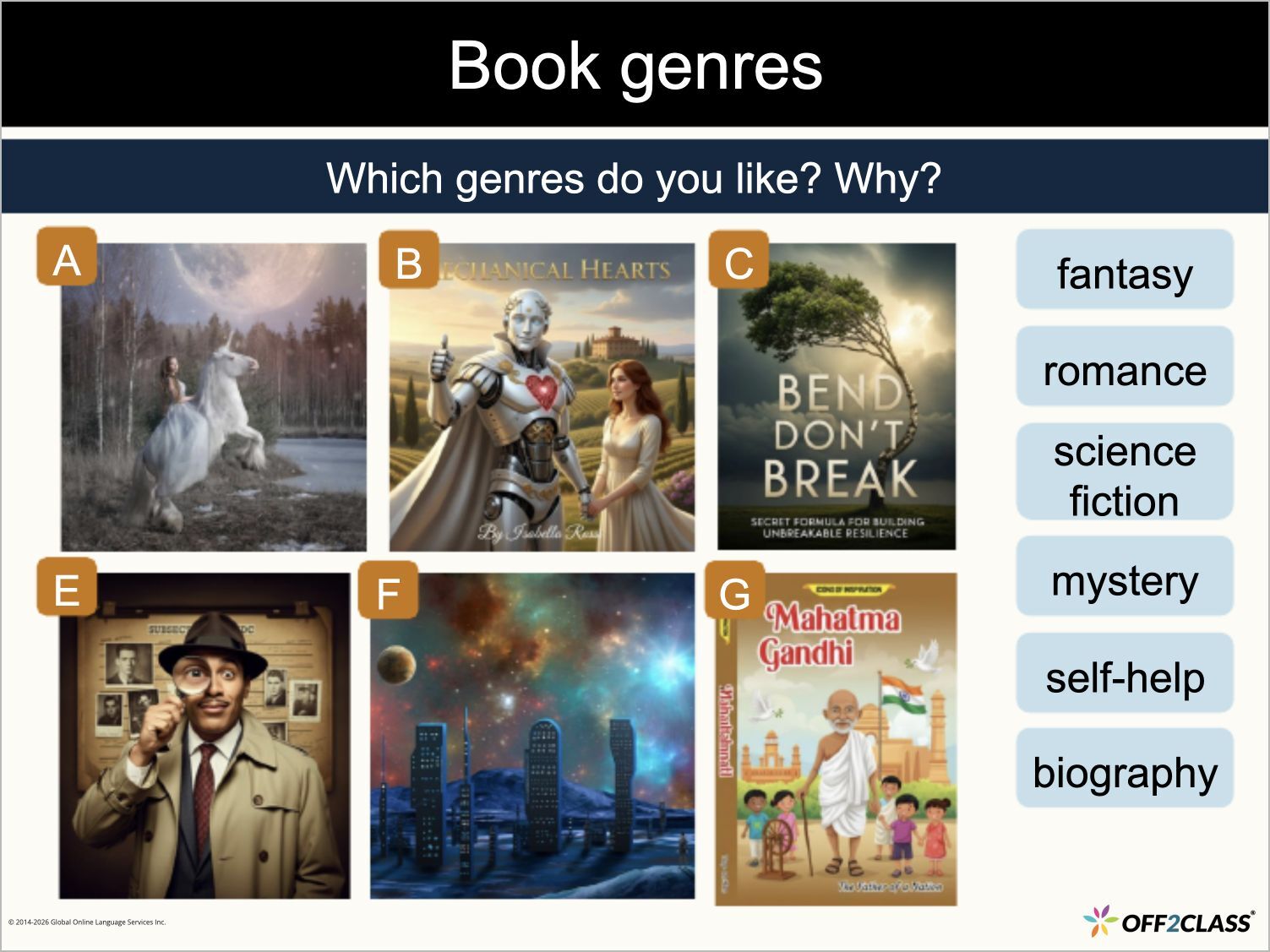
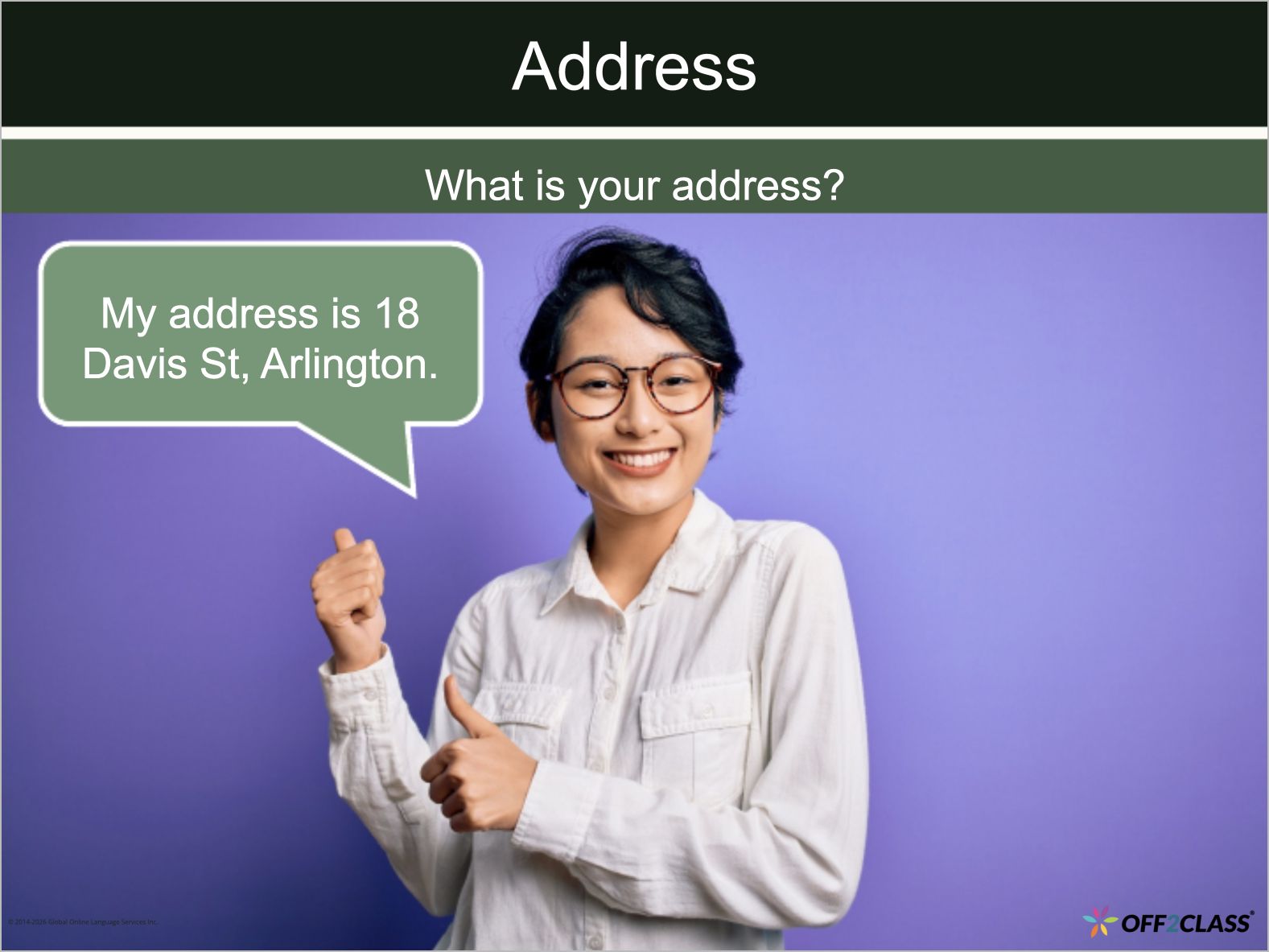
Everyday English for Newcomers: EE.1.1 — Personal information, Slide 8 of 25.
Conversation — Giving your address
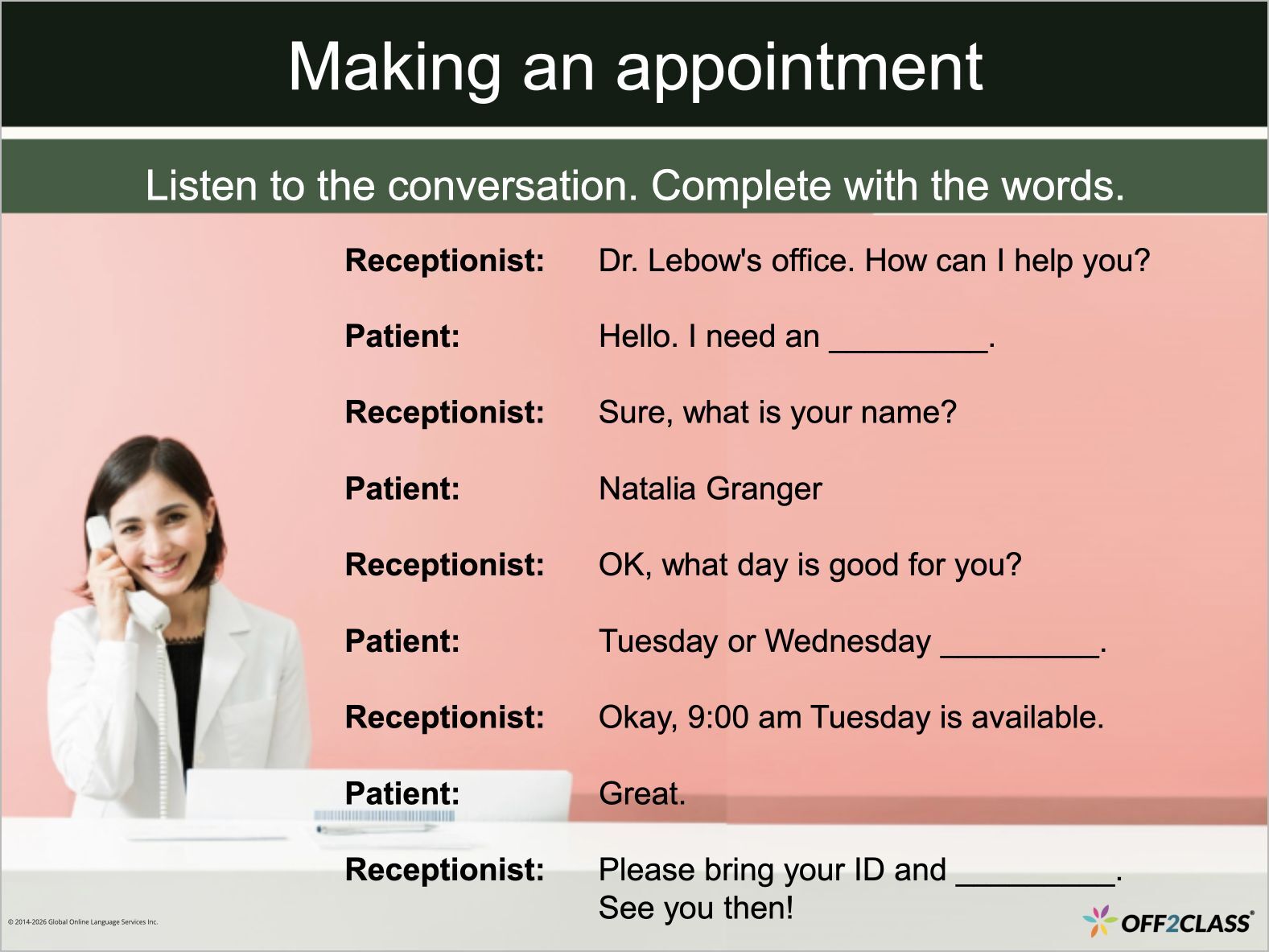
Everyday English for Newcomers: EE.2.1 — Doctor’s appointment, Slide 13 of 38.
Listening — Making an appointment
Show summary
Proficiency Level
Beginner to Elementary (CEFR A1–A2 / WIDA Entering to Emerging)
What's new

Off2Class has published Everyday English for Newcomers, a series of 20 lessons across nine real-world topic areas: personal information, health, housing, transportation, finances, school, support services, online safety, and applying to college. Each lesson is built around authentic conversations and language chunks students will actually encounter outside the classroom.

Why it matters

Most ELD curricula build general proficiency level by level. That's important, but it doesn't help the student who needs to understand a pharmacy label today or communicate with the school nurse this week. Everyday English for Newcomers fills that gap by organizing lessons around situations rather than grammar sequences. Teachers working with newly arrived students, SLIFE learners, or even LTELs with gaps in practical English now have a ready-to-teach resource that connects classroom instruction directly to students' daily lives.

Platform AnnouncementAssessments

Adaptive Placement Test (Grammar & Reading)

We've launched a new Adaptive Placement Test alongside our existing Standard Placement Test.

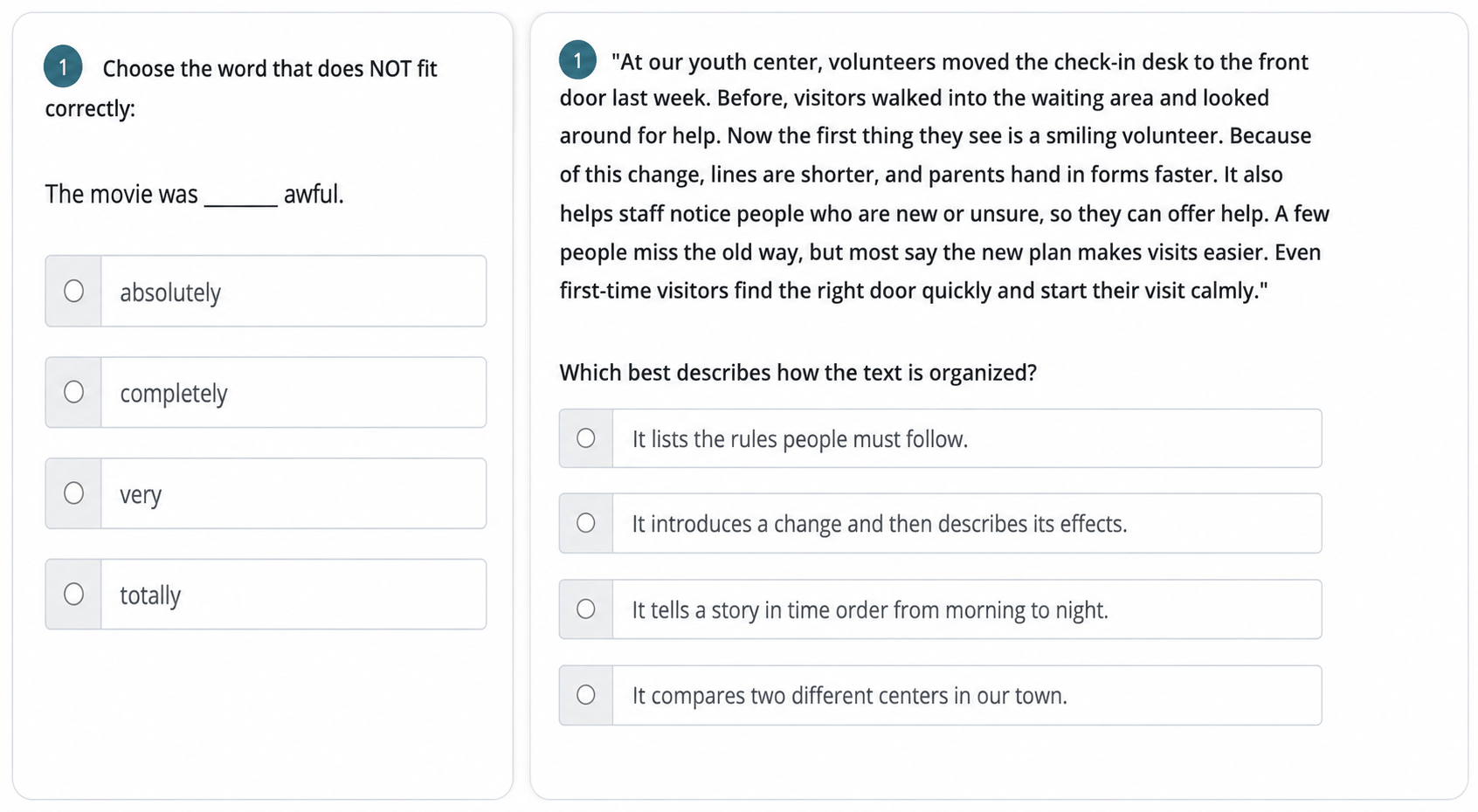
Grammar and Reading assessment question examples
Show summary
What changed

We've launched a new Adaptive Placement Test alongside our existing Standard Placement Test. When assigning a placement test, teachers now choose between the two. The Adaptive test adjusts question difficulty based on each student's responses in real time, delivering precise proficiency results in around 10 minutes per section, compared to the Standard test's comprehensive 100+ question format. Teachers can assign Grammar, Reading or both, and each section can be reassigned individually for progress tracking between levels.

Initial release: Grammar and Reading.

The Listening, Writing and Speaking sections are also available.

Why it matters

The Standard Placement Test is thorough — it covers every grammar point in the Off2Class scope and gives teachers a detailed, question-by-question gap analysis. But that depth comes with trade-offs: every student starts with the same 100 grammar questions regardless of level, and difficulty increases linearly. For younger students, lower-level students, or any classroom with limited testing time, a shorter path to the same proficiency result makes a real difference.

The Adaptive test starts with a mid-level question and adjusts up or down based on the student’s answers, zeroing in on their proficiency without requiring them to work through items far above or below their level. A newcomer gets a shorter, level-appropriate experience, and an advanced student doesn’t have to spend time answering questions that are too simple. And because sections are independent, a teacher who only needs to assess reading — maybe before assigning Reading for Newcomers or after a targeted intervention — can do just that without requiring the full battery.

Results display in the same proficiency frameworks teachers already use (WIDA, TELPAS, CEFR, CA ELD or NY), include question-level detail showing what the student got right and wrong, and display recommended lessons for each wrong answer — the same actionable output as the Standard test, in a fraction of the time.

December 2025

Platform AnnouncementHomework

Homework Writing Auto-Scoring

Free-text homework questions now receive automatic scores and AI-generated feedback.

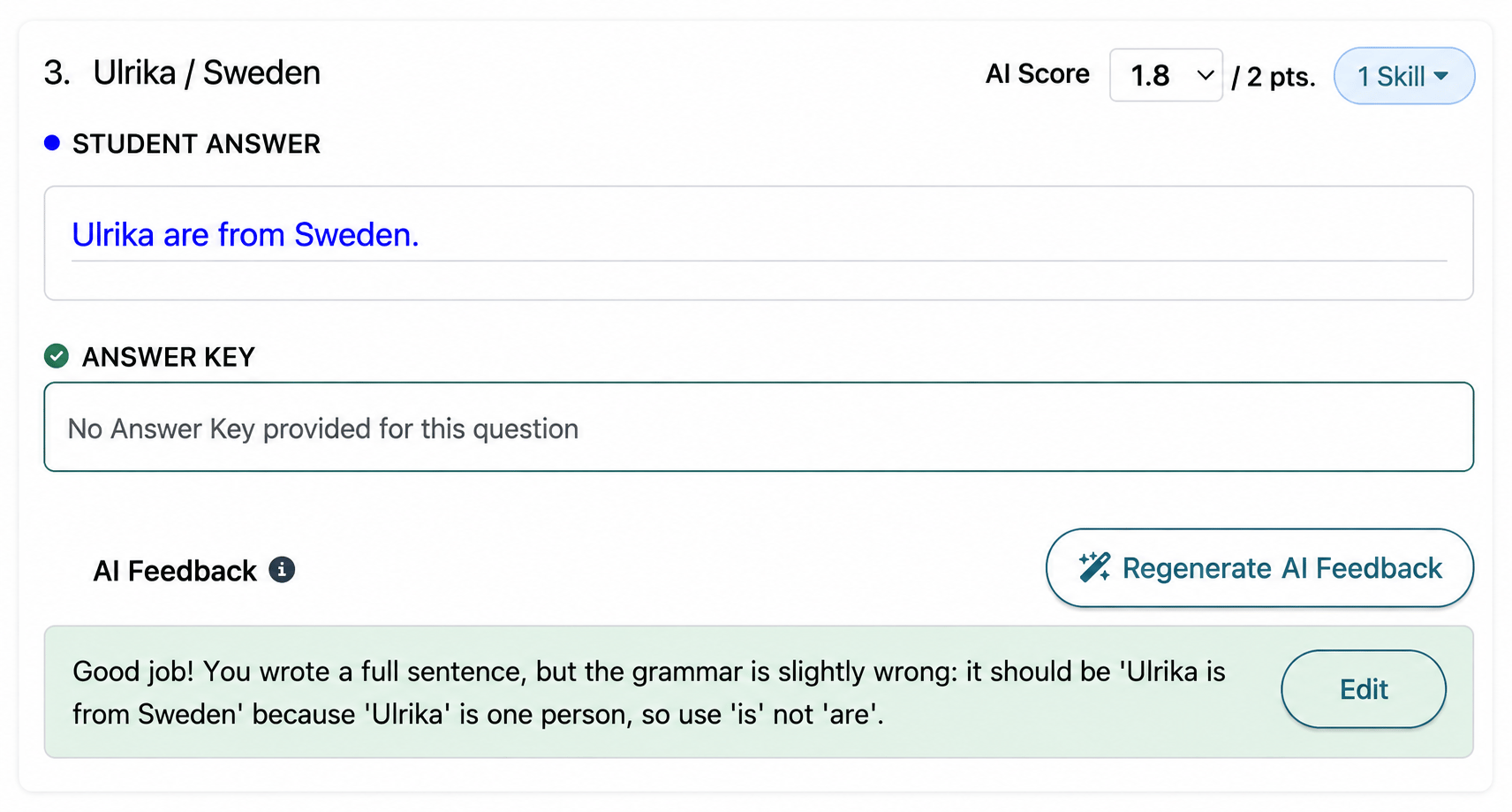
Written student response with an AI score and editable feedback
Show summary
What changed

Free-text homework questions now receive automatic scores and AI-generated feedback. When a student submits homework, Off2Class evaluates their written responses and provides a suggested score and feedback for each question. Teachers review everything before students can see it which means that nothing goes to students automatically. Teachers can edit scores, rewrite feedback, or add their own notes at any time.

Why it matters

Grading free-text writing is one of the most time-consuming parts of teaching with homework. A teacher with 30 students who each submitted a 10-question homework set is looking at 300 individual written responses to read, score, and comment on. In practice, that means feedback gets delayed, or it gets thin, or it doesn't happen at all.

Auto-scoring changes the workflow from "grade everything from scratch" to "review and adjust." The AI handles the first pass — scoring responses and drafting feedback — and the teacher acts as the editor. For responses that are clearly correct, there's nothing to do. For responses that need nuance, the teacher refines the score or rewrites the feedback. The result is faster turnaround, more consistent feedback, and more time for the instructional work that actually requires a human.

This is a teacher tool, not a student-facing one. Students never see scores or feedback until the teacher releases them. The AI works for the teacher, not in place of them, so teachers retain full control over what their students receive.

November 2025

Platform AnnouncementTeaching Tools

Teacher Guides for newcomer and beginning-level lessons

You can prepare and adapt lessons with Teacher Guides for three newcomer and beginning-level curriculum tracks.

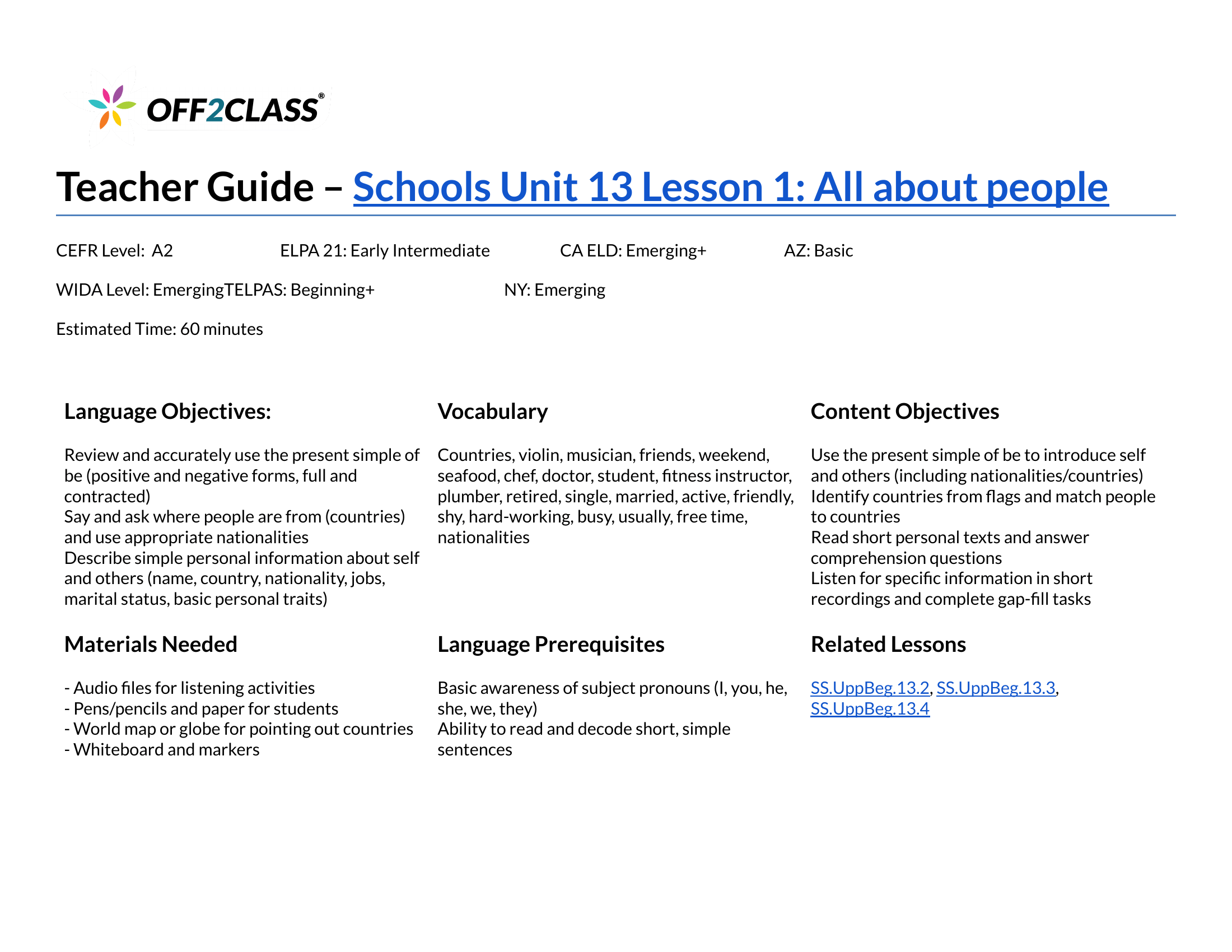
Example Teacher Guide for Schools Unit 13 Lesson 1, All about people, showing objectives, vocabulary and materials
Show summary
What changed

Teacher Guides are lesson companions for planning and adapting Off2Class lessons.

  • November 5, 2025: Teacher Guides launch for three curriculum tracks, with step-by-step instructions, differentiation tips and engagement strategies.

This release covers:

  • Step-by-Step Curriculum Newcomers.
  • Step-by-Step Curriculum for Schools Beginner.
  • Step-by-Step Curriculum for Schools Upper Beginner.
Why it matters

Use the guides to adapt a lesson to your students' needs. The instructions, differentiation tips and engagement strategies support your lesson preparation.

How to use it

October 2025

Release RoundupClassroom, Lessons

Lesson Library refreshes and navigation updates

You can browse 53 refreshed lessons, use framework-based library ordering and find the replacements for Letters & Sounds.

6 updates in this roundup
Show summary
What changed
Library order by framework

Your selected framework now determines the order of lesson groups in the Lesson Library.

Letters & Sounds retirement

Foundational Literacy and Step-by-Step Curriculum Newcomers replace the removed standalone Letters & Sounds lessons.

Letters & Sounds lessons are no longer in the Lesson Library.

Clearer gap-fill editing label

In the Classroom, Disable Editing Gap-Fills is the clarified label for turning off gap-fill editing in the Scaffolding Menu.

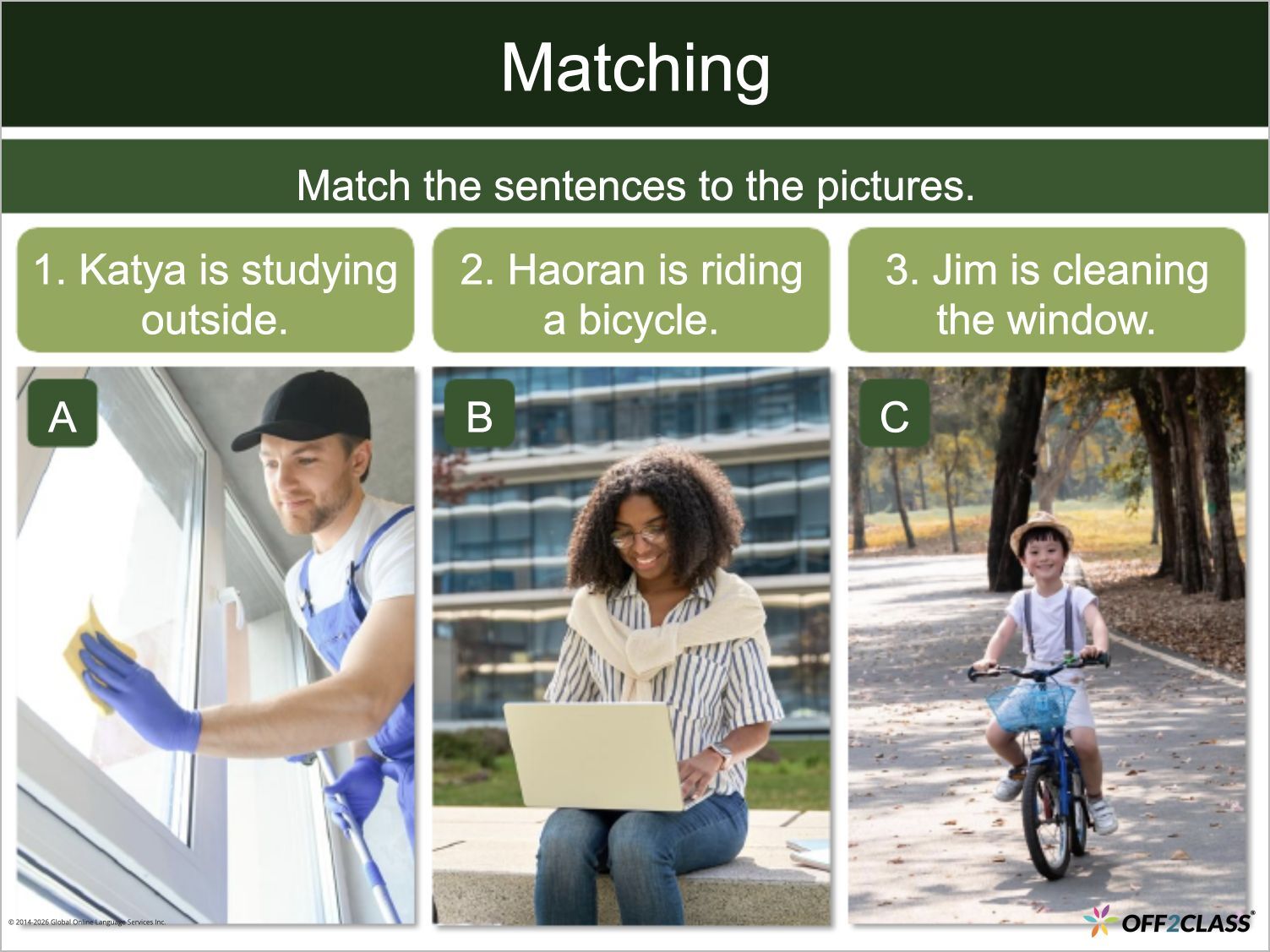
Verbs – Continuous refresh

The Verbs – Continuous group has 21 refreshed standalone lessons.

The refresh includes updated content, improved visual design and enhanced teaching features.

Prepositions refresh

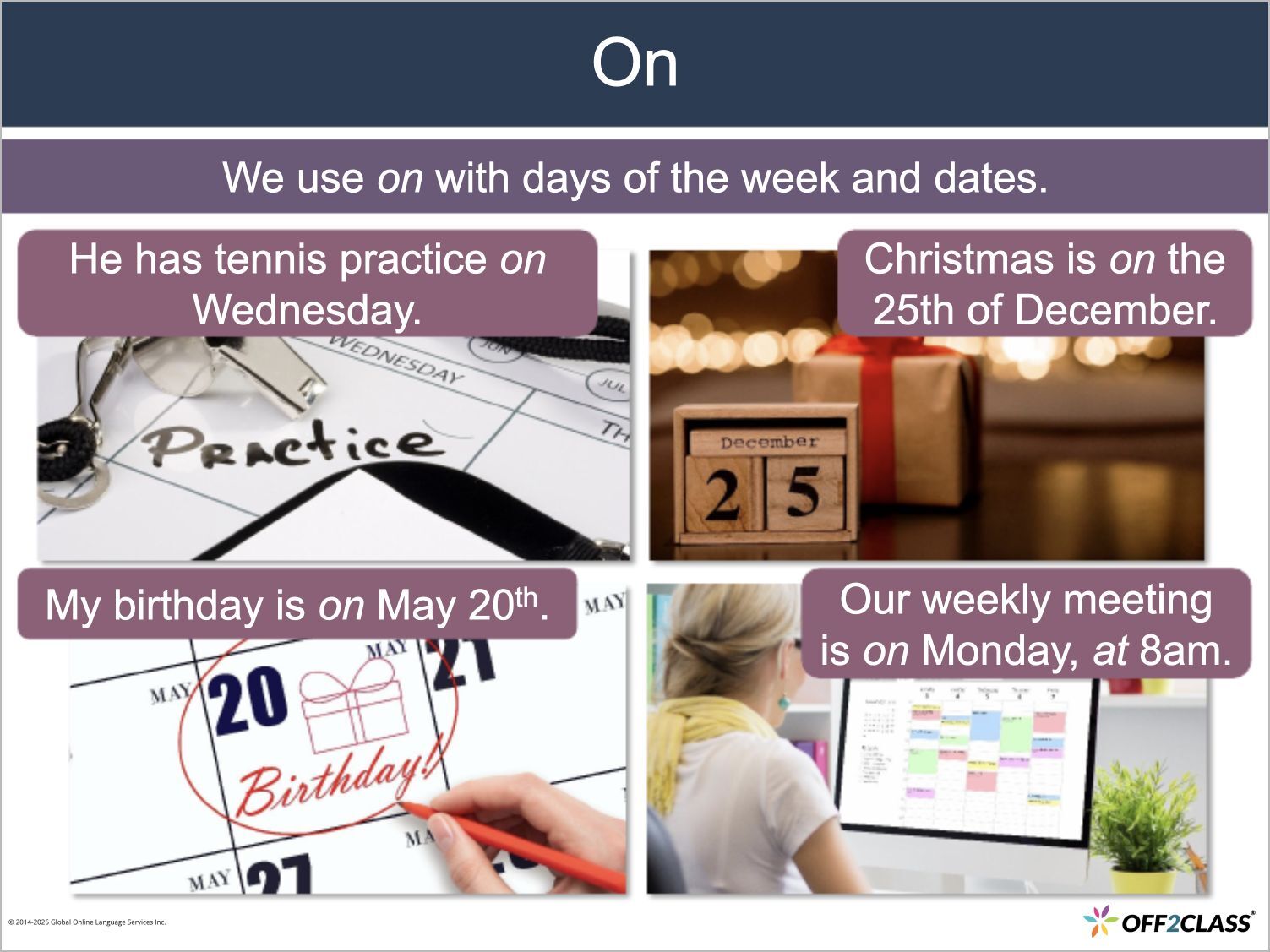
The Prepositions group has 20 refreshed standalone lessons.

The refresh includes updated content, improved visual design and enhanced teaching features.

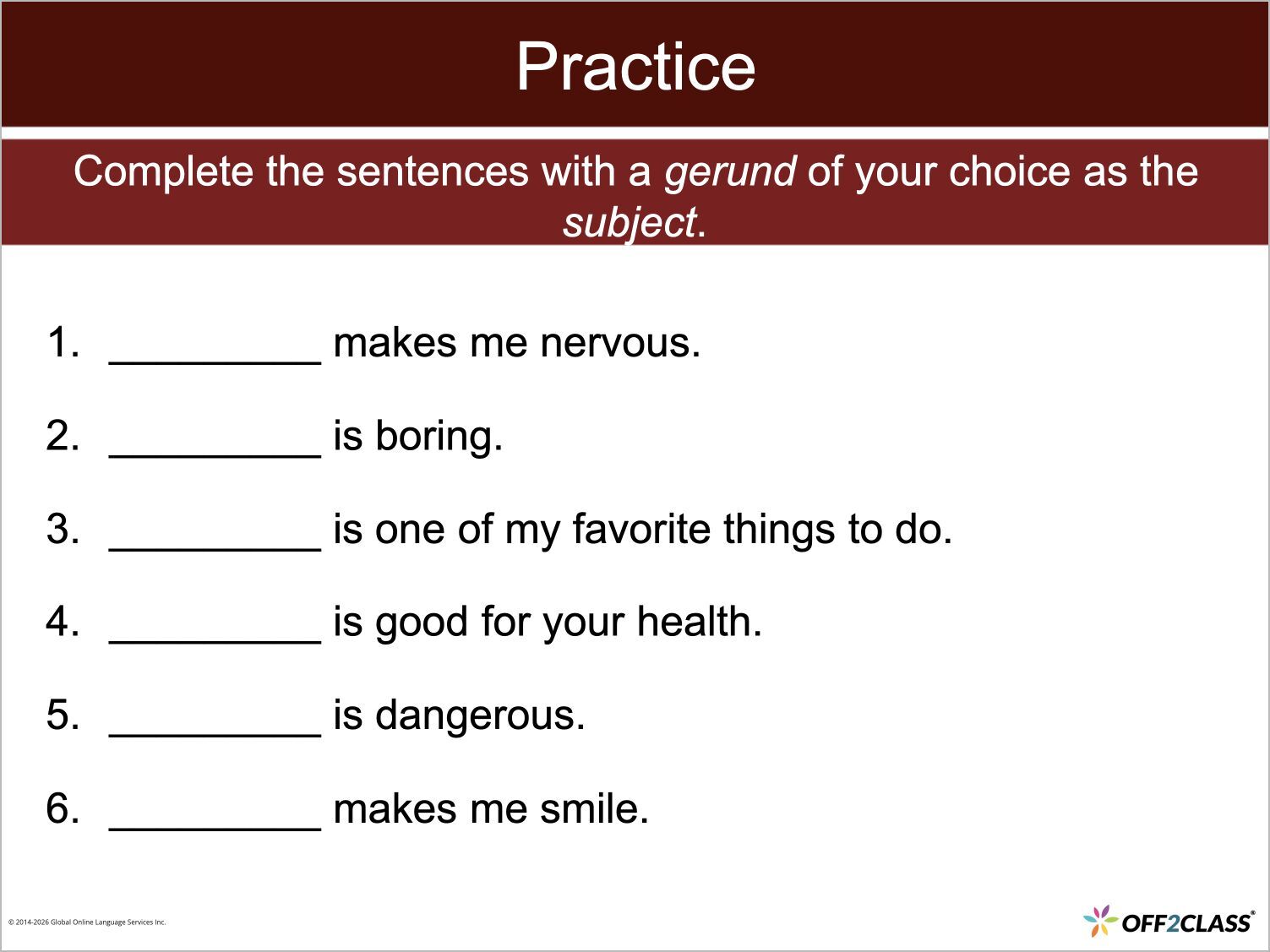
Gerunds & Infinitives refresh

The Gerunds & Infinitives group has 12 refreshed standalone lessons.

The refresh includes updated content, improved visual design and enhanced teaching features.

July 2025

Release RoundupLessons

Refreshed lessons for idioms, description and modal verbs

You can use 79 refreshed standalone lessons for idioms, adjectives, adverbs and modal verbs.

3 updates in this roundup
Show summary
What changed
Idioms refresh

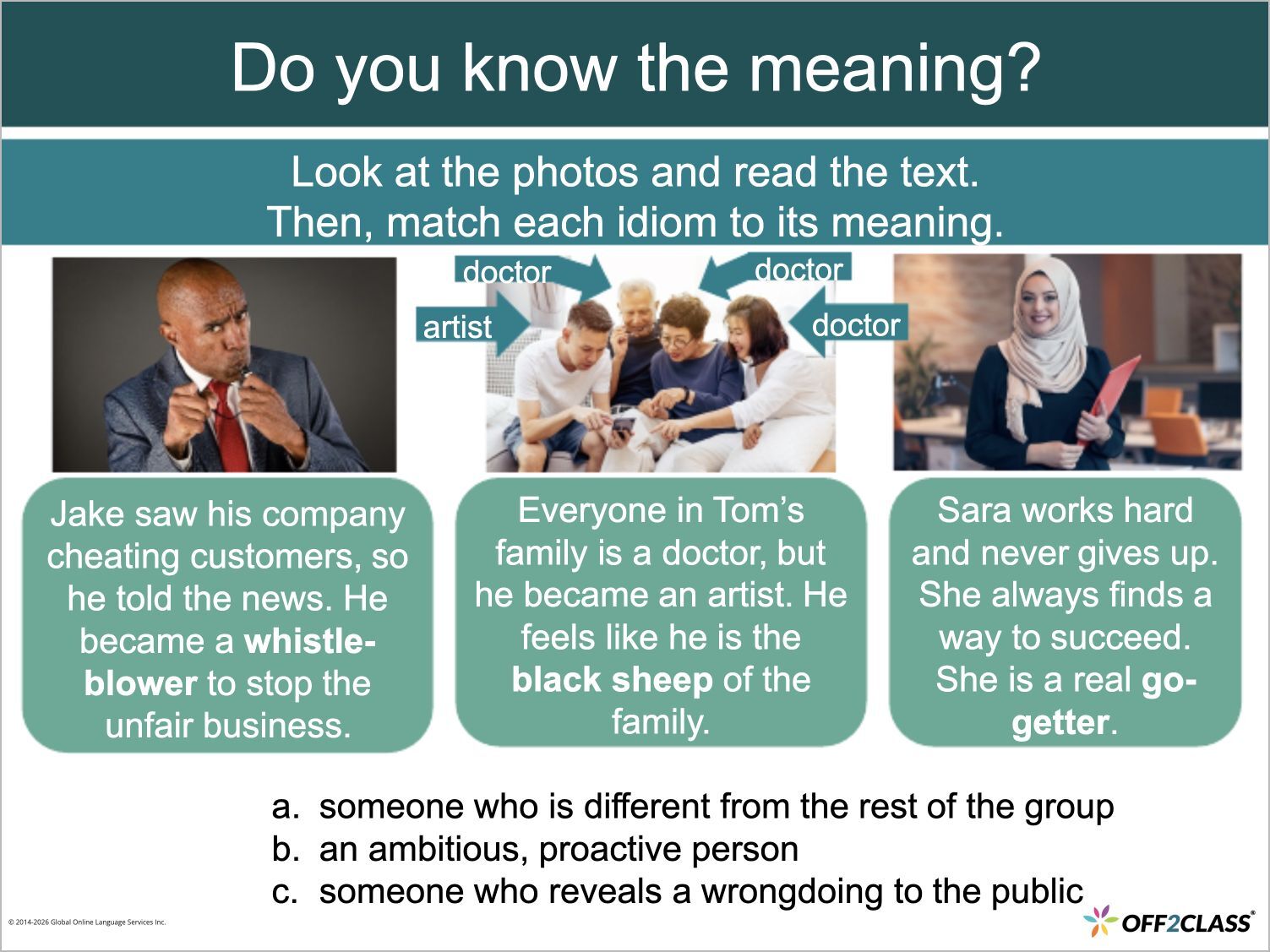
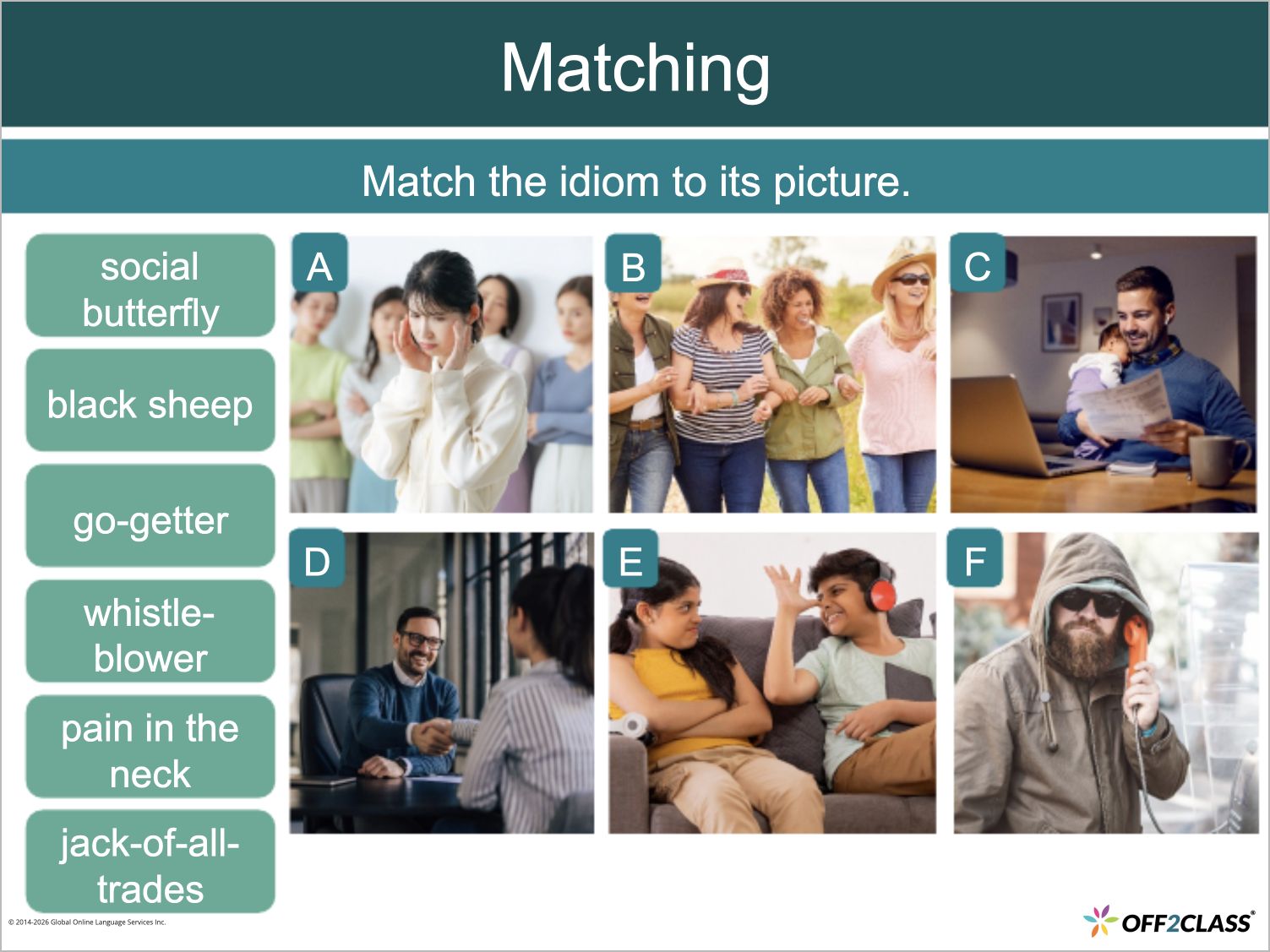
The Idioms group has 31 refreshed standalone lessons.

The refresh includes updated content, improved visual design and enhanced teaching features.

Adjectives & Adverbs refresh

The Adjectives & Adverbs group has 27 refreshed standalone lessons.

The refresh includes updated content, improved visual design and enhanced teaching features.

Verbs – Modals refresh

The Verbs – Modals group has 21 refreshed standalone lessons.

The refresh includes updated content, improved visual design and enhanced teaching features.

June 2025

Release RoundupAccounts

Independent and international subscriptions: student capacity updates

Owners of Independent & International subscriptions can select exact student capacity, starting at five students.

2 updates in this roundup
Show summary
What changed
Standard subscription removed

These changes apply to Independent & International subscriptions.

The Standard subscription is removed and the minimum student capacity changes from two to five.

Exact student capacity

For Independent & International subscriptions, you no longer need to choose from preset capacity blocks.

As an owner, you can select the exact student capacity you need, starting at five students.

May 2025

Release RoundupClassroom, Accounts

Manage teacher and student transfers in Off2Class

Managers can request teacher transfers in Off2Class, students receive transfer requests in the application and Class Management has a larger entry button.

3 updates in this roundup
Show summary
What changed
Teacher transfer requests

As a manager, you can request a teacher transfer from another enterprise in Off2Class.

Larger Class Management button

In the Student Management Panel, the Enter Class Management button is larger.

Select it to open Class Management.

Student transfer requests

Students receive transfer requests in Off2Class.

April 2025

Release RoundupLessons

Refreshed lessons for nouns, articles, conditions and wishes

You can teach nouns, articles, conditions and wishes with 53 refreshed standalone lessons.

2 updates in this roundup
Show summary
What changed
Nouns & Articles refresh

The Nouns & Articles group has 39 refreshed standalone lessons.

The refresh includes updated content, improved visual design and enhanced teaching features.

Conditions & Wishes refresh

The Conditions & Wishes group has 14 refreshed standalone lessons.

The refresh includes updated content, improved visual design and enhanced teaching features.

February 2025

Platform AnnouncementAssessments

Unit Checks for Foundational Literacy, Core Curriculum and Business English

You can assign 112 new Unit Checks across Foundational Literacy, Core Curriculum and Business English.

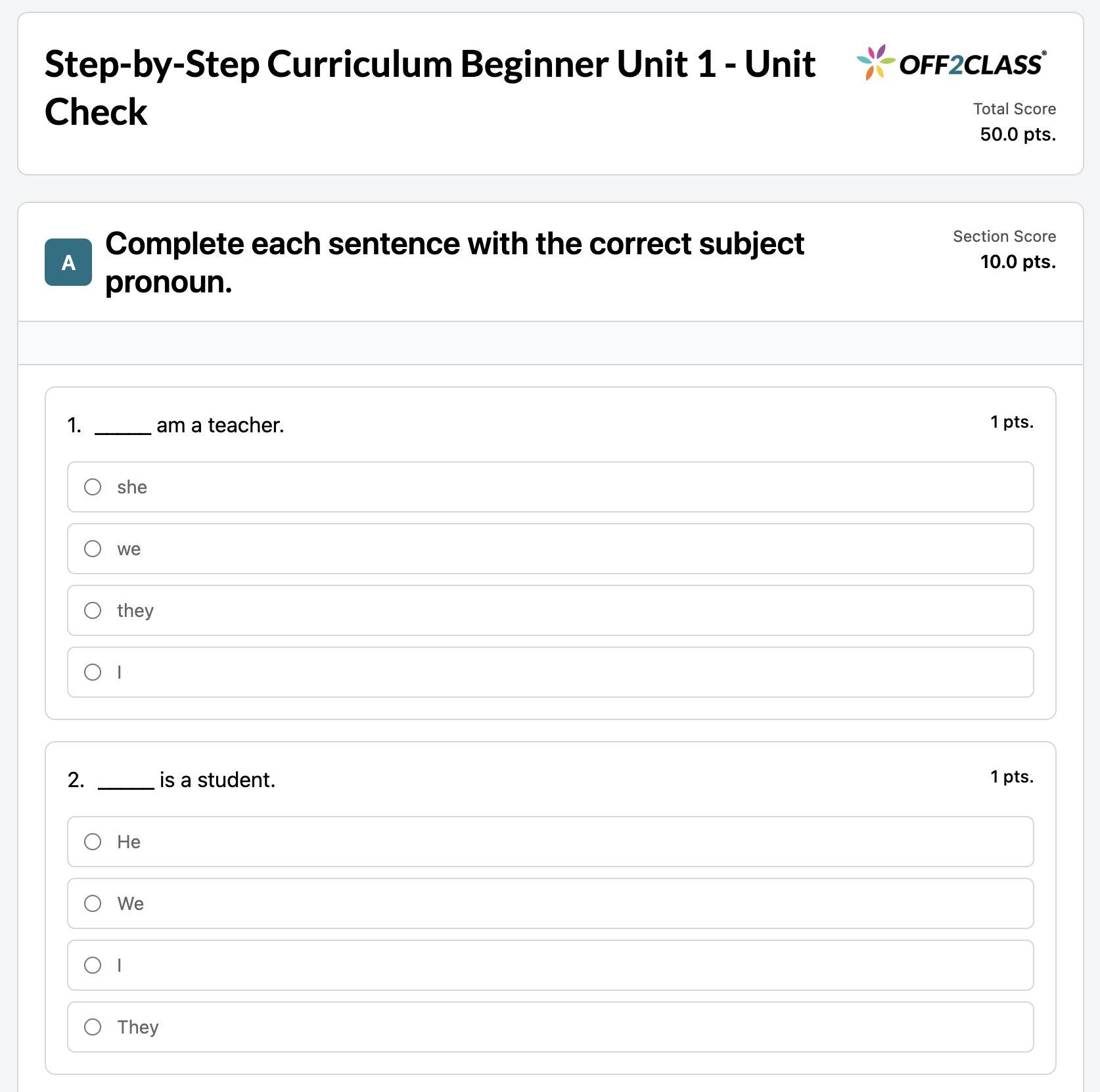
Example Unit Check from Step-by-Step Curriculum Beginner Unit 1, showing subject-pronoun questions
Show summary
What changed

Unit Checks are end-of-unit assessments that measure understanding of the lessons within each unit.

  • February 3, 2025: You can assign 112 new Unit Checks across Foundational Literacy, Core Curriculum and Business English.

Every unit in these three programs has a Unit Check:

  • Foundational Literacy: 12 Unit Checks.
  • Core Curriculum: 60 Unit Checks.
  • Business English: 40 Unit Checks.
Why it matters

You can check students' understanding of the lessons within each completed unit. The release adds assessment coverage across all units of these three programs.

How to use it

December 2024

Platform AnnouncementLessons

WIDA ACCESS preparation across four domains

Prepare for WIDA ACCESS with 24 new lessons covering Reading, Listening, Speaking and Writing.

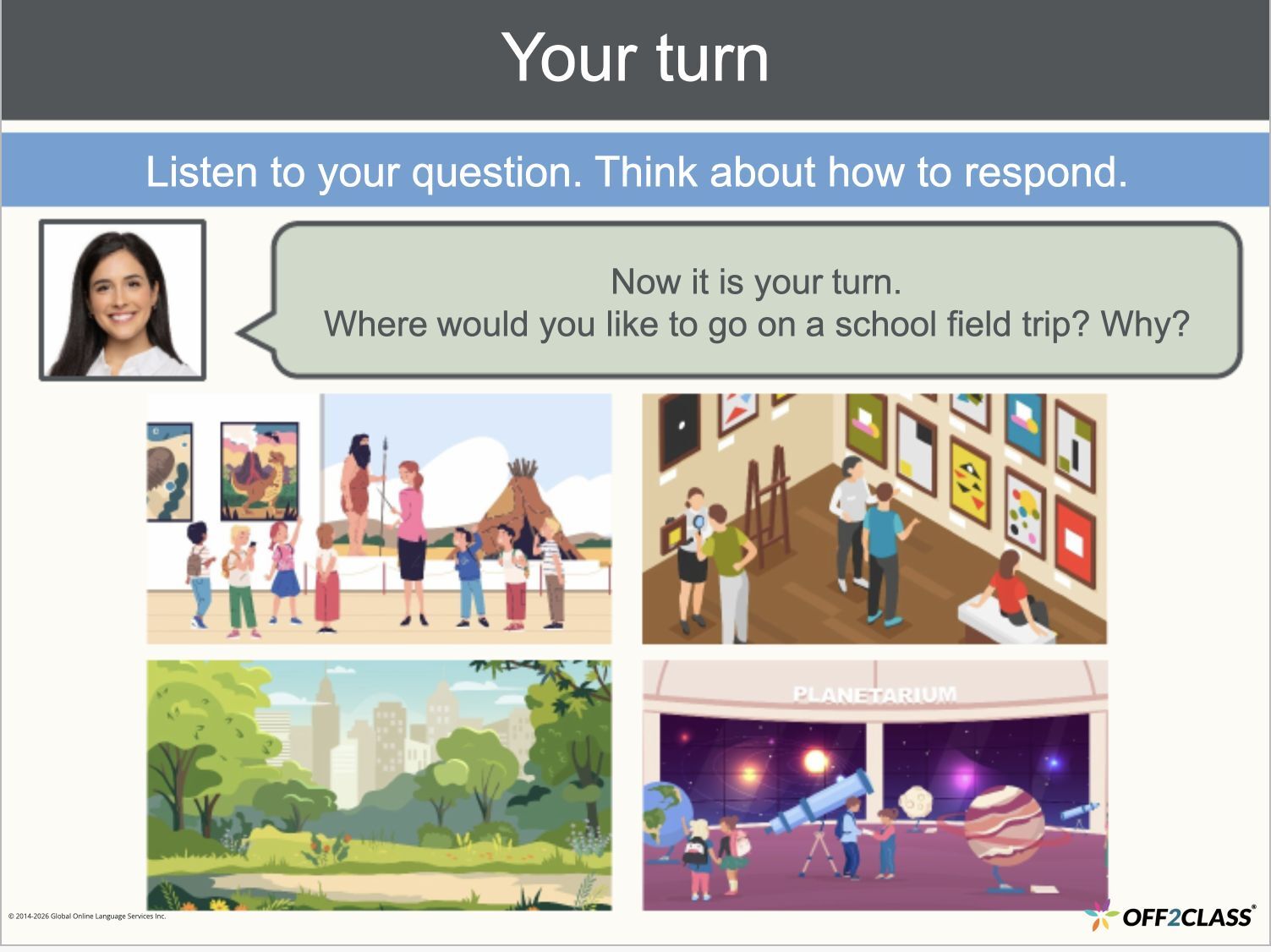
WIDA ACCESS: Speaking: Lesson 1 — Introduction to Speaking, Slide 10 of 50.
Speaking — School field trips
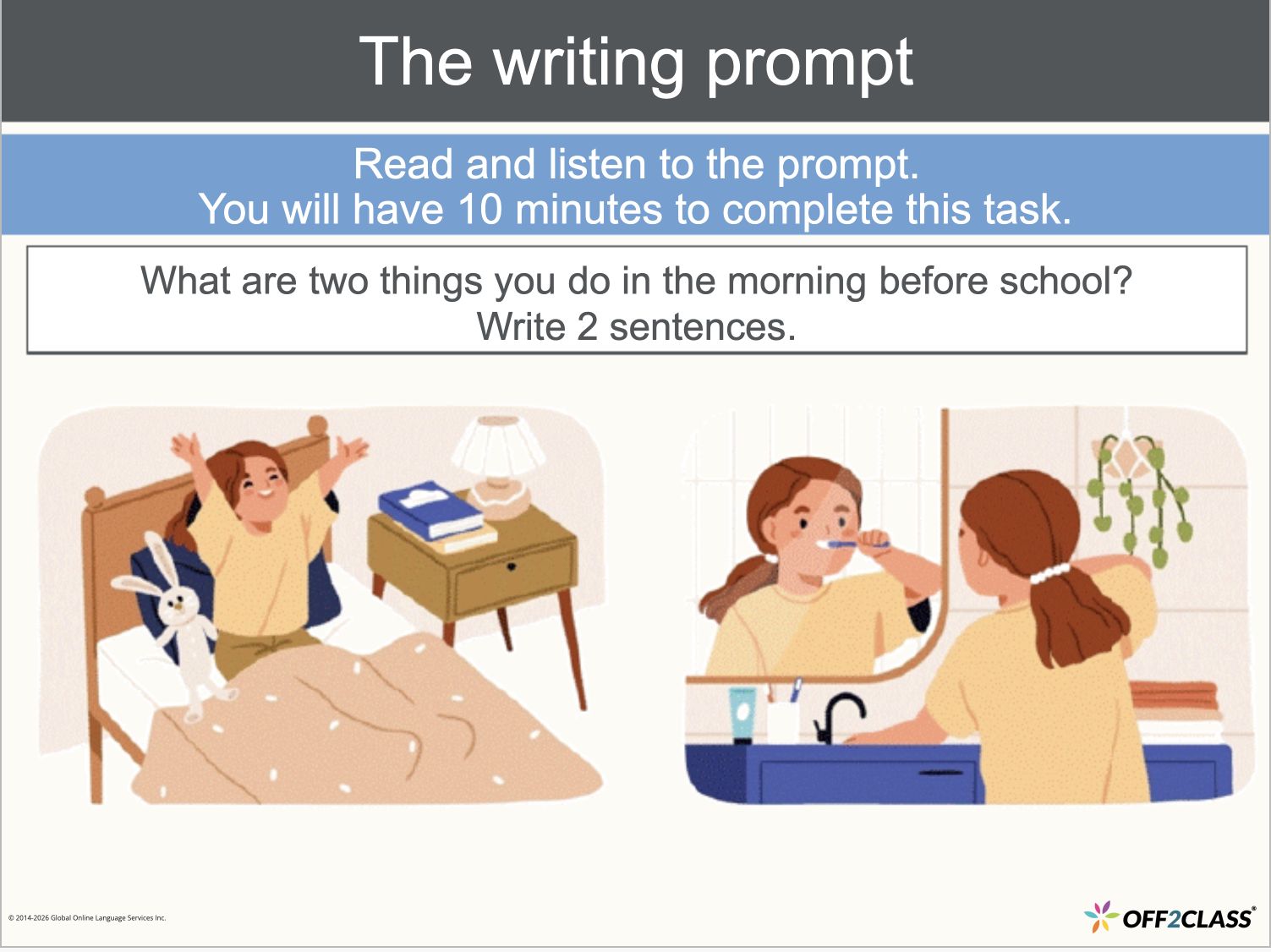
WIDA ACCESS: Writing: Lesson 1 — Introduction to Writing, Slide 7 of 43.
Writing — Morning routines
Show summary
What changed
  • December 3, 2024: WIDA ACCESS Reading adds six new lessons, Lessons 1–6, preparing students for the reading component.
  • December 3, 2024: WIDA ACCESS Listening adds six new lessons, Lessons 1–6, preparing students for the listening component.
  • December 6, 2024: WIDA ACCESS Speaking adds six new lessons, Lessons 1–6, preparing students for the speaking component.
  • December 6, 2024: WIDA ACCESS Writing adds six new lessons, Lessons 1–6, preparing students for the writing component.
Why it matters

You can prepare students for each ACCESS component with a dedicated set of lessons.

Release RoundupAssessments, General platform

Teacher activity reporting and clearer assessment labels

See lesson browsing time without enrolled students and consistent Unit Check wording across the interface.

2 updates in this roundup
Show summary
What changed
Lesson browsing time

As an enterprise manager, you can track time teachers spend browsing lessons without enrolled students in a new dashboard view.

Consistent Unit Check labels

Teachers and students see Unit Checks used consistently for assessment labels across the interface.

Unit Checks are end-of-unit assessments.

November 2024

Platform AnnouncementLessons

Expanded Core Curriculum: Science and Social Studies

Explore 12 new Social Studies lessons and 24 new or updated Science lessons at the Pre-Intermediate level.

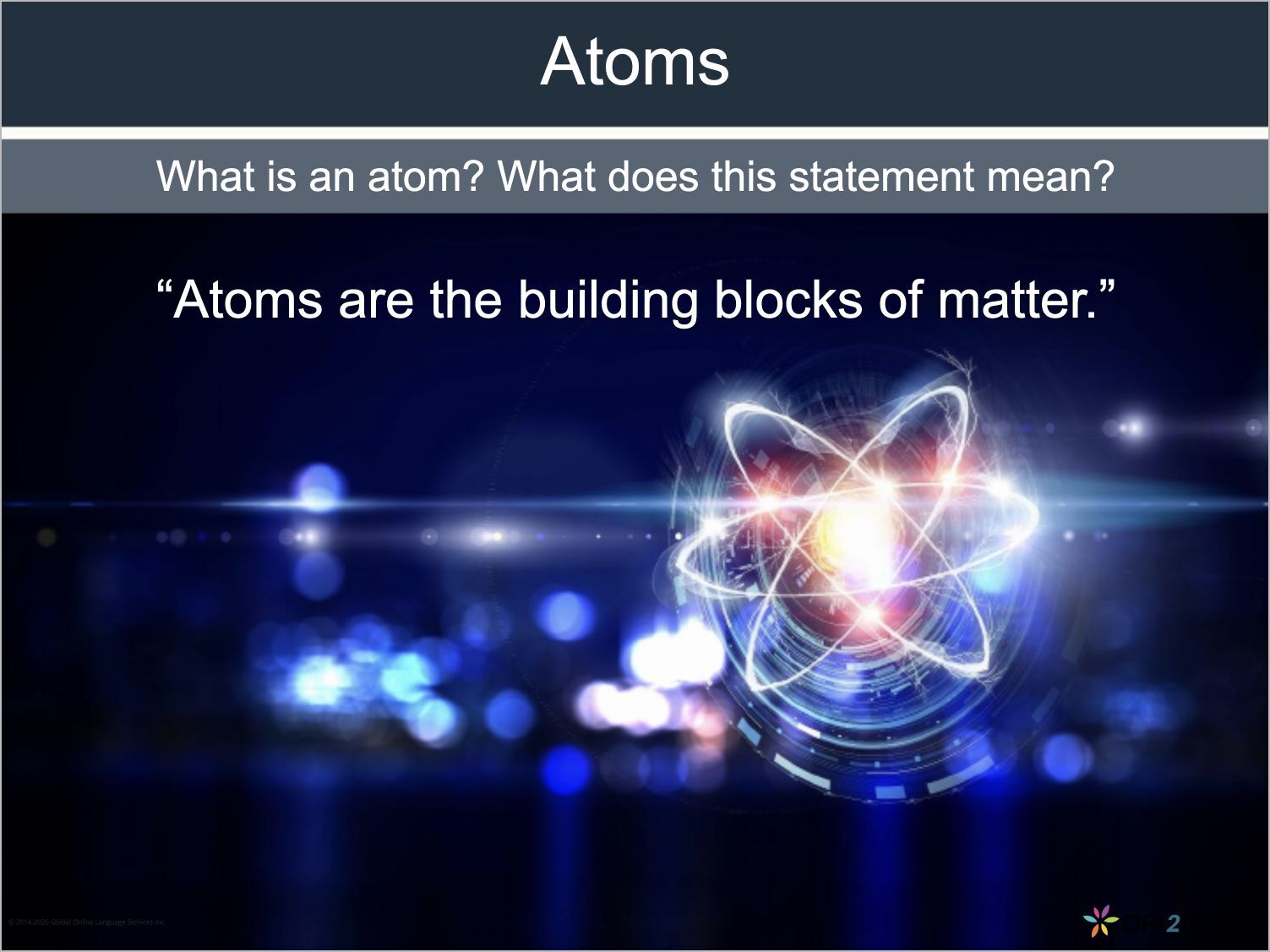
Core Curriculum: Science: Unit 7, Lesson 1 — Atoms and elements, Slide 2 of 25.
Science — Atoms and elements
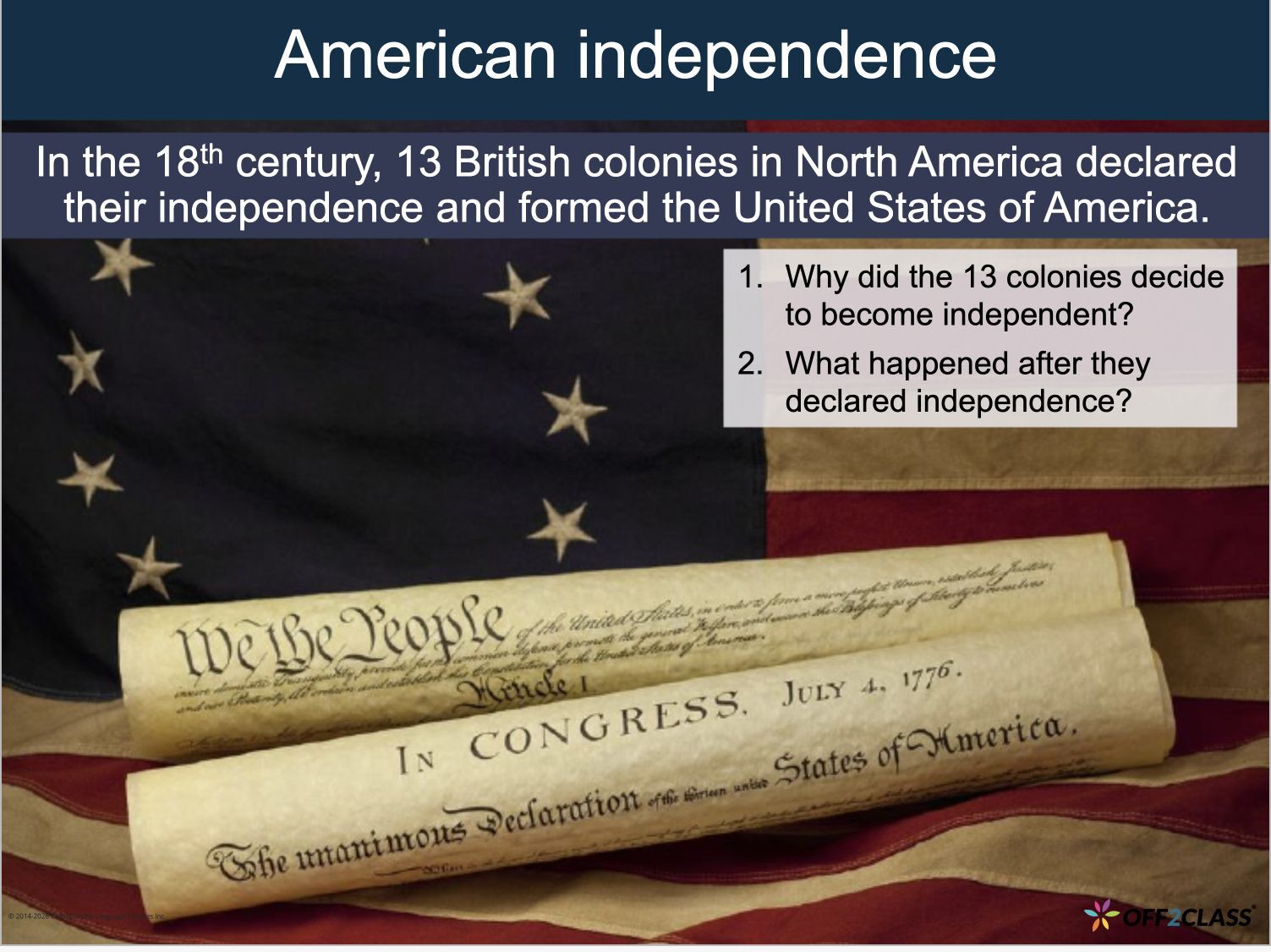
Core Curriculum: Social Studies: Unit 7, Lesson 1 — Background to the American Revolution, Slide 2 of 15.
Social Studies — American independence
Show summary
What changed
  • November 28, 2024: Core Curriculum Social Studies adds 12 new lessons across six units, Units 7–12.
  • November 28, 2024: Core Curriculum Science includes 24 new and updated lessons across 12 units. Units 7–12 are new. Units 1–6 have been updated to be less content-heavy.

Both subjects cover language and skills for Pre-Intermediate English Learners in their subject classrooms.

Why it matters

You can teach academic language for science and social studies with subject-specific lessons.

The Science expansion adds units while reducing content density in Units 1–6.

September 2024

Platform AnnouncementLessons

Step-by-Step Curriculum for Schools: Beginner and Upper Beginner

Teach secondary school students with 84 new lessons across 24 units at Beginner and Upper Beginner levels.

Step-by-Step Curriculum for Schools: Beginner: Unit 1, Lesson 1 — Let’s start, Slide 2 of 21.
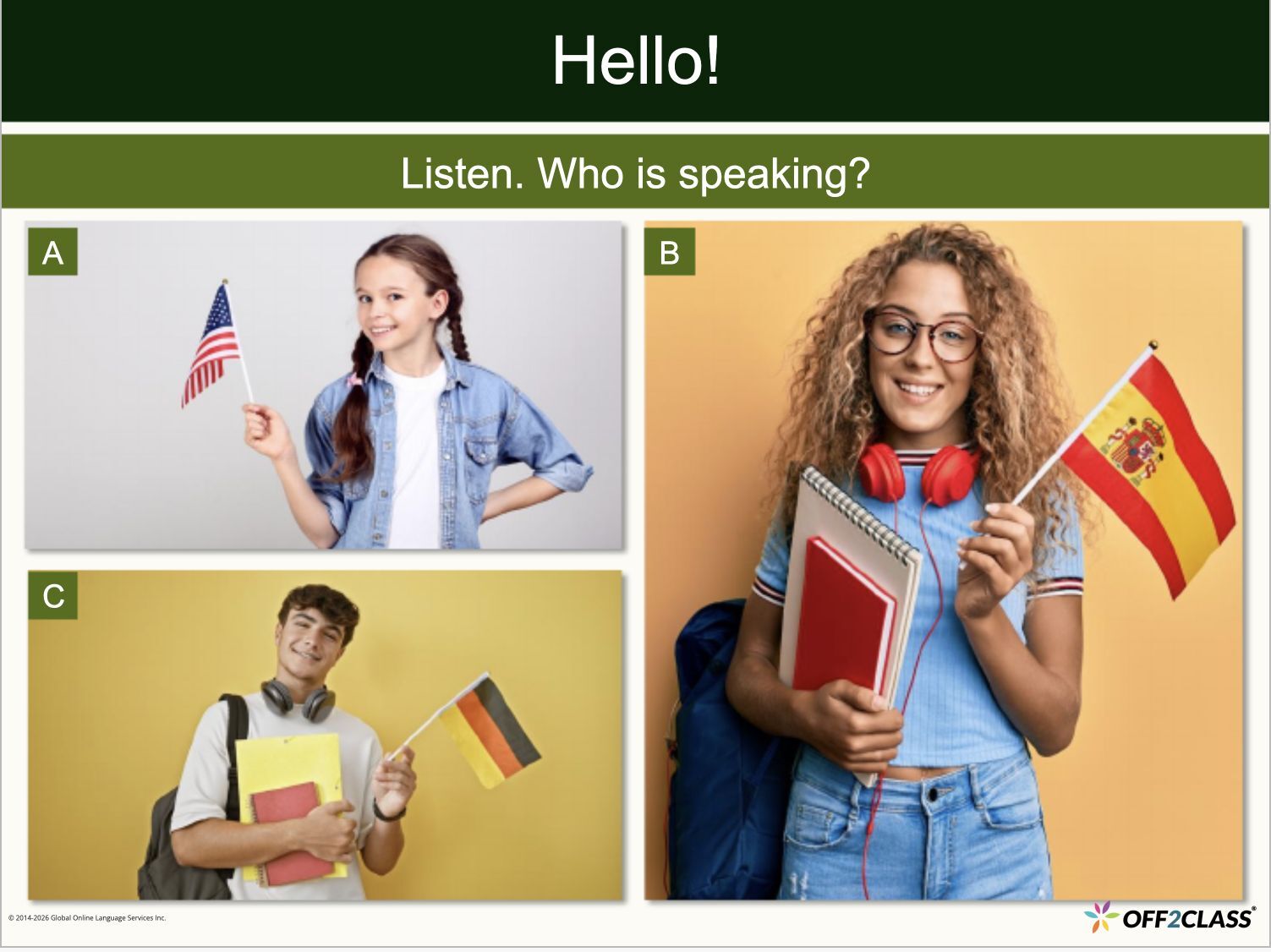
Beginner — Hello!
Step-by-Step Curriculum for Schools: Upper Beginner: Unit 13, Lesson 1 — All about people, Slide 4 of 27.
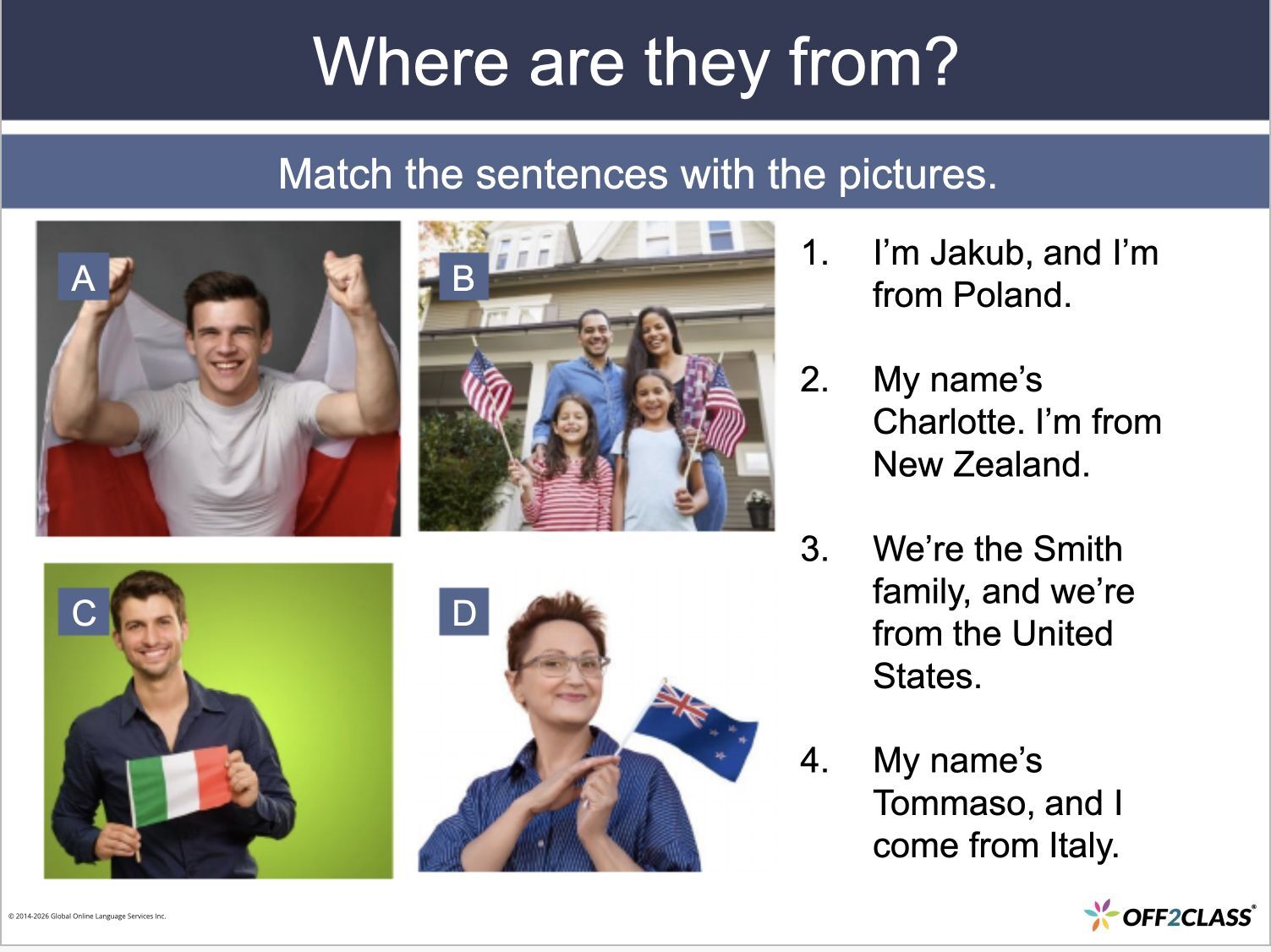
Upper Beginner — Where are they from?
Show summary
What changed
  • September 27, 2024: The Beginner release adds 36 new lessons across 12 units, Units 1–12.
  • September 27, 2024: The Upper Beginner release adds 48 new lessons across 12 units, Units 13–24.

Both levels contain speaking, reading, listening and writing tasks. Vocabulary and objectives resources accompany the curriculum.

  • October 8, 2024: Secondary School Curriculum is renamed Step-by-Step Curriculum for Schools.
Why it matters

You can teach all four language domains through lessons written for secondary school students at these two proficiency levels.

Release RoundupHomework, Assessments, Classroom, Teaching Tools, Lessons, General platform, Accounts

Lesson planning and back-to-school platform improvements

Use new planning resources and Unit Checks, with updates to courses, student records and Lesson Library navigation.

9 updates in this roundup
Show summary
What changed
Pre-populated courses

As an enterprise manager, you have 12 new pre-populated courses for lessons added in 2024.

  • General English for Newcomers
  • Classroom Language and Skills
  • Language Arts
  • Mathematics
  • Social Studies
  • Science
  • Civics and Citizenship
  • Literacy
  • Speaking for Newcomers 1
  • Reading for Newcomers 1
  • Speaking for Newcomers 2
  • Reading for Newcomers 2
Student names stay visible

The Student Name column stays visible as you scroll across the Student Management Panel.

You can view additional homework and assessment statuses and scores alongside student names.

Unit Checks for Newcomers

You can assign 12 new Unit Checks for Units A–L of Step-by-Step Curriculum Newcomers.

Unit Checks are end-of-unit assessments.

Clearer standards filters

You see updated standards filter styling and the word filters identifying the menu.

General level filters, including Absolute Beginner and Beginner, are removed. These general labels are also removed wherever levels appear.

Business Curriculum vocabulary sheet

You can use a new Step-by-Step Business Curriculum vocabulary sheet covering Pre-Intermediate to Advanced lessons.

The sheet makes Business English Curriculum vocabulary accessible for planning around your needs.

Progress Tests renamed Unit Checks

You now find Progress Tests under the name Unit Checks.

Password restrictions

You can no longer use certain weak passwords, regardless of your account role.

Lesson Library spreadsheet

You can use a new shareable Lesson Library spreadsheet with key information about every lesson, across all levels.

Access the sheet through Teaching Tools.

Popular modules at the top

You see the most popular modules at the top of the Lesson Library.

August 2024

Platform AnnouncementLessons

Expanded Core Curriculum: Language Arts and Mathematics

Explore 12 new Language Arts lessons and 24 new or updated Mathematics lessons at the Pre-Intermediate level.

Core Curriculum: Language Arts: Unit 7, Lesson 1 — Poetic forms, Slide 3 of 15.
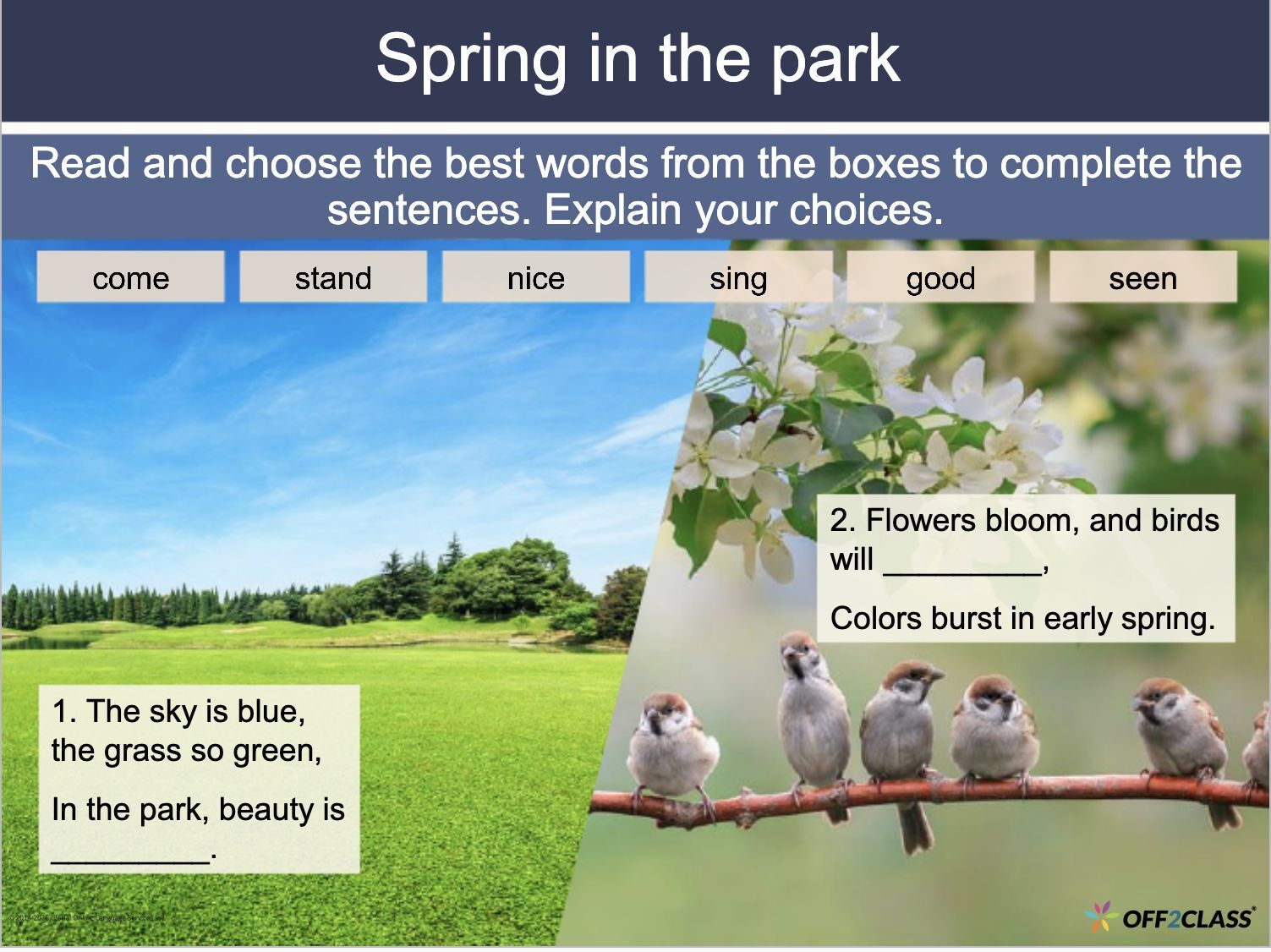
Language Arts — Spring in the park
Core Curriculum: Mathematics: Unit 7, Lesson 1 — Data analysis, Slide 2 of 17.
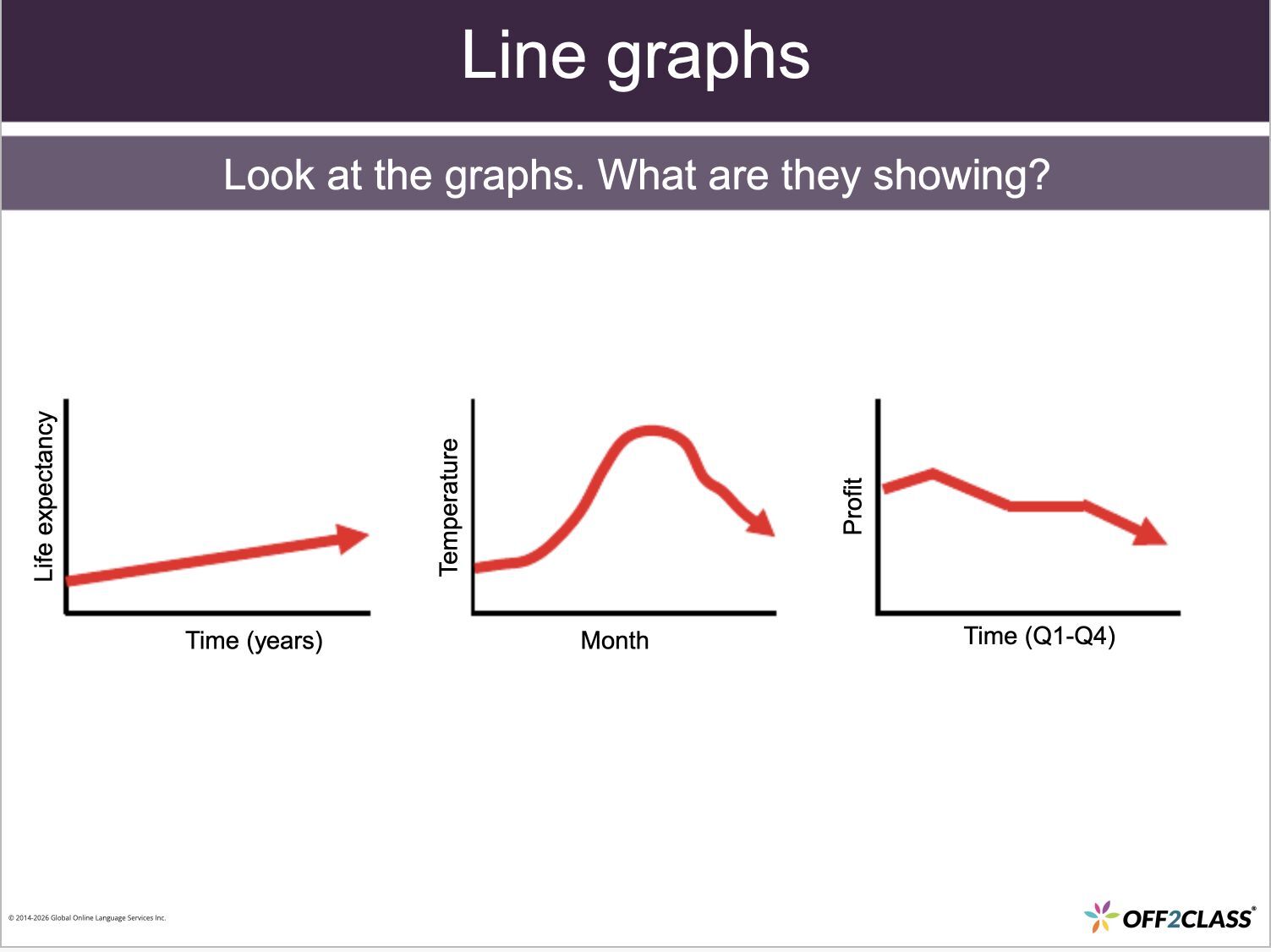
Mathematics — Line graphs
Show summary
What changed
  • August 22, 2024: Core Curriculum Language Arts adds 12 new lessons across six units, Units 7–12.
  • August 22, 2024: Core Curriculum Mathematics includes 24 new and updated lessons across 12 units. Units 7–12 are new. Units 1–6 have been updated to be less content-heavy.

Both subjects cover language and skills for Pre-Intermediate English Learners in their subject classrooms.

Why it matters

You can teach academic language for language arts and mathematics with subject-specific lessons.

The Mathematics expansion adds units while reducing content density in Units 1–6.

July 2024

Release RoundupTeaching Tools, Lessons

More lessons and planning support for newcomers

Explore nine new Step-by-Step Curriculum Newcomers lessons and a vocabulary sheet for planning.

4 updates in this roundup
Show summary
What changed
Newcomers Unit J: Clothing

Unit J adds three new lessons, starting with Clothing.

Newcomers Unit K: Time, dates and weather

Unit K adds three new lessons, starting with Time, dates and weather.

Newcomers Unit L: Basic adjectives

Unit L adds three new lessons, starting with Basic adjectives.

These nine additions are part of the 36-lesson Step-by-Step Curriculum Newcomers module for students building foundation-level language skills.

Newcomers vocabulary sheet

You can use a new Step-by-Step Curriculum Newcomers vocabulary sheet to find the module’s vocabulary and tailor it to your needs.

The sheet covers the Absolute Beginner module.

June 2024

Release RoundupHomework, Assessments, Classroom, Accounts

Class setup and Placement Test management

Assign Placement Tests to a class, group assignments by date and manage student and teacher connections.

6 updates in this roundup
Show summary
What changed
Show or hide students

You can show or hide students in the Student Management Panel using the disclosure triangle.

Placement Tests grouped by date

In Class Management, you see one column for Placement Tests assigned to multiple students on the same date.

Assign Placement Tests to a class

As a teacher, you can select Classes when assigning Placement Tests to send tests to an entire class.

Remove multiple teachers

As an enterprise manager, you can select Remove teachers in the bulk actions menu to remove multiple teachers.

Manage teachers in Off2Class.

View Slides in homework

Students see View Slides instead of View Summary in Homework.

Automatic teacher connections for class members

Important: When you add a student to a class in the Enterprise Management Panel, the existing class teachers automatically become that student’s teachers.

May 2024

Platform AnnouncementLessons

Foundational Literacy: 48 lessons across 12 units

Build foundational reading, writing and literacy skills with 48 new Absolute Beginner lessons across 12 units.

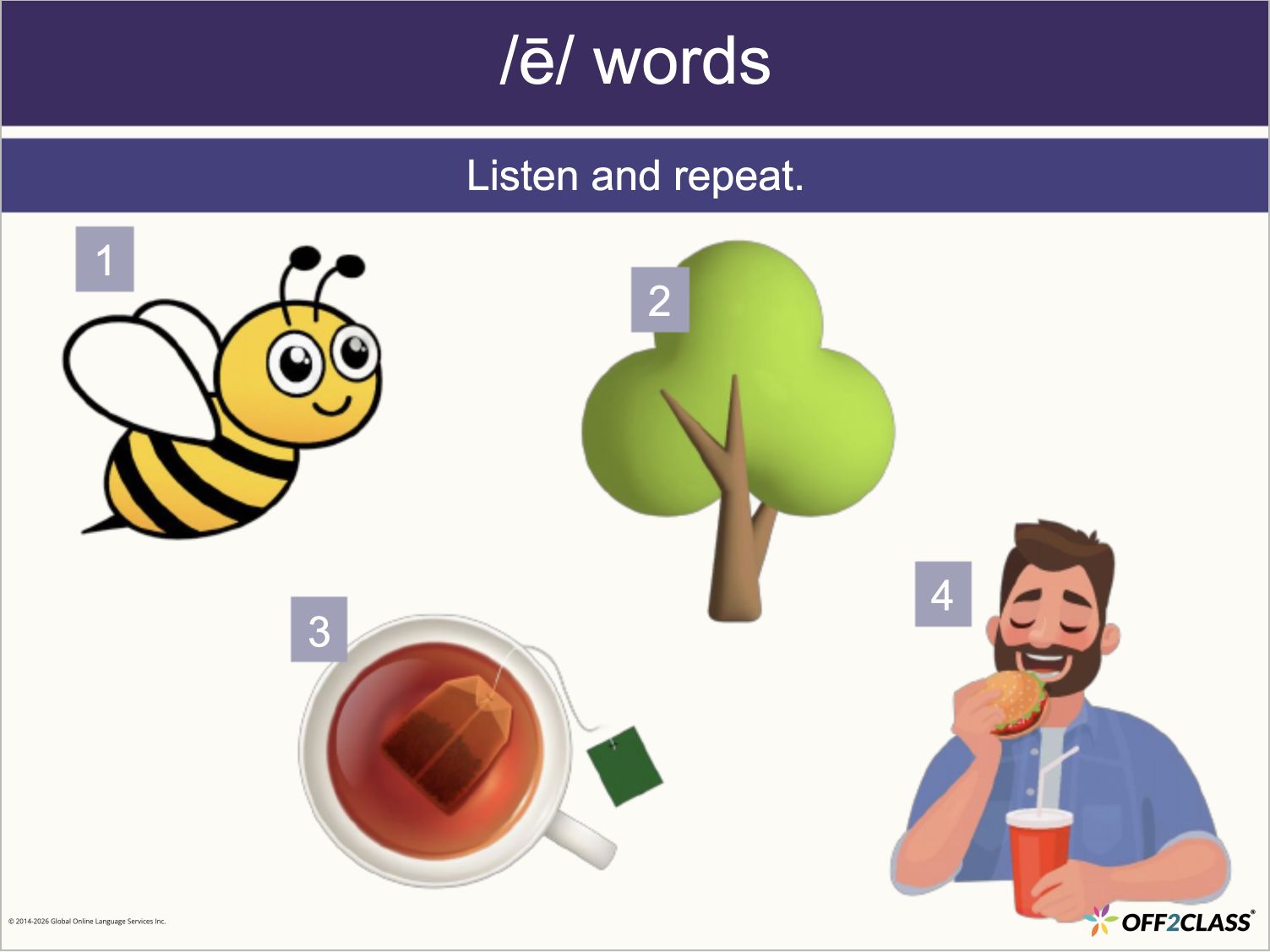
Foundational Literacy: LS.1.1 — Simple vowels, Slide 4 of 24.
Phonics — /ē/ words
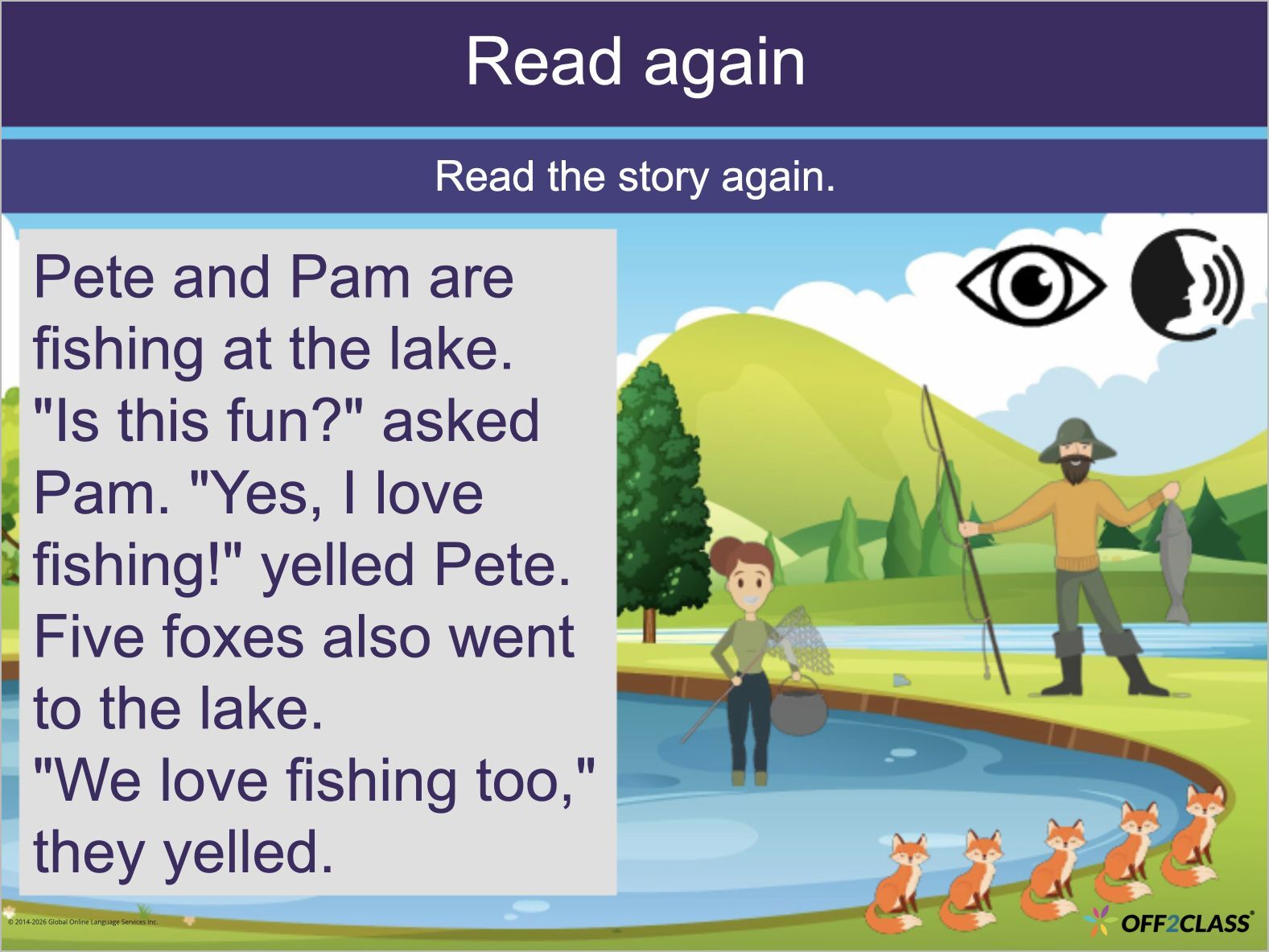
Foundational Literacy: LS.7.1 — es, ed, ing, Slide 26 of 26.
Decodable story — At the lake
Show summary
What changed
  • March 30, 2024: Foundational Literacy adds 24 new lessons across Units 1–6.
  • May 31, 2024: Foundational Literacy adds 24 new lessons across Units 7–12.

The Absolute Beginner series covers basic reading, writing and literacy.

Why it matters

You can support students who need foundational literacy skills to access other Off2Class content.

March 2024

Release RoundupHomework, Classroom, General platform, Accounts

Participation, homework and classroom administration

Record class participation, review homework scores in exports and manage enrollment during lessons.

6 updates in this roundup
Show summary
What changed
Select all teachers, students or classes

As an enterprise manager, you can select all teachers, students or classes in the Enterprise Management Panel with one action.

Homework scores in exports

In the Enterprise Management Panel, you can view homework scores in a new Score column in the student homework history export.

Blank values in manager exports

The student progress export’s Score column is blank when no score is available.

It no longer displays zero for missing scores.

Participation scores

You can record participation scores during or after lessons to assess students’ active involvement and engagement.

Important: Participation scoring works only with students who belong to a class.

You can use these records when assigning final grades for a semester, course or year.

Enroll students during a lesson

You can enroll students or a class after launching a lesson.

Homework automation defaults

Important: Automatic answer-key release and homework auto-scoring are on by default.

As a teacher or enterprise manager, you can no longer change either setting.

Manage homework in Off2Class.

February 2024

Platform AnnouncementLessons

Reading and Speaking for Newcomers: Beginner and Upper Beginner

Teach reading and speaking with 48 new standalone lessons across the Beginner and Upper Beginner levels.

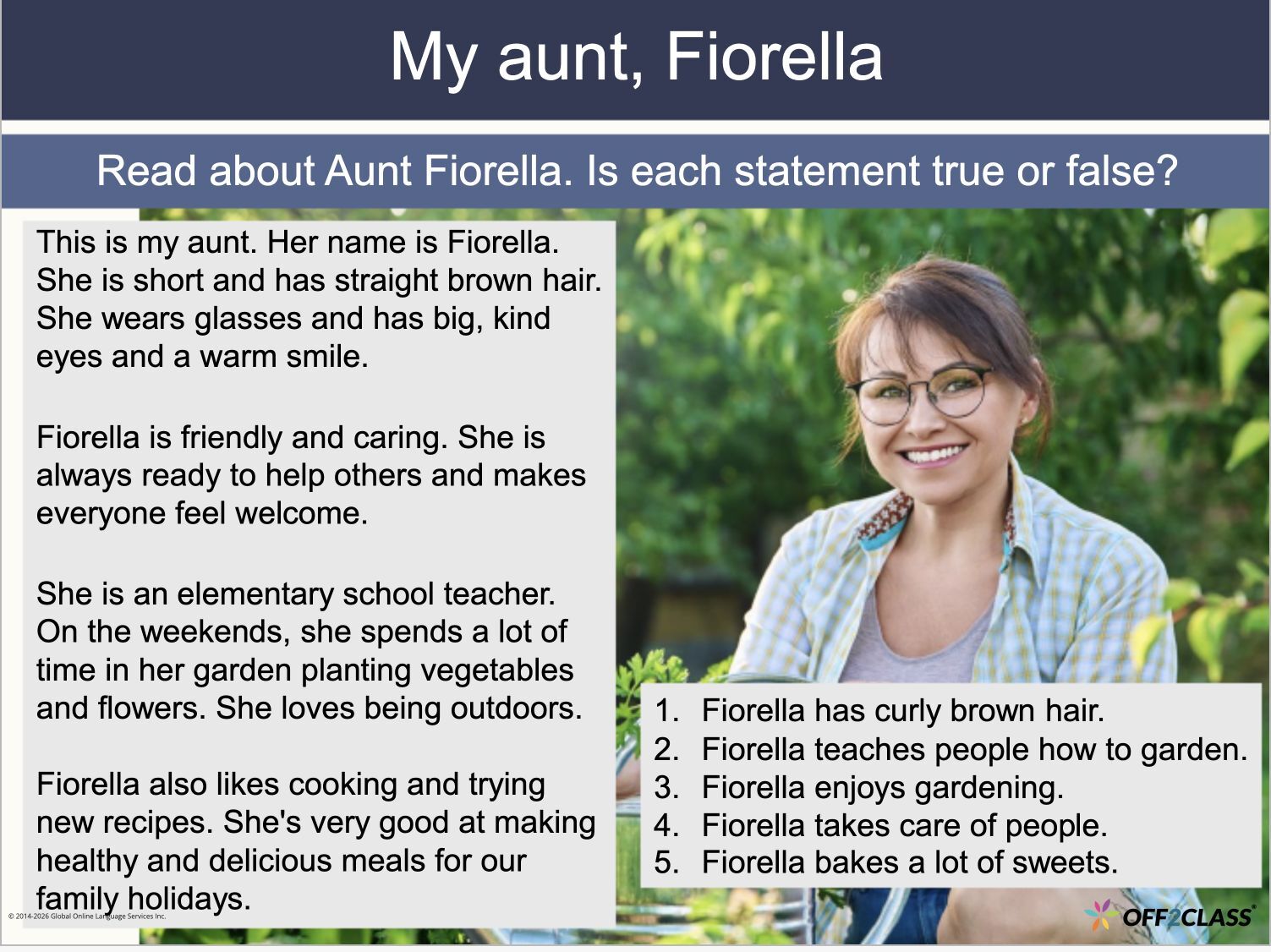
Reading for Newcomers: Upper Beginner: R125 — Describing people, Slide 6 of 16.
Reading — My aunt, Fiorella
Speaking for Newcomers: Upper Beginner: S101 — Describing people, Slide 6 of 17.
Speaking — What do they look like?
Show summary
What changed
  • January 26, 2024: Reading for Newcomers adds 12 Beginner lessons, R001–012.
  • January 26, 2024: Speaking for Newcomers adds 12 Beginner lessons, S001–012.
  • February 29, 2024: Speaking for Newcomers adds 12 Upper Beginner lessons, S101–112.
  • February 29, 2024: Reading for Newcomers adds 12 Upper Beginner lessons, R125–136.

Each set covers topics and themes appropriate to its level.

Why it matters

You can focus on reading or speaking through standalone lessons at the level your students need.

Release RoundupHomework, Assessments, Lessons, Accounts

Lesson discovery and student account updates

Find lessons in sequence, see years in assignment history and manage student account creation and registration corrections.

4 updates in this roundup
Show summary
What changed
Years in assignment history

You see the year in homework and assessment assignment dates.

Open assignment history through the Actions menu in the Student Profile.

Student account creation

You can no longer create student accounts in the dialog that appears after launching a lesson.

Use Add Students in the Student Management Panel to create accounts.

Correct accidental teacher registrations

As a teacher or enterprise manager, you can transfer accidental teacher registrations to student accounts.

Important: This applies only when the student has a free plan.

Search results in lesson order

When a Lesson Library search returns multiple lessons from one module, you see those lessons in sequence.

What’s New

Update image