
What's new
The Adaptive Placement Test is now available across all five sections: Grammar, Reading, Listening, Writing and Speaking. Questions adapt as students respond, helping identify proficiency from beginner to advanced. Each section typically takes 10 minutes.
Assign one section or a combination of sections. When a student finishes, results appear in their profile, showing proficiency across the four domains and grammar.
Why it matters
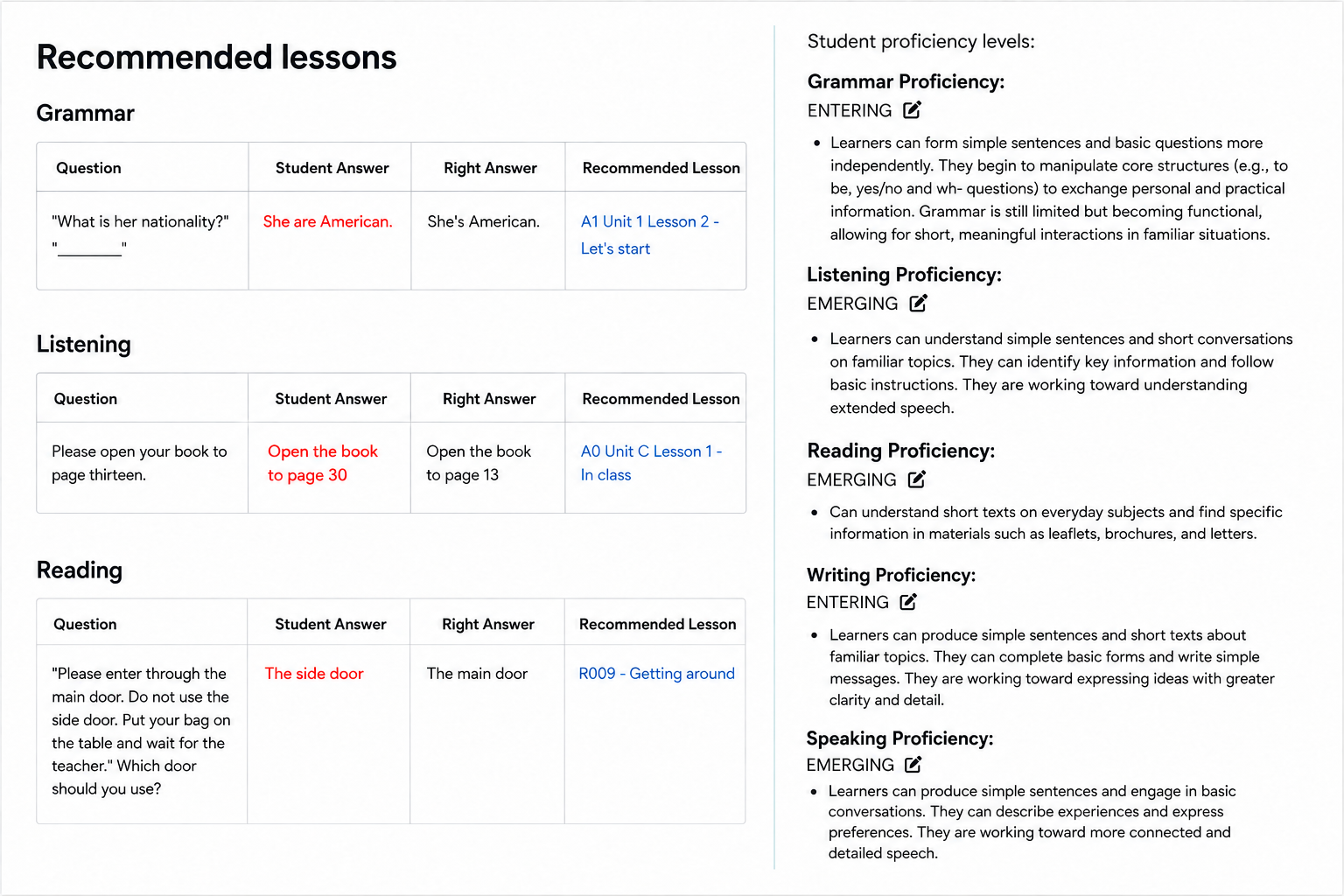
For teachers: Spend less class time testing and more time teaching. Use the results to choose where to begin, with specific lesson recommendations for Grammar, Listening and Reading. Reassign a single section later in the year to check progress in that area and plan what to teach next.
For coordinators: Use one consistent measure across classrooms and proficiency levels to track growth from level to level. Results give you documented proficiency levels for reporting, with downloadable certificates.
Each reassignment draws from a large question pool, helping provide a fresh testing experience throughout the year.
How to get started
Open Off2Class, choose Placement Test from the Teacher menu and select Adaptive Placement Test. Choose the sections you want to assign, then review results in your student's profile.
For instructions and a short walkthrough, see Placement Test & Learning Plan and In a Minute: Placement Tests.
Explore the test experience
Follow the workflow from assigning a test to planning what to teach next. Teachers choose which sections to assign; this walkthrough shows all five.
Choose what to assess
Choose Adaptive Placement Test, select the sections to assess, then assign it to students or a class.
How to assign a placement test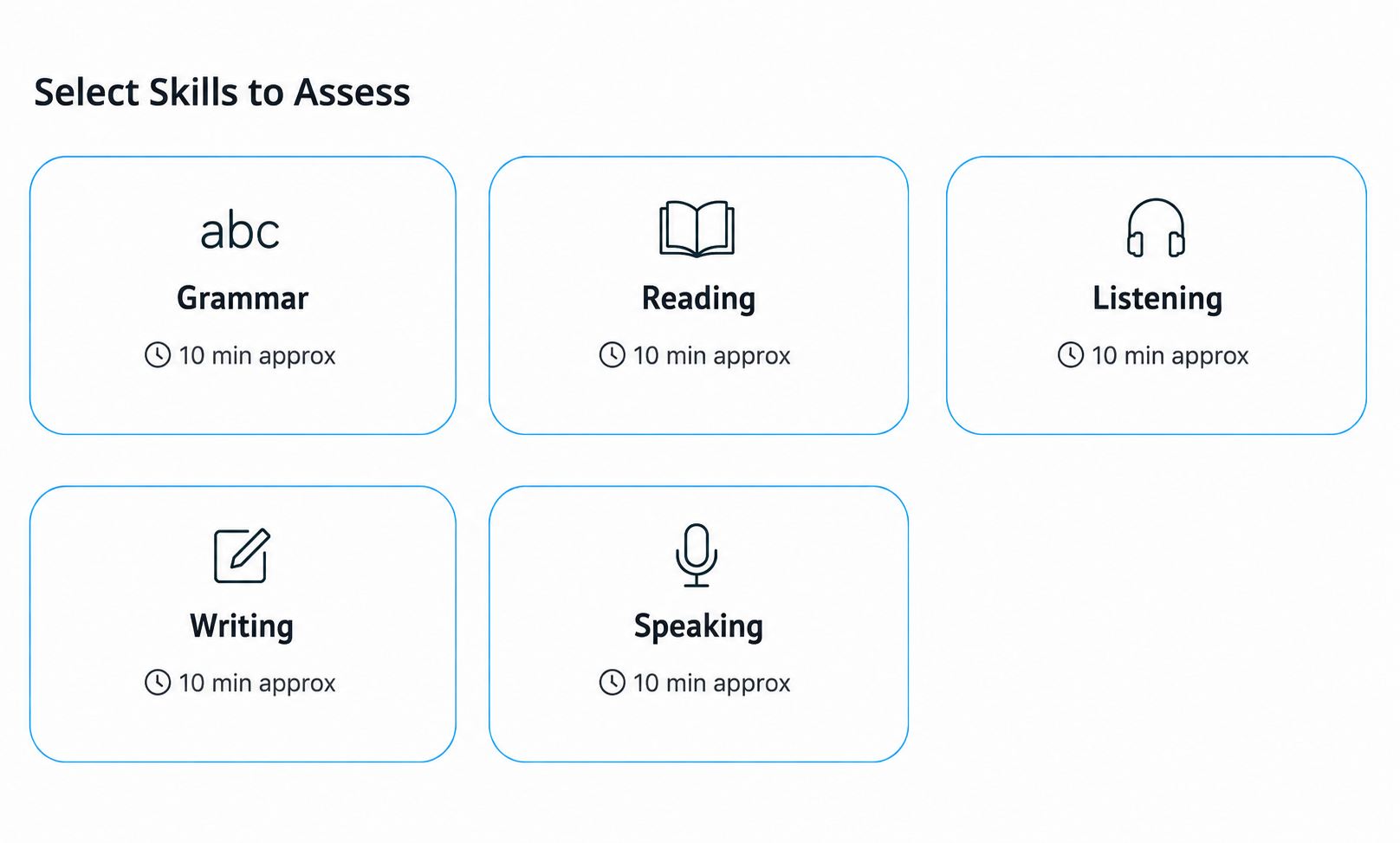
Answer grammar questions
Students answer multiple-choice grammar questions that adapt to their responses.
How students find their test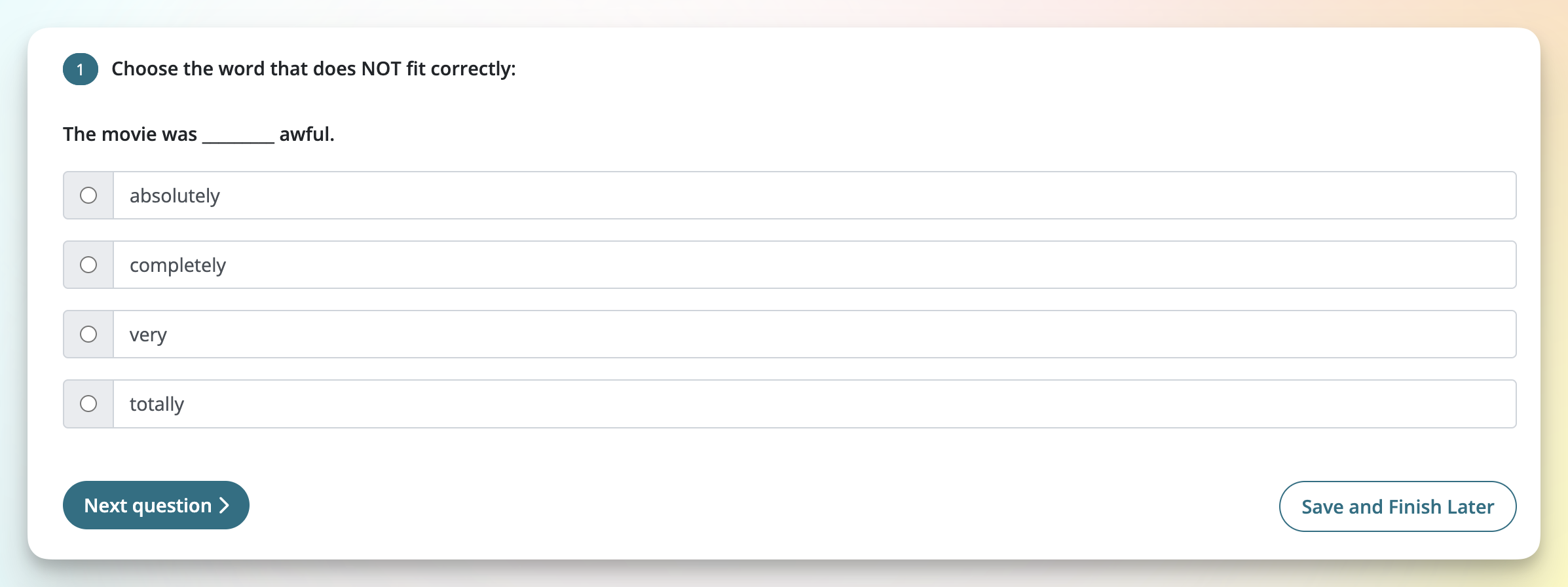
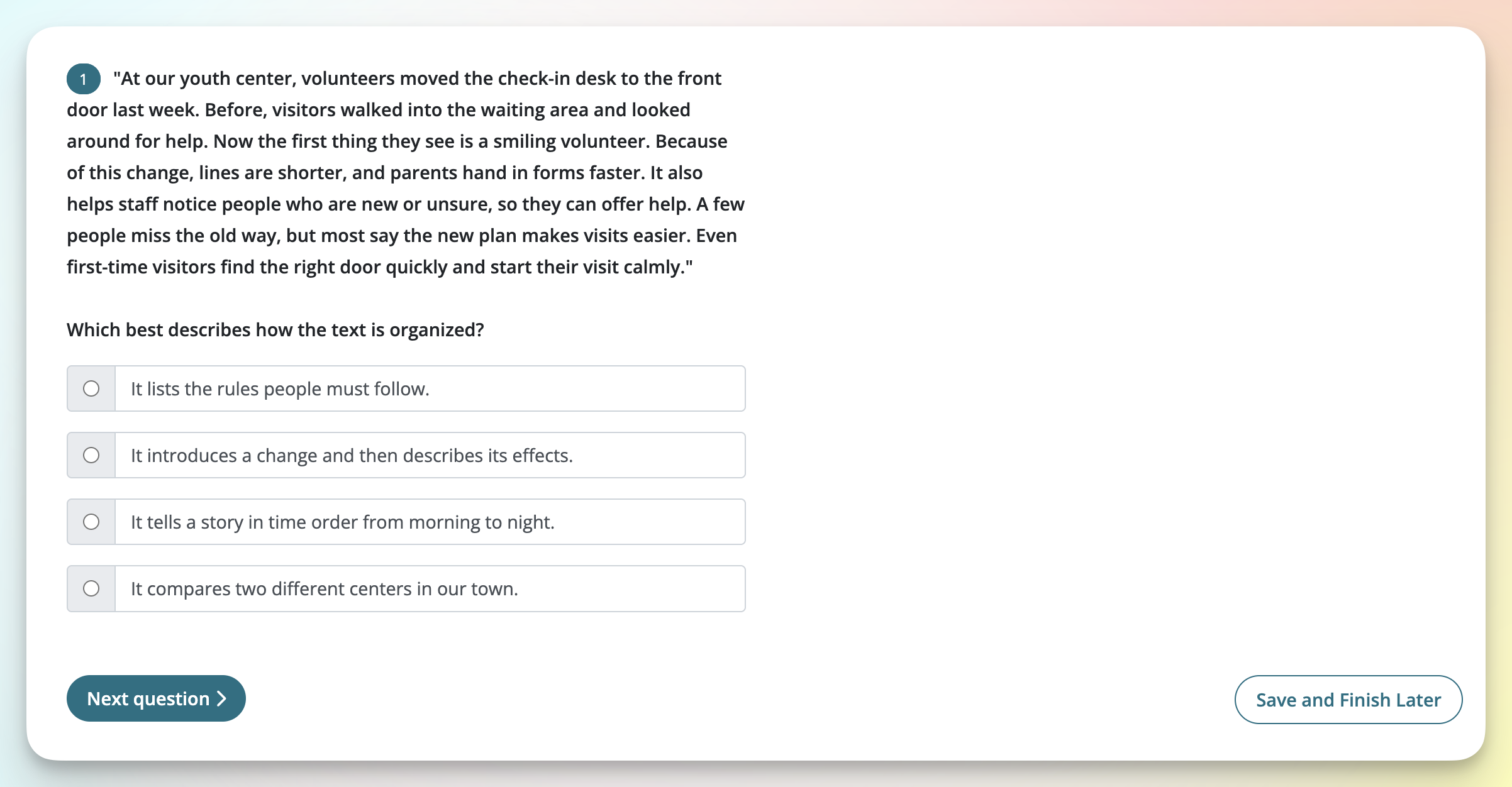
Read and respond
Students read a passage and choose an answer. Question difficulty adapts as they respond.
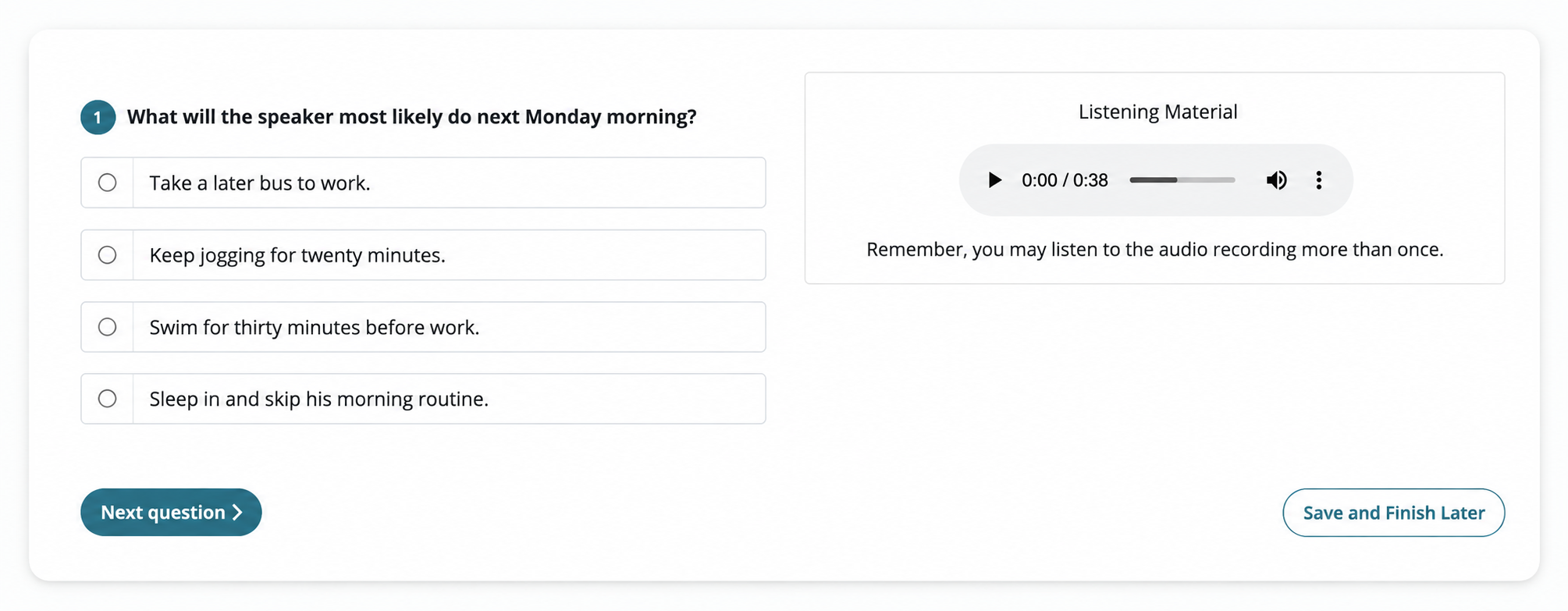
Listen and choose an answer
Students listen and choose an answer. They can replay the recording.
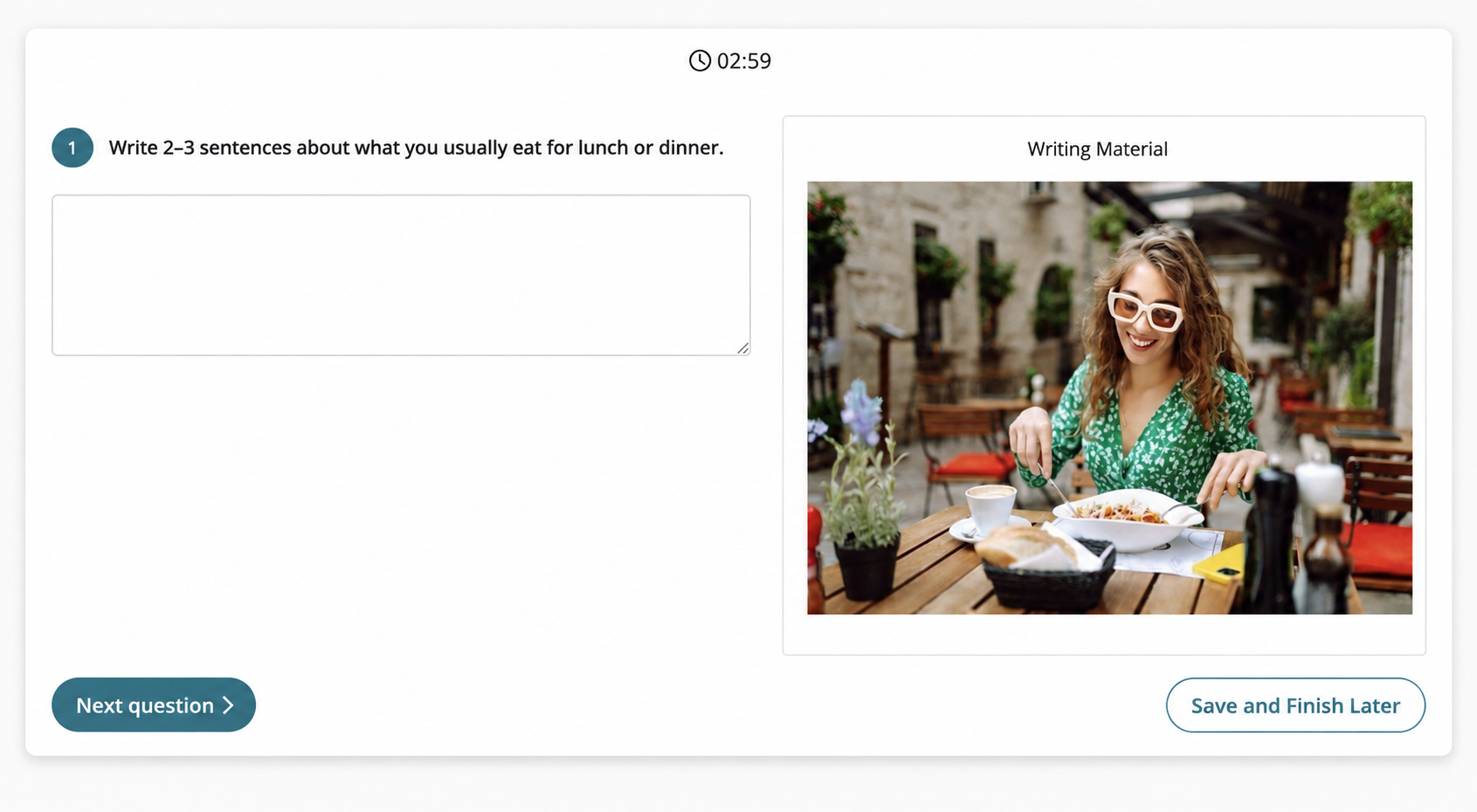
Write a response
Students type their answers to two prompts. The second task adapts to their first response.
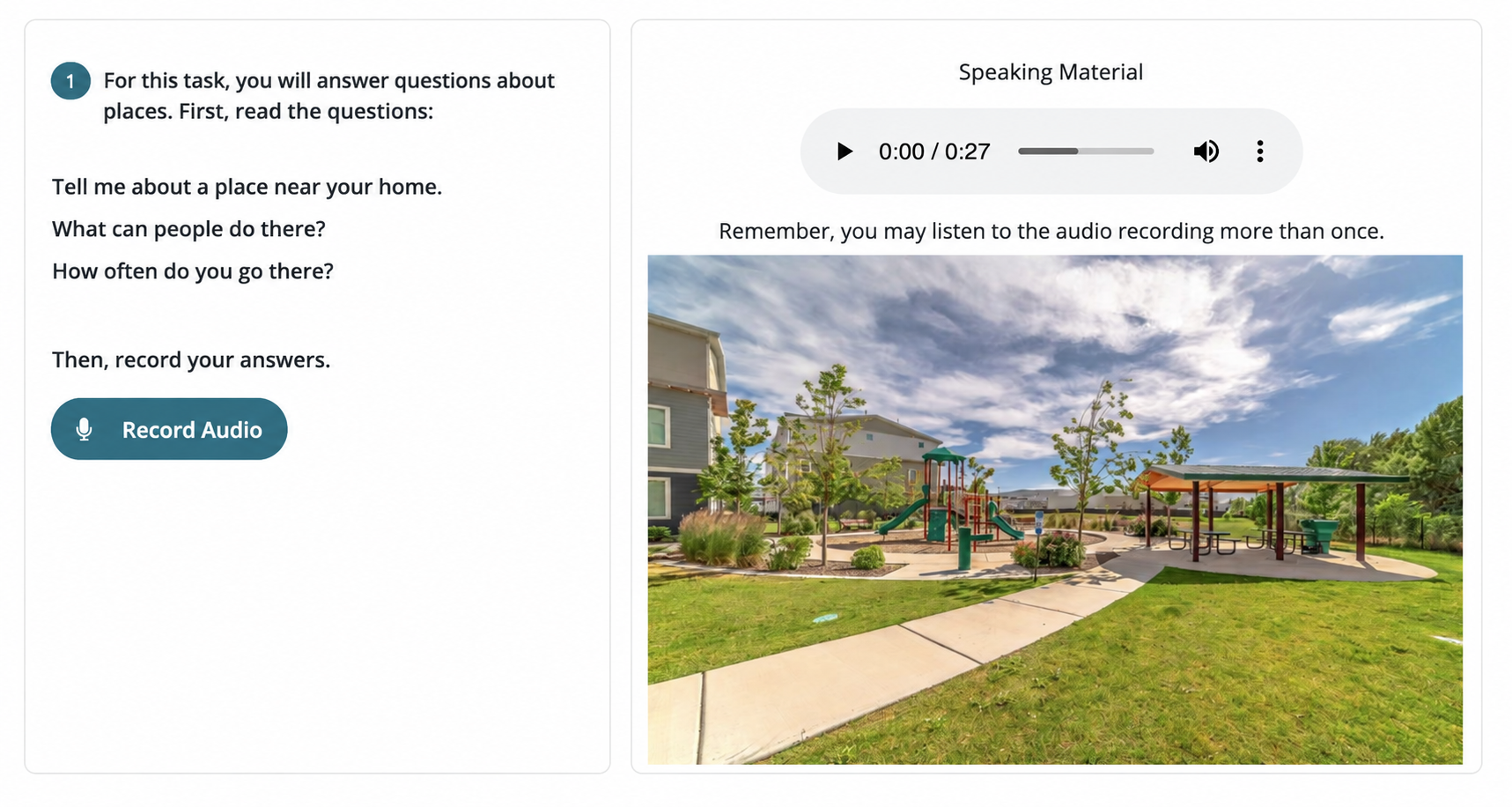
Record a spoken response
Students record their answers. The third task adapts to their performance on the first two.
Turn results into next steps
Review responses and proficiency levels, then use recommended lessons to plan the next steps.
How to review and share resultsIllustrative sample results.
See results across your class
See placement test results for multiple students in one Class Management view, with proficiency levels side by side.
Explore Class Management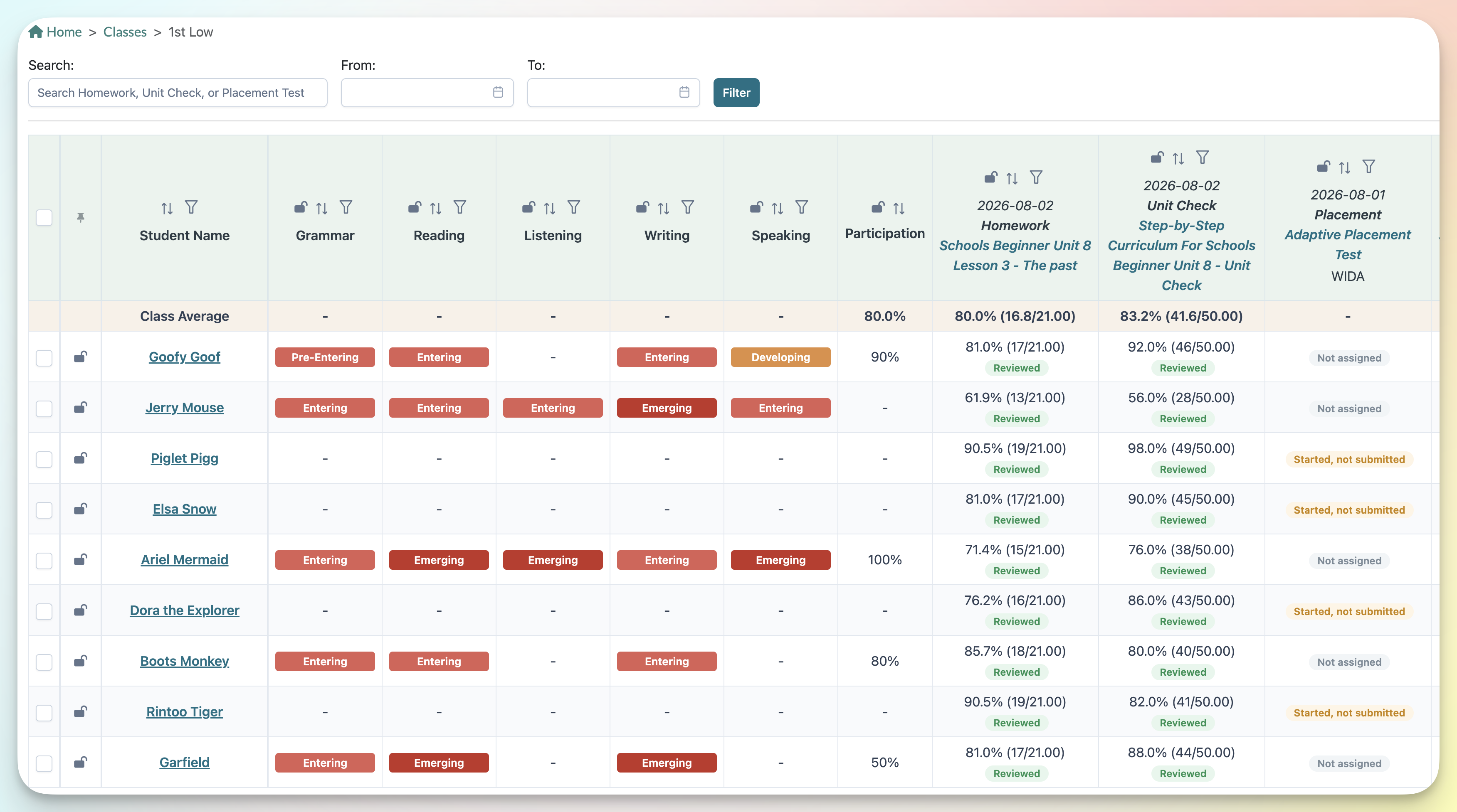
How to use it