The features mentioned in this article are available to all Teachers on paid subscriptions.
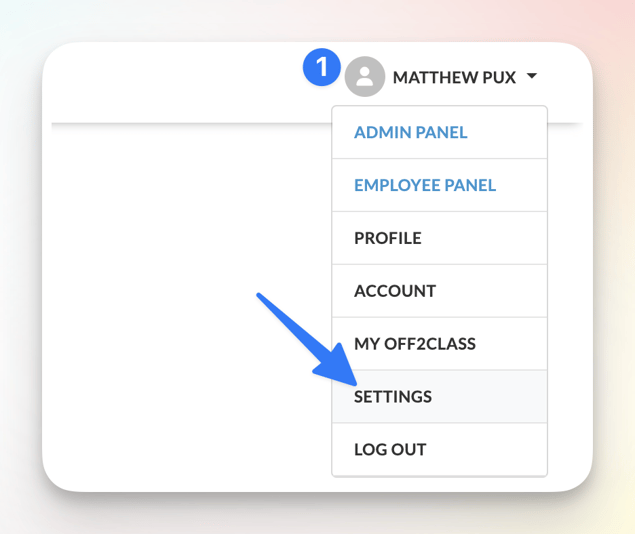
Start by hovering over your name on the top right of your screen and click 'Settings'
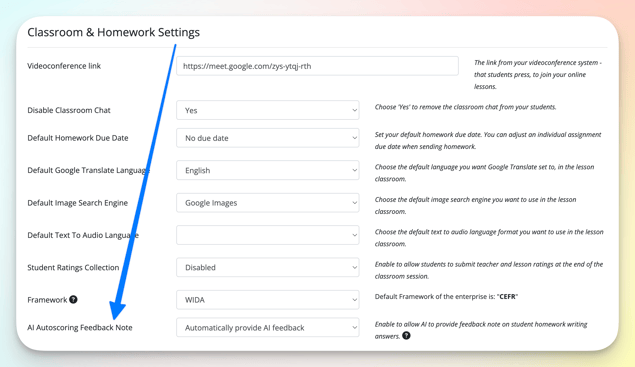
Locate the 'AI Autoscoring Feedback Note' setting, click on the menu, select your desired setting, then click 'Save Settings' on the bottom left
Default: Automatically provide AI feedback
AI Autoscoring Feedback Note Options:
- Automatically provide AI feedback
- Disabled