
What changed
Video: In a Minute: Teaching Tools Overview
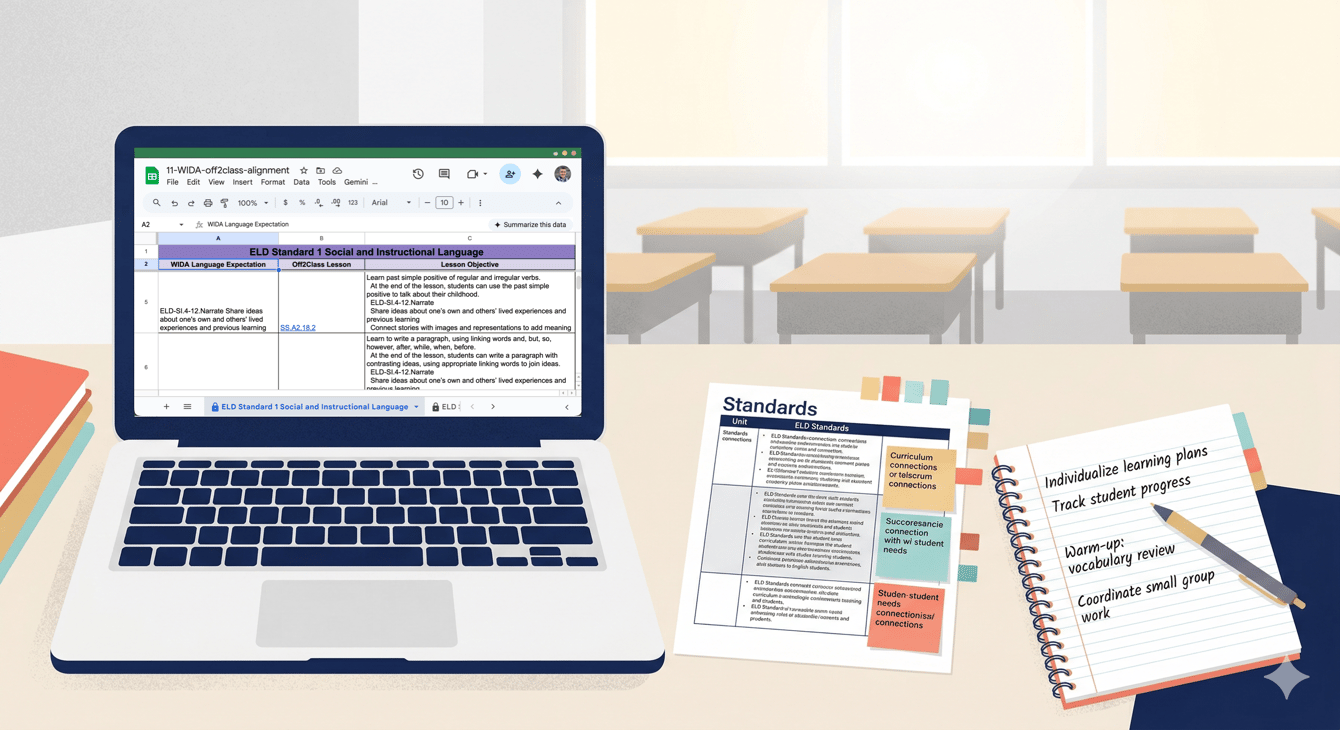
We've published a new Teaching Tools Overview page that consolidates all Off2Class planning and curriculum resources in one place. This includes the full lesson list spreadsheet, the Can-do Descriptors Index, vocabulary lists and can-do statements for each curriculum track (Step-by-Step, Step-by-Step for Schools, Step-by-Step Business English, and Core Curriculum), standards alignment spreadsheets for WIDA, TX ELPS, ELPA21, and CA ELD, and a subscription-based lesson availability reference.
Why it matters
For teachers: Before this page, finding the right planning resource meant knowing it existed and remembering where it lived. Now there's a single starting point. Need to check what vocabulary your Step-by-Step Curriculum for Schools students will encounter in the next unit? Want to look up which Off2Class lessons map to a specific WIDA language expectation? Or need to build a pacing guide using the full lesson list with objectives? It's all on one page.
The Can-do Descriptors Index is worth highlighting. It breaks down what students should be able to do at each Off2Class proficiency level across all four language domains. That's a reference you can use daily — when deciding which lessons to assign, when interpreting placement test results, or when explaining to a student or parent what a proficiency level like "Emerging" actually means in practice.
For coordinators: The standards alignment spreadsheets contain invaluable information. For example, if you're in a WIDA state, you can view mapping information between Off2Class lessons and WIDA language expectations in both directions (Off2Class → WIDA and WIDA → Off2Class). These are the documents that make it straightforward to show a curriculum committee or a Title III auditor exactly how Off2Class maps to your state's language standards.
How to use it
Go to Features & Teaching Tools > Teaching Tools in the Help Center, or navigate directly to the Teaching Tools Overview. All resources are Google Sheets. You can view them directly, make a copy for your own use, or download them.
How to use it