
What changed
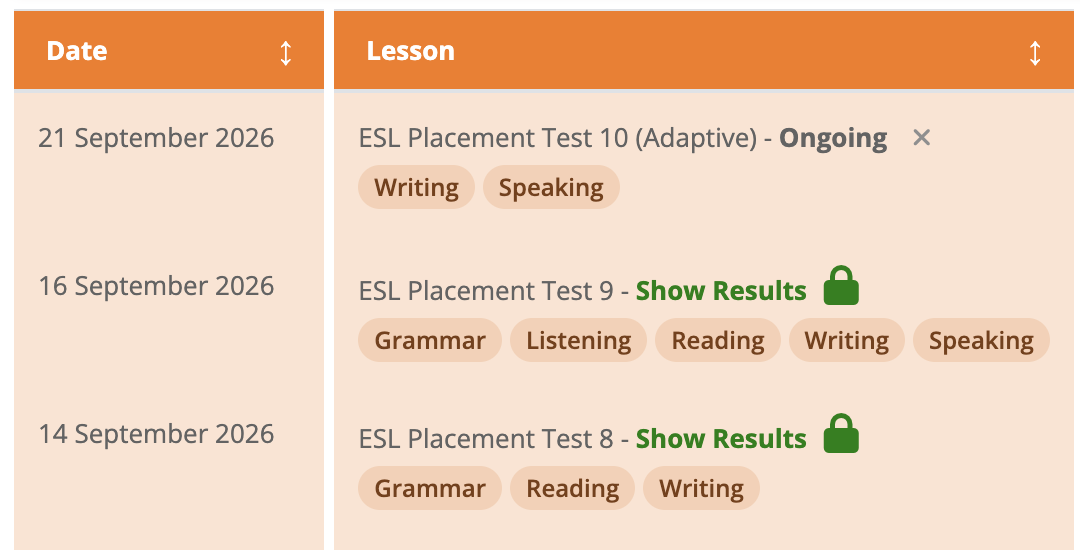
Labels now appear beneath each Placement Test in the Student Profile, showing which sections it includes: Grammar, Listening, Reading, Writing and Speaking, depending on the test assigned.
Why it matters
When a student has taken more than one Placement Test, you can quickly check which domains each one covered before choosing which results to review.
How to use it
Open a student’s Student Profile and look beneath the Placement Test name. Check the labels, then select Show Results to open a completed test.
How to use it