
Visit the Beta Program to learn about participation and request access.
What changed
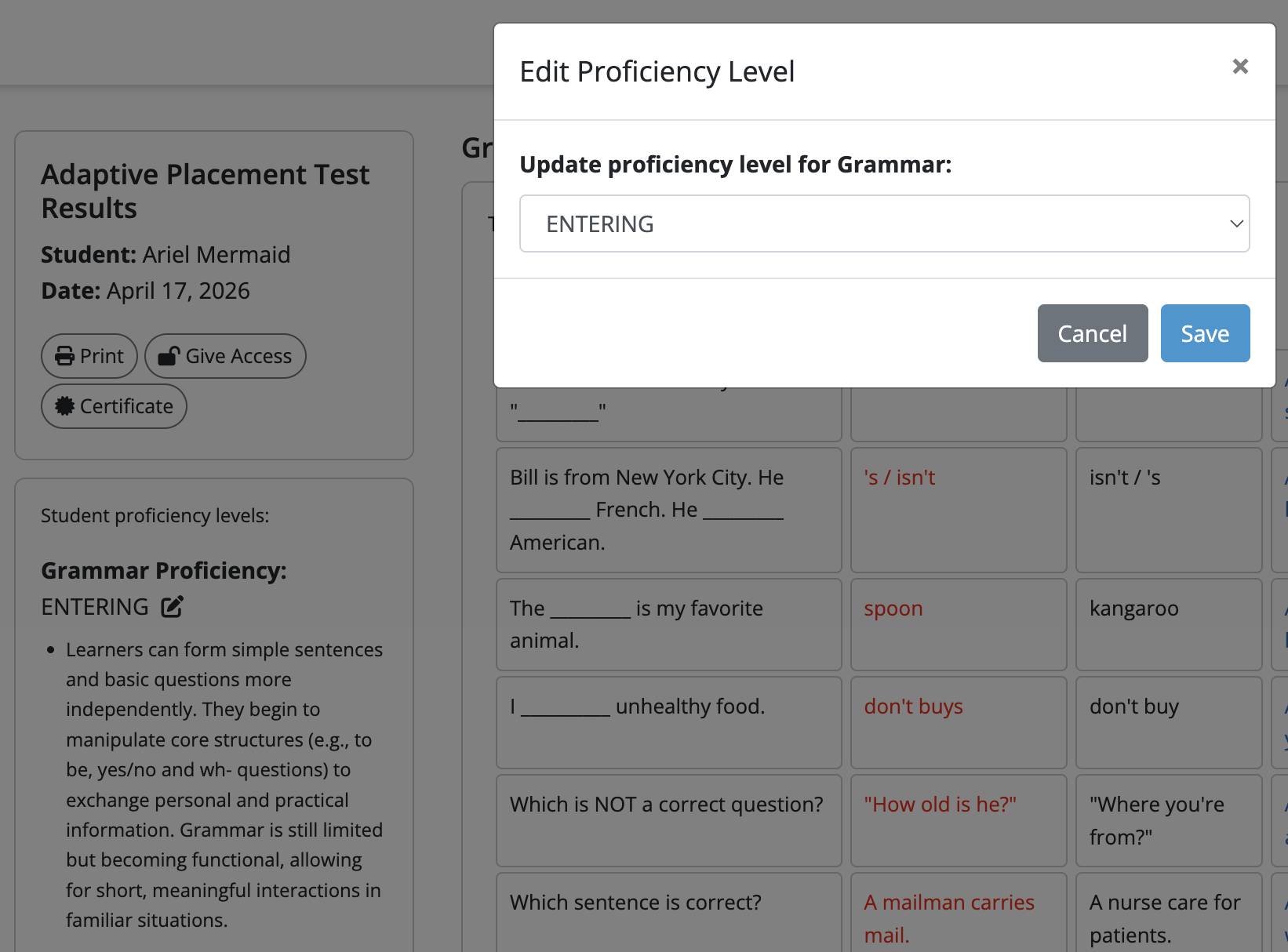
Teachers in the beta can edit the proficiency level on a completed Adaptive Placement Test assessment.
Why it matters
The option gives teachers control over the recorded placement level when reviewing a learner's results. Review the student's responses and other evidence before deciding whether an adjustment is appropriate.
How to use it
- Open the results of a completed Adaptive Placement Test.
- Select the edit icon next to the proficiency level you want to change.
- Choose a new proficiency level from the dropdown.
- Select Save.
The Placement Test results guide explains how to find and review the results. This editing feature is listed as beta-only; visit the Beta Program to learn about participation and request access.
Beta history
This feature began with beta access. The history below is separate from its current availability.
Edit Proficiency Level (Adaptive Placement Test)
Available to beta testersMarch 18, 2026 — Beta launch. Beta teachers can adjust the proficiency level recorded for a completed Adaptive Placement Test.
How to use it